

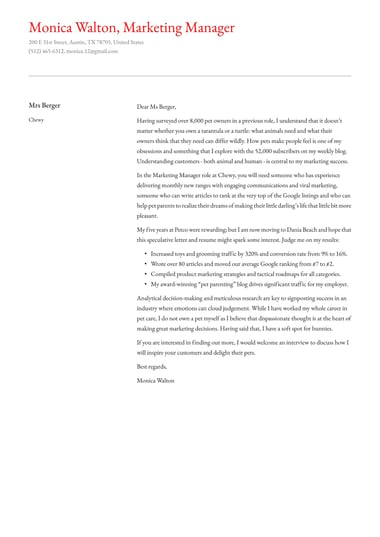

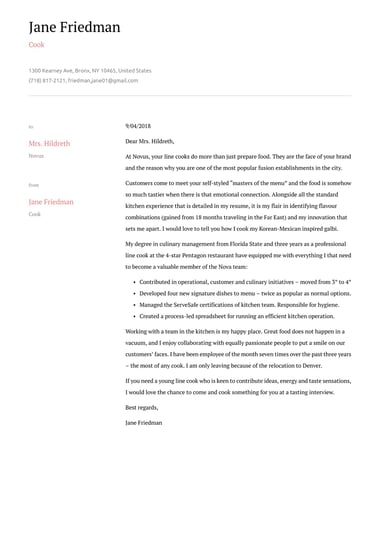
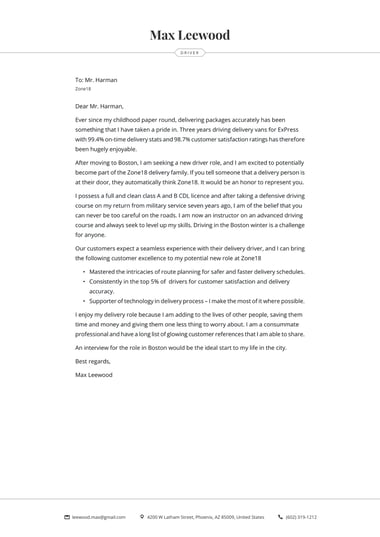
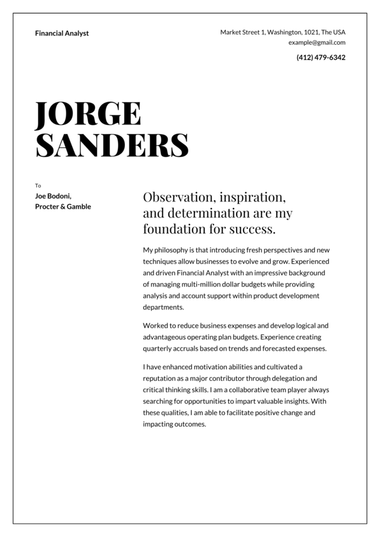
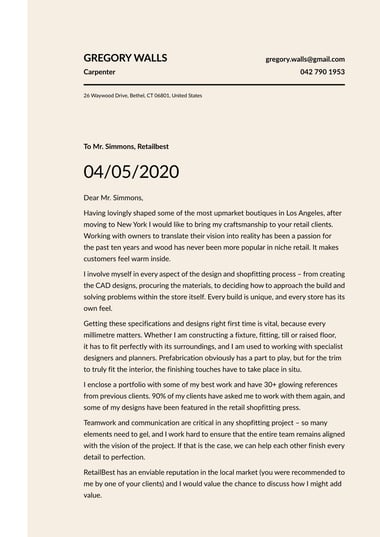
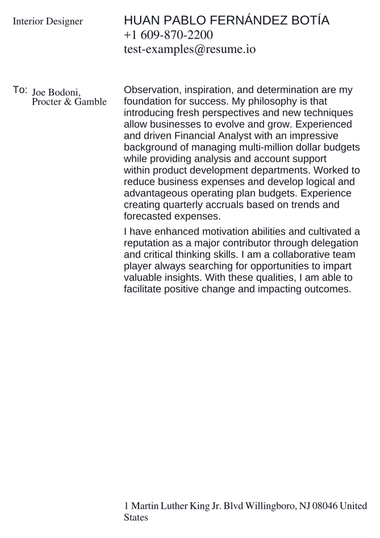
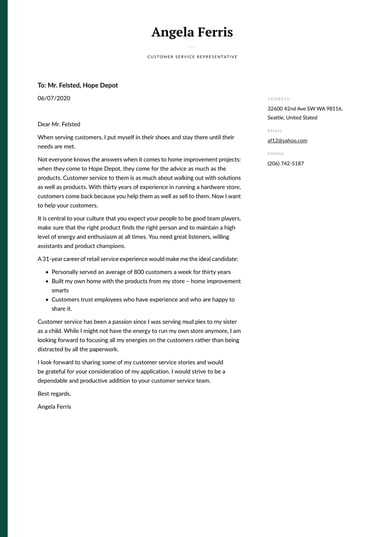
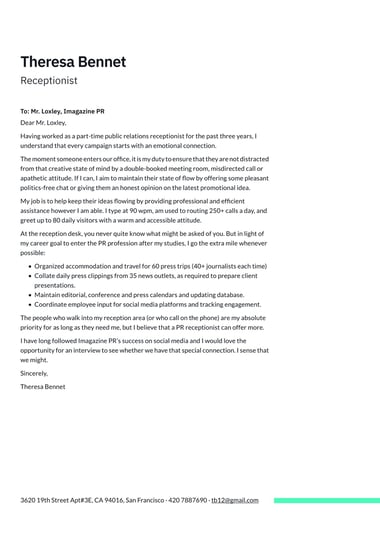
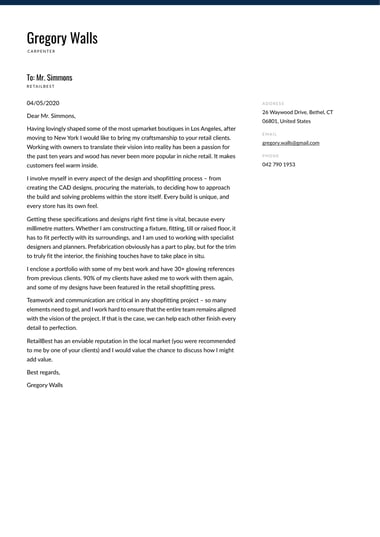
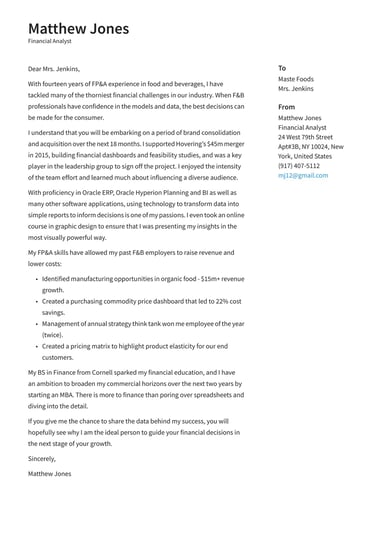
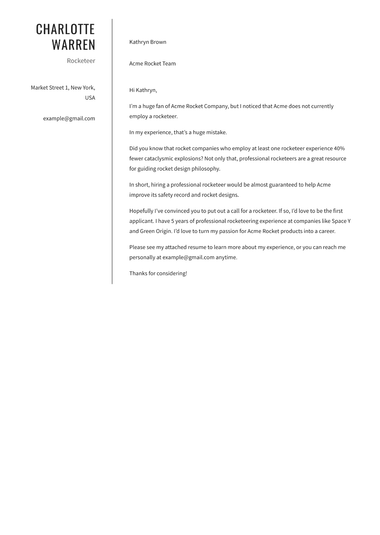
A simple cover letter template is a clean, single-column layout with standard fonts and no graphics, so a hiring manager reads your words without distraction.
Resume.io simple cover letter templates suit almost any job application, and you can fill one in, switch styles at any point, and download it when your letter is ready.
How do you fill in a simple cover letter template?
You fill in a simple cover letter template by working through six short parts in order: header, greeting, opening, body, closing, and sign-off.
The template already sets the spacing and font, so your time goes into tailoring each part to the job instead of adjusting the layout.
- Header: Add your name, city and state, phone number, email, and the date, followed by the hiring manager’s name and company in a clean cover letter header.
- Greeting: Address the hiring manager by name where you can, or use “Dear Hiring Team” when no name is listed.
- Opening: Name the role, where you found the posting, and one clear reason it interests you.
- Body: Match two or three skills or achievements to the job description without repeating your resume line by line.
- Closing: Thank the reader and ask for an interview.
- Sign-off: End with a professional closing such as “Sincerely,” followed by your name.
The same six-part order sits behind writing any cover letter, so a simple cover letter template you fill in once becomes a pattern you can reuse.
A common mistake is turning the body into a summary of every past job.
Pick the two achievements closest to the job description and trust your resume to cover the rest.
Anyone who built a resume in the AI resume builder can also use the cover letter generator to draft a first version from those details, then edit it in the same template.
Example of a simple cover letter for a job application
A simple cover letter for a job application runs to three short paragraphs: an introduction, a paragraph of relevant experience, and a closing that asks for an interview.
Use the fill-in-the-blank simple cover letter template below as a starting point, then replace each bracketed detail with your own.
[Your Name]
[Phone Number] | [Email] | [LinkedIn URL]
[Date]
[Hiring Manager Name or "Hiring Team"]
[Company Name]
Dear [Hiring Manager Name or "Hiring Team"],
I am writing to apply for the [Job Title] role at [Company Name].
With a background in [your field or one or two core skills], I am
ready to bring my experience to your team.
In my previous role at [Previous Company], I [describe one relevant
achievement, with a number where you can]. I am drawn to [Company
Name] because of [a specific value, product, or mission], and I am
confident my skills fit what the role needs.
Thank you for your time. I would welcome the chance to discuss how I
can help [Company Name], and I look forward to hearing from you.
Sincerely,
[Your Name]
Each paragraph in the example stays short, and the middle paragraph points to one measurable result instead of restating your work history.
A simple cover letter fits comfortably on a single page, and a concise letter often lands better than a long one because the reader reaches your strongest point sooner.
The bracketed company detail deserves the most care.
A generic line such as “your great company culture” is the easiest part of a template for a hiring manager to spot.
Name a product you use, a recent project, or a value from the job posting.
The example above leaves every detail open, while cover letter examples written for specific jobs show the same structure already filled in for roles such as nursing or teaching.
When should you use a simple cover letter template?
Choose a simple cover letter template when your experience and writing should lead and the design should stay in the background.
A simple layout suits first-time applicants, trade and skills-based roles, conservative fields such as finance and law, and anyone sending several applications who needs one layout to reuse.
| Your situation | Style that fits | Why it works |
|---|---|---|
| Writing your first cover letter | Simple | A plain page keeps attention on your motivation and transferable skills |
| Applying for a trade or skills-based role | Simple | Practical experience matters most, and a plain layout puts it up front |
| Sending many similar applications | Simple | One reusable layout means each new letter only needs new content |
| Applying in finance, law, or government | Simple or professional | Conservative employers expect a traditional, uncluttered page |
| Applying for a senior or client-facing role | Professional | A refined header signals polish without pulling focus from the content |
| Applying in design, marketing, or media | Creative | The layout itself becomes evidence of your eye for design |
Among the cover letter templates, the simple style is the most understated.
The professional templates add a refined header for senior roles, and the creative templates suit fields where the page shows your design sense.
Each resume template also has a matching cover letter style.
Pairing a simple resume template with a simple cover letter template gives your whole application one consistent look.
Are simple cover letter templates ATS friendly?
Yes. Simple cover letter templates are among the safest choices for applicant tracking systems (ATS), the software many employers use to sort applications.
A single-column layout, standard fonts, and no graphics give the software clean text to read, and the same formatting helps a recruiter scan your letter quickly.
- A single-column layout with clear spacing
- A standard font at a readable size
- No text boxes, tables, or images in the body
- Keywords from the job description, written into natural sentences
Heavily designed templates can place text inside columns, shapes, or images that some systems read out of order or skip entirely.
A simple cover letter template removes that risk, which matters because you rarely see how an employer’s system processes your application.
Natural keywords matter for the human reader too, since a letter packed with repeated phrases reads as written for software.
How do you download a simple cover letter template?
You download a simple cover letter template from the builder once your letter is finished.
Free accounts can download the Vancouver template as a PDF or any letter as a plain text (TXT) file.
Premium plans unlock every template as a PDF, plus DOCX for templates that support it.
| Plan | Download options | Good fit when |
|---|---|---|
| Free | Vancouver template as PDF, or any letter as TXT | You want a ready PDF, or you plan to format the text yourself |
| Premium | Any template as PDF, or DOCX where supported | You want to keep your chosen simple design or edit offline |
The free TXT file gives you the text of your letter without a design.
You can paste it into Microsoft Word or Google Docs and format it yourself, while keeping the structure and wording you built.
A PDF holds your layout exactly as you designed it, so it is the dependable choice for email attachments and most online application portals.
DOCX suits employers or recruiters who ask for an editable file.
Key takeaways
- A simple cover letter template is a clean, single-column layout with standard fonts and no graphics that keeps attention on your writing.
- Filling in a simple cover letter template means working through six parts in order, from header and greeting to opening, body, closing, and sign-off.
- Simple templates suit first-time applicants, trade and skills-based roles, conservative fields, and anyone reusing one layout across many applications.
- Plain formatting gives applicant tracking systems clean text to read, which makes simple templates a dependable choice for online applications.
- Free Resume.io accounts can download the Vancouver template as a PDF or any letter as plain text, while premium plans add every template as PDF and DOCX where supported.
Frequently asked questions
Job seekers often ask a few more questions about simple cover letters.
Is a simple cover letter less professional?
No. A simple cover letter reads as professional because hiring managers focus on how clearly it connects your experience to the job, and a plain layout makes that connection easier to see.
The main exception is design, marketing, or media roles, where a creative layout can show skills a simple page cannot.
Can you use the same simple cover letter for every job?
Yes, you can reuse the layout, though the wording should change for each job.
Keep the template and structure, then rewrite the opening and the achievement paragraph for every role.
A letter that names nothing from the job posting is easy for a hiring manager to spot as generic.
How long should a simple cover letter be?
A simple cover letter should fit on one page, with three short paragraphs like the example on this page.
A letter that spills onto a second page usually needs a tighter body paragraph, not smaller margins or a smaller font.