


TLDR: Simple resume templates
- A simple resume template is a clean, single-column layout with no graphics, built to keep the focus on your experience.
- Simple and basic mean the same thing here: a stripped-back, classic design in a grayscale color scheme.
- They suit most fields, and especially trades, logistics, retail, food service, students, and entry-level roles.
- Because they are plain and single-column, simple templates are among the safest for applicant tracking systems (ATS).
- You can download a simple resume from Resume.io in Word, PDF, or Google Docs, free.
What is a simple resume format?
A simple resume format is a clean, single-column layout with standard headings, traditional fonts, and plenty of white space.
It strips out color, graphics, and anything decorative, so the focus stays on your experience.
Simple and basic resume templates use the same format, and the two terms mean the same thing.
Compared with other resume formats, a simple layout gives more of the page to the body of the resume and less to the header.
Most simple resumes follow reverse-chronological order, with your most recent role first, which is the order recruiters and applicant tracking systems expect.
That combination is what gives a simple resume its uncluttered, professional feel.
What does a simple resume template look like?
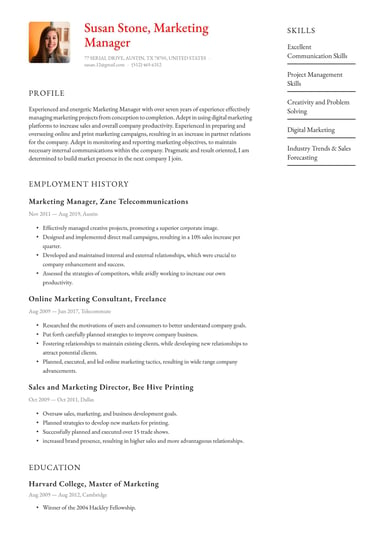
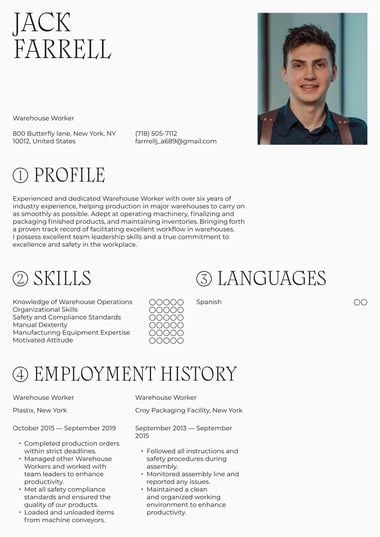
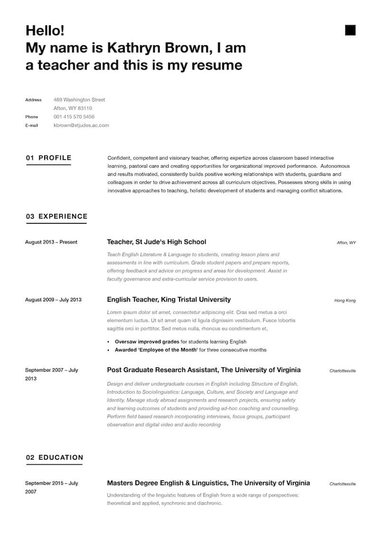
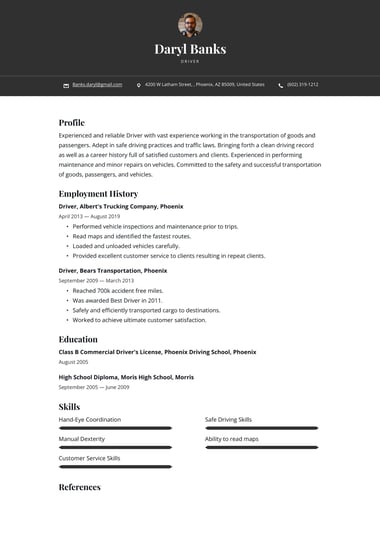
A simple resume template has a clean, single-column layout, standard headings, and no photos, icons, or color blocks.
Here is a copy-and-paste template, then a worked example you can model yours on.
Simple resume template
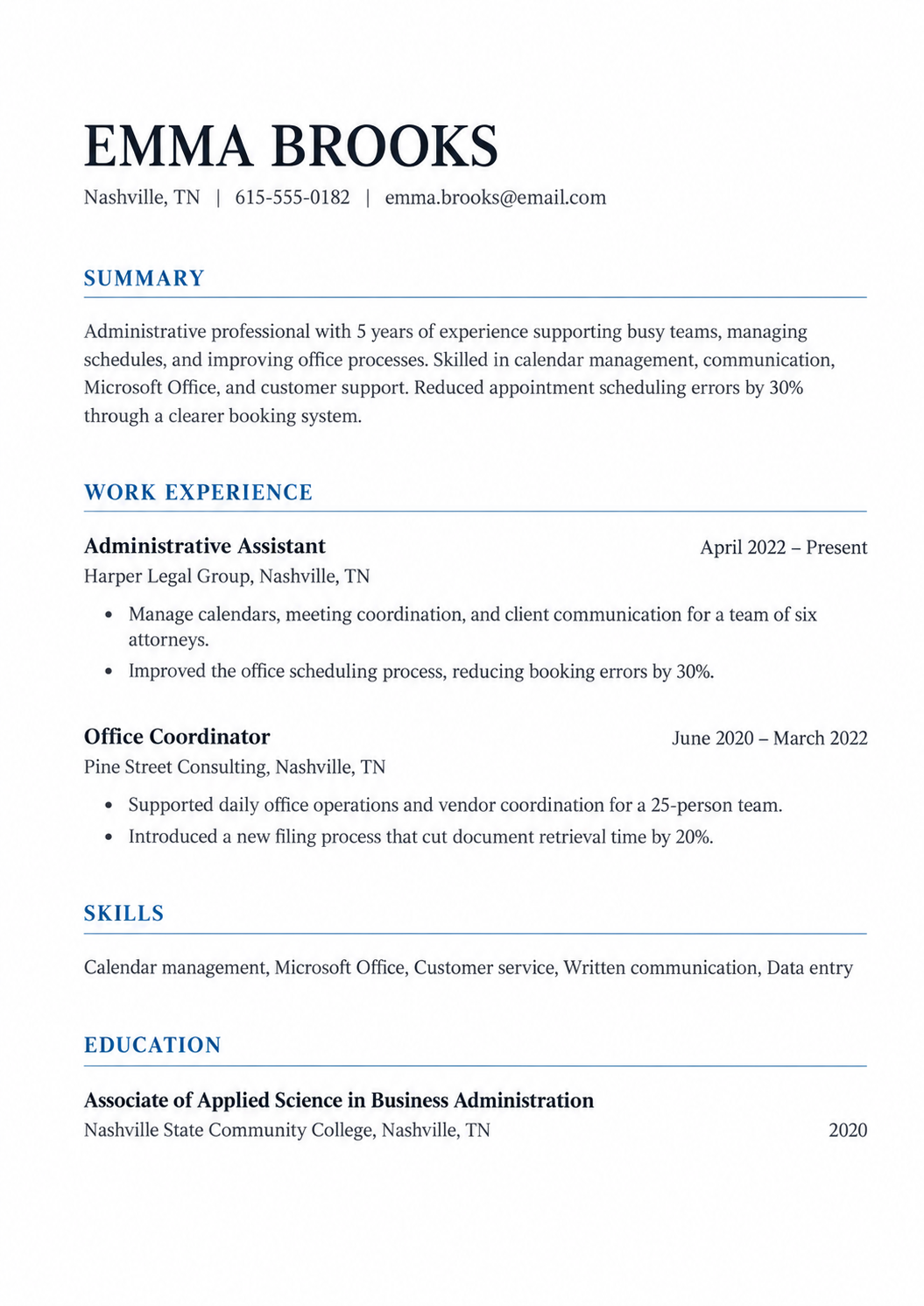
This works because it is single-column, plainly formatted, and achievement-led, with nothing to confuse an ATS.
You can see the same clean structure applied to other jobs in our resume examples.
Can you use a simple resume template with no experience?
Yes, a simple resume template is one of the best choices for a first job or a resume with no work experience.
The clean, single-column layout keeps attention on what you do have, such as education, projects, volunteer work, and skills, rather than on a short work history.
To fill a simple resume with little or no experience:
- Lead with a summary: Write two sentences on the role you want and the strengths you bring, such as reliability or customer service.
- Move education higher: Place education above work experience when it is your strongest section.
- Count all experience: Part-time jobs, internships, and volunteer roles all show reliability.
- Add projects: Coursework, school clubs, or self-led work show your skills in action.
- Match the job posting: Use the same skill words the employer uses.
A one-page simple resume is enough for most first-job applications.
Keeping it short and focused shows a hiring manager that you understand what matters for the role.
Where can you download a simple resume template in Word or PDF?
You can download a simple resume template from Resume.io in Word, PDF, or Google Docs, free.
Pick a clean design, add your details, and export the format the employer asks for.
PDF keeps your layout identical on any device, while Word is useful when an online application requires an editable file.
To get one: choose a simple template, replace the placeholder text with your experience, and download it in Word, Google Docs, or PDF.
If you would rather have it built for you, our AI resume maker sets up a clean, ATS-safe layout and walks you through each section.
When should you use a simple or basic resume template?
Use a simple or basic resume template when you want your experience to speak for itself.
A plain design sends the message that you are organized and ready to get the job done, and some hiring managers prefer it because it lets them judge your qualifications without distraction.
Simple templates are a strong fit for:
- Trades, transport and logistics, maintenance and repair, retail, and food service.
- Students, recent graduates, and entry-level applicants.
- Anyone in a technical or physical field where results matter more than design.
They also work as a safe first choice before you try anything bolder, since a clean template keeps the focus on your accomplishments.
What makes a resume template simple?
A simple resume template is defined by a clean, consistent look that leads the eye through the page and keeps attention on the content.
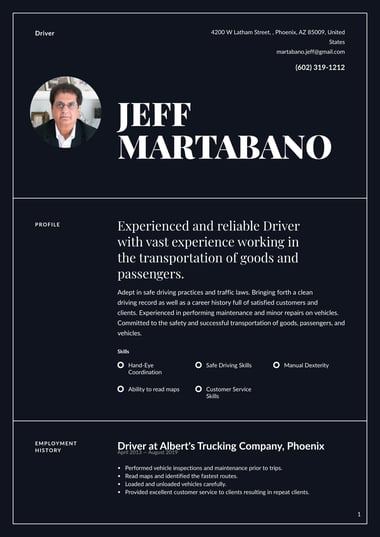
It uses a restrained, usually grayscale color scheme, clear lines between sections, and a smaller header, so more of the page goes to your experience.
Common features of a simple template:
- A single-column, single or limited color layout.
- Clear lines or spacing to separate sections.
- A smaller header, with the focus on the body of the resume.
- Traditional fonts, no icons, and no graphic flourishes.
- A good balance of white space to text, with room for plenty of experience.
The point of all of this is speed: a simple layout helps a recruiter find what they need fast, and helps you get hired without the design getting in the way.
What are the key sections of a simple resume?
Every simple resume is built from five core sections.
Keep each one clearly labeled so a recruiter and an ATS can find it fast.
| Section | What to include |
|---|---|
| Contact information | Your name, city and state, phone, and email |
| Summary | Two to three sentences on your experience, top skills, and one result |
| Work experience | Your roles in reverse-chronological order, with bulleted achievements |
| Skills | A short, plain-text list matched to the job |
| Education | Your highest or most relevant qualification |
These five are enough for most simple resumes but only add other elements when it strengthens your case for the specific job.
What optional sections can you add to a simple resume?
When the five core sections leave room, a few optional sections can round out a simple resume without cluttering it.
These are especially useful for students, career changers, and anyone early in their career with a shorter work history.
- Certifications and licenses, especially in trades, healthcare, and technical fields.
- Projects, including coursework or self-led work, useful when experience is thin.
- Volunteer experience, which shows reliability and transferable skills.
- Languages, if they are relevant to the role.
Keep each optional section short and plain, and only include one if it helps you win the specific job.
How do you make a simple resume stand out?
With a simple template, the writing does the work the design does not.
Since you do not have color or graphics to catch the eye, lead each bullet with a strong action verb and back it with a number, such as "cut errors 20%."
Keep the language clean and specific, and proofread carefully for spelling and grammar.
Leave off obvious or expected skills like basic word processing or internet research, and cut unrelated, outdated, or irrelevant experience.
A simple resume should carry only what helps you win the role you are applying for.
Are simple resume templates ATS-friendly?
Yes, simple resume templates are among the most ATS-friendly you can use.
Their single-column layout, standard headings, and lack of graphics are exactly what an applicant tracking system reads cleanly, so nothing on your resume gets lost before a recruiter sees it.
That is one of the quiet advantages of keeping it simple.
To stay safe, use standard section headings and avoid images, columns, and text boxes.
A two-page resume is fine for an ATS when your experience calls for it.
For keywords and file types, follow the steps for building an ATS-friendly resume or browse our ATS resume templates.

Frequently asked questions
Here are quick answers to common questions about simple resume templates.
Are simple resume templates free to download?
Yes. Resume.io offers free simple resume templates with clean, ATS-safe layouts.
Choose a design, add your details, and download it as a PDF, or edit it in Word or Google Docs.
What is the difference between a simple and a basic resume template?
There is no real difference, as both describe the same thing: a clean, single-column layout with minimal color and no graphics.
Some people say "basic" and others say "simple," but you can treat the two terms as interchangeable.
What is the difference between a simple and a modern resume template?
A simple template is classic and stripped back, usually grayscale, with the focus purely on content.
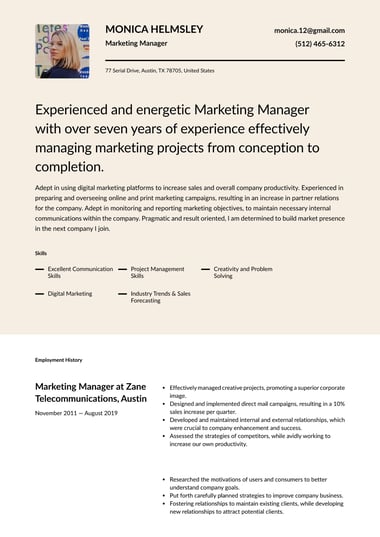
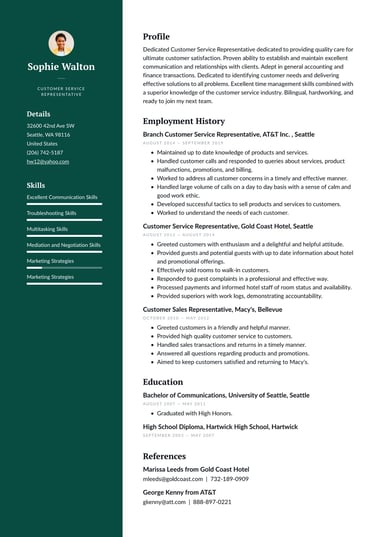
A modern template has a more current look, with subtle styling choices, while still staying clean.
Both are ATS-safe when single-column, so the choice is mostly about the impression you want to give.