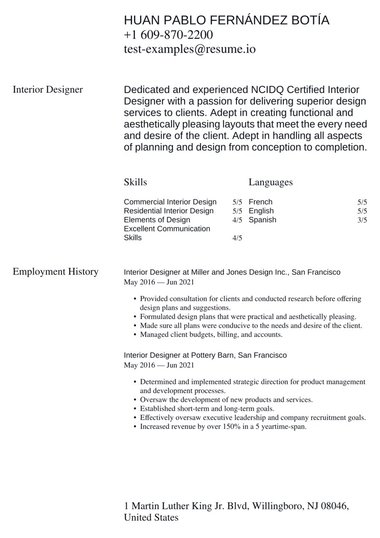
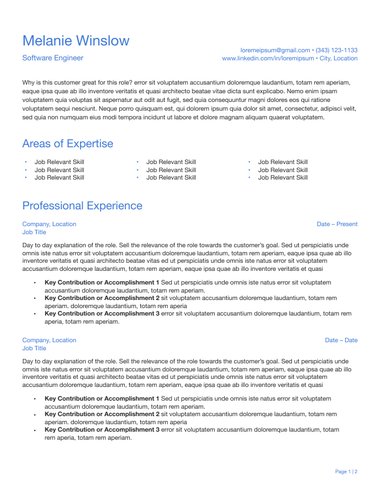
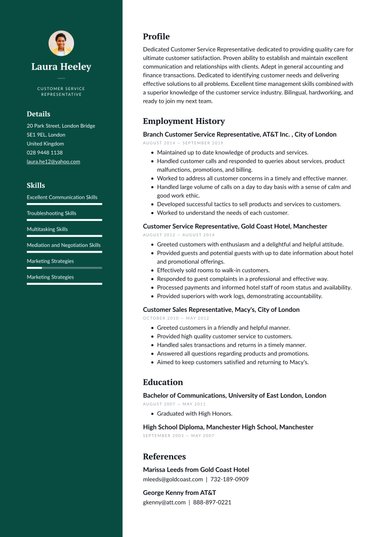

A simple CV template puts your experience first, with clear headings, a readable font, and nothing for a recruiter to work around.
Our simple CV templates follow the standard UK layout in single and two-column designs.
Each one is free to use and downloads as a PDF, and the Classic, Traditional, and Simple ATS designs also download as Word files.
What is a simple CV template?
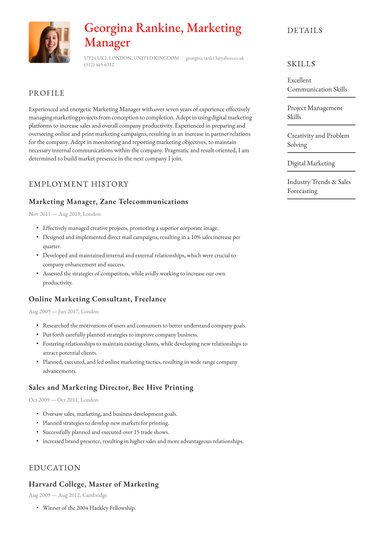
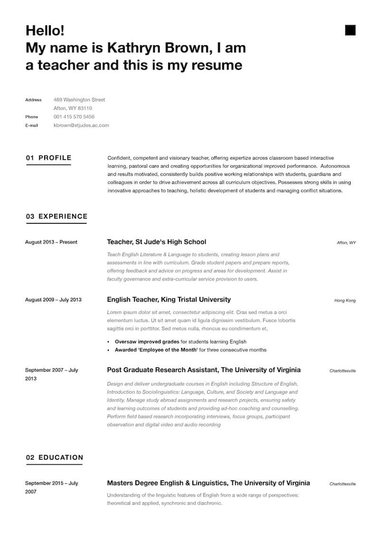
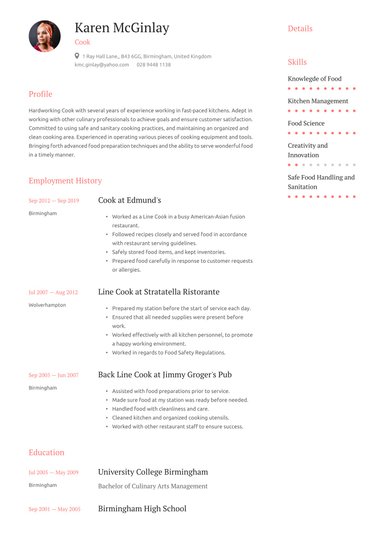
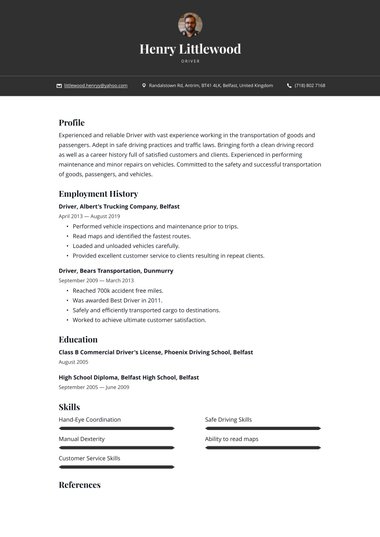
A simple CV template, sometimes called a basic CV template, is a text-led layout with clear section headings and a standard font, set in one or two columns.
It leaves out photos and graphics, so a recruiter can find your work history and skills quickly, and screening software can read it reliably.
A simple design can still look finished and a thin dividing line or a single accent colour adds polish without pulling attention from your words.
Resume.io career expert Amanda Augustine makes the case for UK applications: “Keeping the design simple, with an easy-to-read font and a two-page limit, will ensure your CV looks professional and easy to digest.”
| Simple CV template | Design-heavy CV template | |
|---|---|---|
| Layout | One or two clear columns | Text boxes, sidebars, and shapes |
| Fonts | One readable font, such as Arial or Calibri | Several decorative fonts |
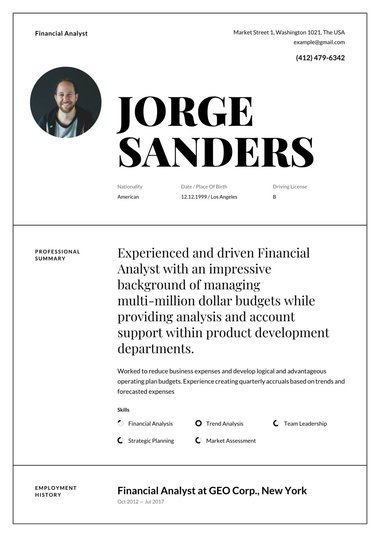
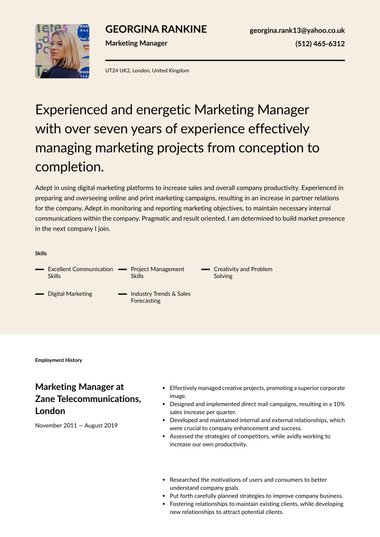
| Visuals | A dividing line or an accent colour at most | Photos, icons, and skill-rating bars |
| Suits | Almost every UK job | Creative roles where you send your CV straight to a hiring manager |
What does a simple CV layout look like?
A simple CV format runs from top to bottom in this order: contact details, personal statement, key skills, work experience, and education, with optional sections such as volunteering or languages at the end.
Each section has a clear heading, so a recruiter can jump straight to the part they need.
| Section | What to include | UK tip |
|---|---|---|
| Contact details | Name, phone number, email, town or city, and LinkedIn | Leave out your photo, date of birth, and full address |
| Personal statement | A short paragraph on who you are and what you offer | Rewrite it for each job you apply for |
| Key skills | The skills the job advert asks for | Use the advert’s own wording |
| Work experience | Job title, employer, dates, and achievements, most recent first | Use bullet points that show results |
| Education | Qualifications, school or college, and dates, most recent first | Include GCSEs and A levels early in your career |
| Optional sections | Volunteering, languages, or certifications | Add them only if they support the application |
Page count depends on where you are in your career.
A student or school leaver can usually fit everything onto one page, while an experienced candidate covering several roles will often need a two-page CV, which is normal in the UK.
47% of hiring professionals spend between 30 seconds and one minute on a CV at the first screen (ResumeGo, 2024), so a clear layout helps them find what they need in that time.
Who should use a simple CV template?
A simple CV template suits most job seekers, and it is a dependable choice for students and career starters, people in hands-on roles, and anyone applying to traditional employers.
It also works well when you send one CV to several employers and are unsure of each company’s style.
- Students and school leavers: A clear layout is quick to fill in and gives your education room to stand out, whether you are writing a student CV or a school leaver CV.
- Retail and hospitality: Entry-level roles focus on reliability and practical skills, which a supermarket CV or waitress CV can show without decoration.
- Care and healthcare: Employers want qualifications and checks to be easy to find on a care assistant CV or an NHS CV.
- Trades and transport: Licences and certificates are easiest to check in a plain list.
- Traditional sectors: Finance and the public sector tend to expect a conservative, professional look.
A simple template is not always the right call. In design, marketing, and other creative fields, a creative CV template can show your style.
Senior candidates who want more presence on the page can choose a professional CV template instead.
Is a simple CV template ATS-friendly?
Most simple CV templates produce an ATS-friendly CV, because applicant tracking systems (ATS) read plain text, standard headings, and common fonts easily. Single-column layouts are the most reliable.
Two-column designs can work, but text boxes, icons, and graphics can jumble the order in which your details appear.
A few habits keep your CV readable by screening software, whichever template you choose:
- Use standard headings: Write “Work experience” and “Education” rather than creative alternatives.
- Keep key details out of headers and footers: Put your name and contact details in the main body of the page.
- Mirror the job advert: Reuse the exact keywords the advert uses for skills and qualifications.
- Send a text-based file: Word files and PDFs downloaded from a CV builder are readable by most systems, while a scanned photo of a printed CV is not.
If you apply mostly through online portals, the Simple ATS design on this page, or the wider range of ATS CV templates, gives you a single-column layout built for screening software.
Should I download my CV as a Word file or a PDF?
Download your CV as a PDF unless the employer asks for a Word file.
A PDF locks your layout so it looks the same on any device.
A Word file lets you or a recruiter edit it later, and some recruitment agencies and online application portals request one.
| Format | Use it when | Watch out for |
|---|---|---|
| You apply directly to an employer or by email | Some older application portals only accept Word | |
| Word (.docx) | The job advert or a recruitment agency asks for it | Fonts and spacing can shift on another computer |
| Google Docs | You want to edit your CV online | Download a template with a Word option first, then open the file in Google Docs |
Every simple template on this page downloads as a PDF.
When an employer or agency asks for Word, choose the Classic, Traditional, or Simple ATS design, which also download as Word files.
That Word file is also your route to a Google Docs CV, since it opens straight into Google Docs for online editing.
Whichever format you send, open it once before applying to check nothing has shifted.
Key tips
- Choose a single-column design such as Classic, Traditional, or Simple ATS if you apply through online portals, as these read most reliably in screening software.
- Keep one master CV with every role and skill, then tailor a shorter copy for each job you apply for.
- Save your file as “Firstname-Surname-CV.pdf” so it is easy to spot in a recruiter’s inbox.
- Proofread twice, because a simple layout has nothing to distract from a typo.
- Start each work experience bullet with an action verb and end with the result you achieved.
- Stick to one font and, at most, one accent colour, so the page looks consistent from top to bottom.
- Check how your CV looks printed in black and white before you send it.
Frequently asked questions
These answers cover the questions job seekers ask most about simple CV templates.
Is a simple CV template the same as a basic CV?
Yes, in practice. Both terms describe a text-led CV with clear headings, a standard font, and no graphics. A simple CV template gives you that structure ready-made, so you only need to add your details.
Which simple CV template should I choose?
Choose a single-column design if you apply through online portals or need a Word file. On Resume.io, the Classic, Traditional, and Simple ATS designs are single-column and download in both PDF and Word. For applications you send straight to a hiring manager, any simple design works.
Can a simple CV template use colour?
Yes, in small amounts. One accent colour for your name or section headings keeps the page readable. Avoid coloured backgrounds and coloured body text, which can be hard to read on screen and when printed.
Is a simple CV template good enough for experienced professionals?
Yes. A clear layout helps a long career read well, with each role and its achievements easy to find. Specific results in your work history carry far more weight with employers than design does.