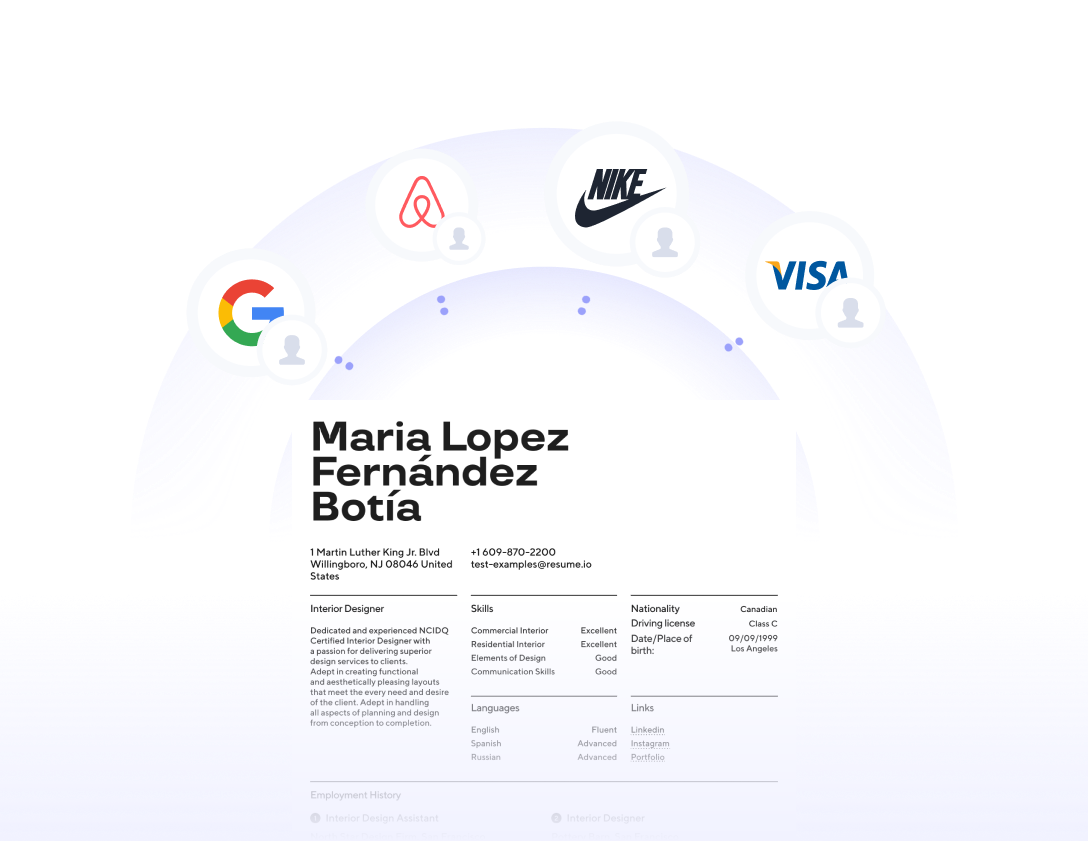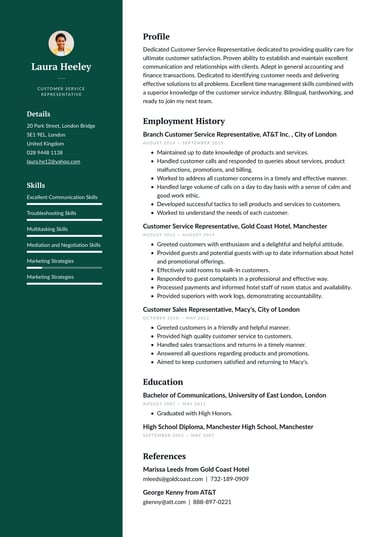

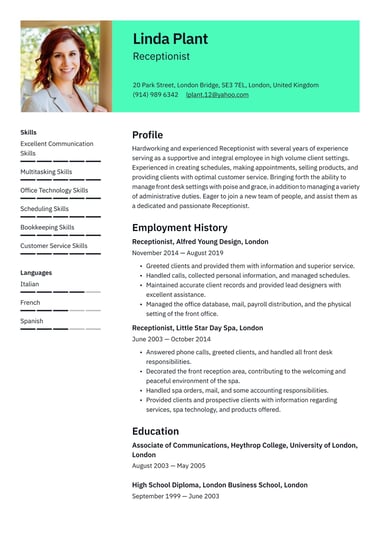
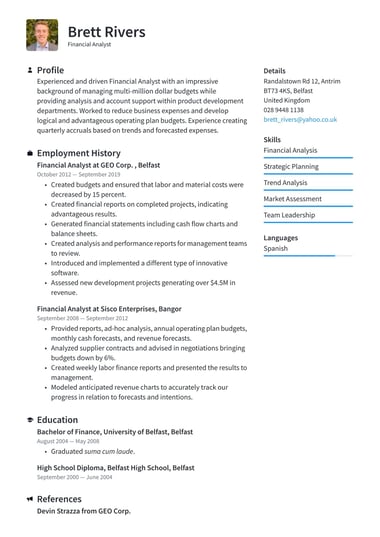




A professional CV template gives your experience a clear, formal structure that recruiters in finance, law, healthcare, and management can scan in seconds.
Every Resume.io professional template keeps the design understated, so your qualifications and career history lead the page.
Choose a layout below, fill in your details, and download your finished CV as a PDF.
What makes a professional CV template different?
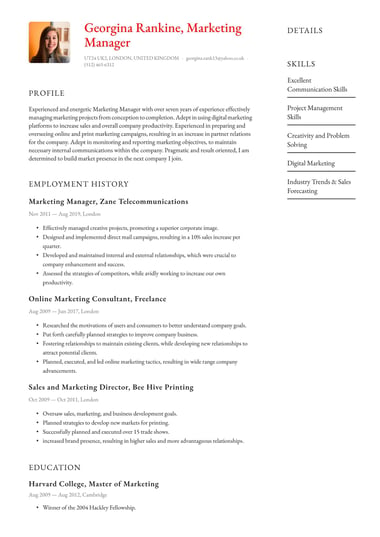
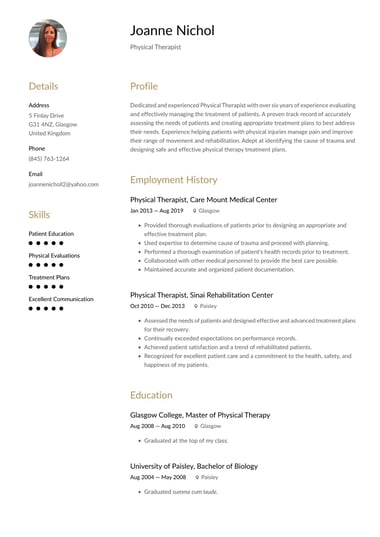
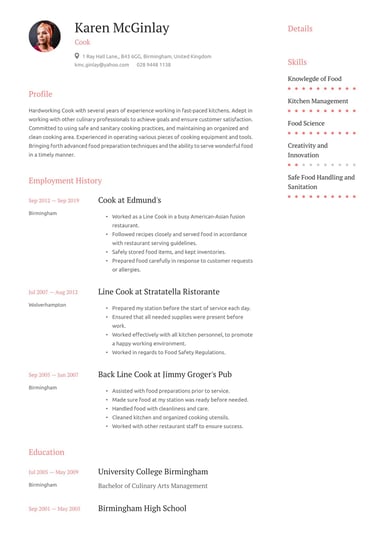
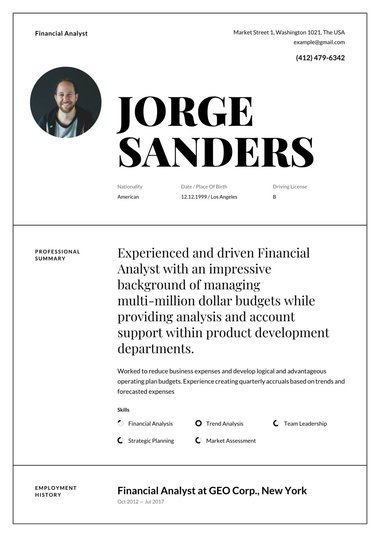
A professional CV template uses a formal, well-organised layout with generous space for work history, qualifications, and skills.
The design stays understated so a hiring manager finds your key details quickly.
That matters most in fields where experience and credentials decide who makes the shortlist.
Compared with the rest of our CV templates, professional designs put structure ahead of decoration.
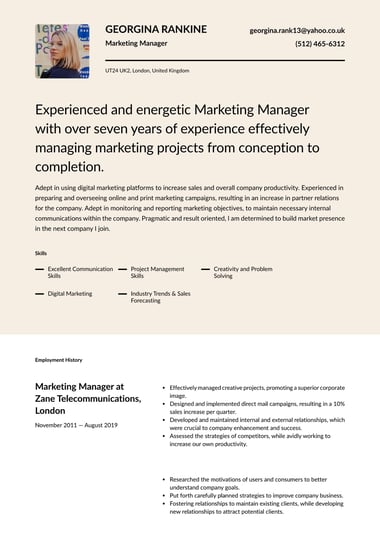
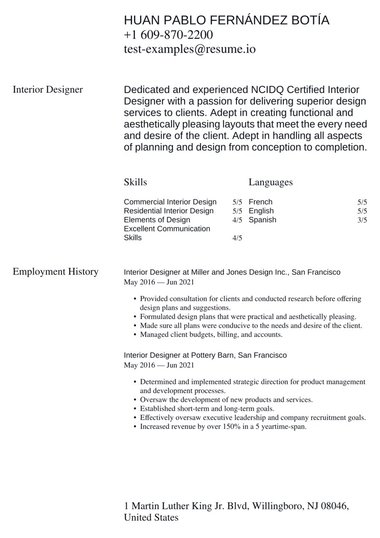
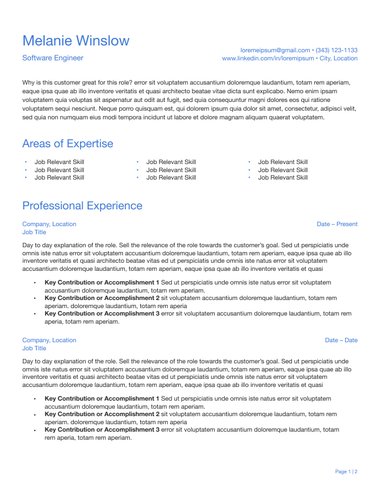
Expect clear section headings, consistent spacing, a readable font, and a restrained use of colour, such as a single stripe or sidebar.
A recruiter reading dozens of applications for a senior finance or legal role gives a closer look to the CV that is easiest to scan.
Most professional templates give you room for:
- A short personal statement at the top
- Work history in reverse chronological order, with space for detailed bullet points
- Qualifications, certifications, and professional memberships
- Key skills, set apart so they are easy to spot
Most UK employers prefer a CV without a photo.
Some professional designs include space for a headshot, so leave it empty unless the job advert asks for a picture, in which case our templates with a photo give it a proper place.
When should you use a professional CV template?
Use a professional CV template when you apply for roles in formal sectors such as finance and accounting, law, medicine, education, or business management.
These fields often require specific qualifications or professional registration, and a structured layout presents years of training and experience with the seriousness the role expects.
A professional template also suits candidates earlier in their careers.
Students applying for competitive internships, training contracts, graduate schemes, or postgraduate study can use one to show they take the application seriously.
A professional template is a strong fit if you are:
- An experienced candidate with a long career history to organise
- Moving into a management or leadership role
- Applying to a regulated profession, such as accountancy, nursing, or teaching
- A graduate targeting a competitive scheme or placement
No two professional roles are the same, so no two professional CVs should be either.
Our CV builder lets you add, remove, and reorder sections.
A solicitor can lead with admissions and certifications, while a teacher can put qualified teacher status and classroom experience first.
If a professional template still feels too designed for your sector, classic and simple templates strip the layout back further.
Candidates in marketing, tech, or media who want more colour may prefer a modern CV template.
How do you choose the right professional CV template?
Choose a professional CV template by matching its layout to how much you need to show and how formal your sector is.
A long career history needs a design with plenty of room for work experience.
A graduate or career changer benefits from a layout that brings skills and education higher up the page.
- Check your sector’s norms. Look at how the employer presents itself, since law firms, banks, and NHS trusts tend to favour understated designs.
- Take stock of your content. Count your roles, qualifications, and certifications first, so the layout you pick fits what you have.
- Decide whether you need Word. If the job advert asks for a Word file, narrow your choice to Professional, Corporate, Clear, or Essential.
- Preview the template with your own details. A layout that looks balanced with sample text can feel cramped once your real job titles and dates go in.
Seven of the 11 designs map neatly to common situations:
| Template | Design | Suggested fit |
|---|---|---|
| Professional | Colour stripe with plenty of room for work experience | Long career histories in any formal field |
| Corporate | Timeline structure with an elegant sidebar | Steady progression in business, finance, or operations |
| Clear | Bold banner with balanced columns | Mid-career candidates balancing skills and experience |
| Essential | Versatile layout with a minimalist header | A dependable default for most formal applications |
| Authority | Bold, forward structure | Senior and leadership applications |
| Polished | Modern, scholarly style | Teaching, academic, and research roles |
| Half Tone | Traditional style that puts your personal story first | Career changers |
Treat these pairings as a starting point.
Any professional CV template in the range works if its layout suits the amount you need to say.
How long should a professional CV be?
A professional CV in the UK should usually be two pages.
That gives an experienced candidate enough room for a personal statement, recent roles in detail, and qualifications, without asking a recruiter to read more than they need to make a shortlisting decision.
Length and design work together.
A tidy professional layout keeps two full pages easy to read, which is why Resume.io career expert Amanda Augustine, a Certified Professional Resume Writer (CPRW), puts simple design and page count side by side.
“Keeping the design simple, with an easy-to-read font and a two-page limit, will ensure your CV looks professional and easy to digest,” Augustine says.
The right length depends on your stage and field:
- Graduates and school leavers: One page is often enough, and our one-page CV templates keep the layout tight.
- Experienced candidates: Two pages, with older roles summarised in a line or two.
- Academic and medical applicants: Longer CVs are standard, because publications, research, and clinical placements need their own sections.
When a professional CV spills a few lines onto a third page, cut older roles before you shrink the font or margins.
Smaller type makes every page harder to read.
Can you download a professional CV template in Word or PDF?
Yes. All 11 professional CV templates download as a PDF, and four of them (Professional, Corporate, Clear, and Essential) also download as a Word document.
A PDF is the safer file format for most applications because the layout stays fixed whether the employer opens, prints, or uploads it.
| Format | Professional templates available |
|---|---|
| All 11 templates | |
| Word (.docx) | Professional, Corporate, Clear, and Essential |
| Google Docs | Any Word download, opened in Google Docs |
Check the job advert before you download, because some application portals ask for a Word file.
When that happens, choose one of the four Word-ready designs, browse our Word CV templates, or try an ATS CV template.
These are built to be read cleanly by applicant tracking systems, the software employers use to sort applications.
To edit in Google Docs, upload the Word version to Google Drive and open it there.
Check the spacing before you send it, since some formatting can shift in a new editor.
Key tips
- Match the template to your sector: Finance, law, and healthcare suit a professional layout, while marketing and tech roles allow more colour.
- Keep a UK CV to two pages unless you work in academia or medicine, where longer CVs are the norm.
- Leave the photo off unless the job advert asks for one.
- Send a PDF by default and switch to Word only when the employer asks for it.
- Reorder sections so your strongest evidence, such as a professional registration or degree, sits near the top.
Frequently asked questions
These are the questions job seekers most often ask before choosing a professional CV template.
Are professional CV templates ATS-friendly?
Applicant tracking systems read a professional CV template most reliably when it uses standard section headings, such as Work experience and Education, and keeps all text out of images.
Simple single-column layouts are the easiest for the software to process.
For applications through a large employer’s online portal, a template built specifically for applicant tracking systems is the safest choice.
What is the difference between a professional and a corporate CV template?
A corporate CV template is aimed at business environments such as banking, consulting, and large companies.
The professional range covers a wider set of formal fields, including law, healthcare, and education.
The two ranges overlap, so several designs appear in both.
Should I use the same professional CV template for every application?
You can keep the same professional CV template for every application, as long as you tailor the content each time.
Rewrite your personal statement and reorder your key skills to match the job advert, so the recruiter sees your most relevant evidence first.
Pairing your CV with a matching cover letter keeps your application consistent.