



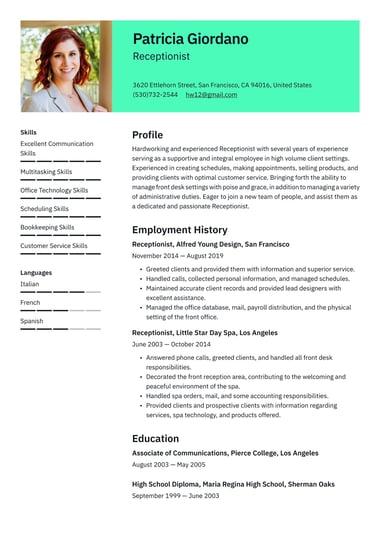
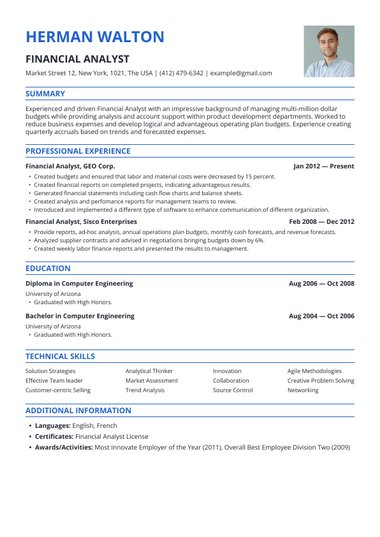
Resume.io single-column resume templates stack every section from top to bottom, so recruiters and applicant tracking systems read your resume in the order you intended.
Choose a layout, add your experience, and download a resume built for online applications and traditional fields alike.
Should resumes be single-column?
Yes, a single-column resume is the safest choice for most job seekers.
One column reads from top to bottom in a clear order, which makes it easy for hiring managers to skim and for applicant tracking systems (ATS) to parse correctly.
A two-column layout can work in creative fields, but it carries more risk.
A single-column resume is especially useful when:
- You are applying online: Most online applications pass through an ATS, and a single column gives the software clean, ordered text to read.
- You are early in your career: New graduates and entry-level applicants can lead with education and skills, then build down the page as experience grows.
- You work in a traditional field: Employers in healthcare, finance, business, and education often expect a conventional, classic layout.
- You want to make skimming easy: Hiring managers are used to one-column resumes and can find the information they need quickly.
- You simply prefer it: Personal preference is a valid reason to choose a single-column resume.
A well-designed two-column resume can still suit designers, marketers, and other creative roles where layout is part of the pitch.
For anything submitted through an online portal, a single-column version remains the safer file to send.
One-column vs two-column resume: which should you choose?
Choose a one-column resume when you apply online, work in a traditional field, or want the lowest ATS risk.
Choose a two-column resume when you work in a creative field, hand your resume to someone directly, and want to show more information at a glance.
For most applications, one column is the safer default.
| One column | Two columns | |
|---|---|---|
| Reading order | Top to bottom, one clear path | Split across two areas |
| ATS risk | Low | Medium, since text from both columns can merge |
| Space | Full page width for experience | Sidebar holds skills and contact details |
| Look | Clean and traditional | More visual and design-led |
| Suits | Online applications, traditional fields, most job seekers | Creative roles, networking, in-person interviews |
A simple rule works for most job seekers: use one column if your resume will go through an online portal, and consider a two-column design only if it will go straight into a person’s hands.
The main risk with two columns is parsing, since many systems read a page left to right, one line at a time, and can scramble text from a sidebar into your work history.
With 98% of Fortune 500 companies using an ATS to manage hiring (Resume.io Resume Statistics Report, 2025), a single column is the standard layout for an ATS-friendly resume.
How do you format a single-column resume?
Format a single-column resume by stacking standard sections from top to bottom: header, summary, skills, work experience, and education.
Use a traditional font at 10 to 12 points, margins between 0.5 and 1 inch, and consistent spacing between sections, so the page reads in one clear path.
- Pick your format: Choose one of the three main resume formats: reverse-chronological, functional, or hybrid. Reverse-chronological is the most common choice for a single column.
- Order your sections: Start with your header and summary, then list your skills, work experience, and education. Move your strongest section higher if it helps your case.
- Set your margins: Keep them between 0.5 and 1 inch on every side.
- Choose a font: Use Arial, Calibri, Garamond, or Times New Roman at 10 to 12 points for body text and 14 to 16 points for your name.
- Write strong bullets: Use the STAR method or the XYZ formula, and quantify your achievements with numbers wherever you can.
- Match the job posting: Work the keywords from the posting into your skills and bullets.
- Check before you send: Proofread every line and look for common resume mistakes, such as inconsistent dates or spacing.
A one-column layout uses the full page width, so it often holds more text than a two-column design.
To fit even more on one page, list skills on a single line separated by commas, cut roles older than 10 to 15 years, and trim each job to its three to five strongest bullets.
Pros and cons of a one-column resume
A one-column resume is easy to read, reliable with applicant tracking systems, and simple to tailor.
The main trade-off is visual impact, since a single column can look plainer than a design-led layout, so your content has to do the work.
Pros
- Easy to read: Recruiters can follow the page from top to bottom without hunting for information.
- ATS-friendly: A single column gives applicant tracking systems clean, ordered text to scan.
- Content-focused: The layout puts the emphasis on your background and skills rather than design.
- Consistent across systems: A one-column file is less likely to shift or distort when a hiring manager opens it.
- Flexible on format: One column suits chronological, functional, and hybrid layouts alike.
Cons
- Less visually distinctive: Compared with multi-column designs, a single column may not stand out at first glance.
- Skills can sit lower on the page: Without a sidebar, skills and certifications appear below other sections unless you move them up.
- Long careers need careful editing: With many years of experience, you need to trim older roles to keep the page focused.
Single-column resume examples for specific jobs
Real templates make it easier to choose.
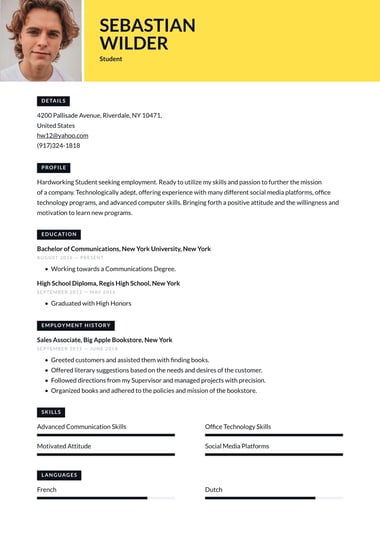
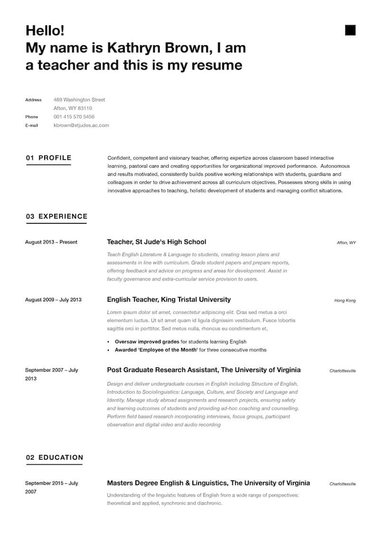
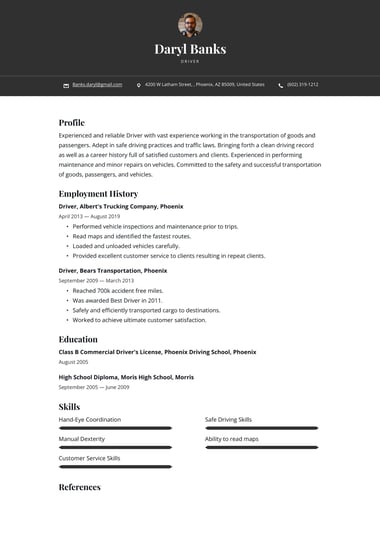
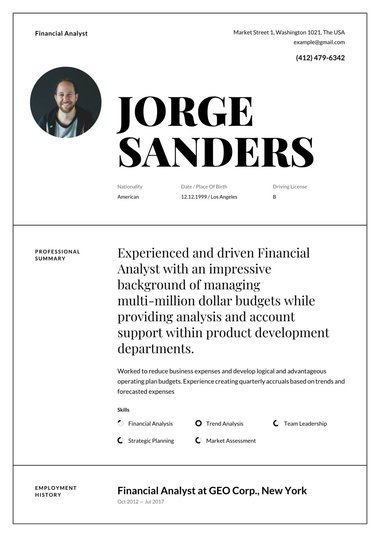
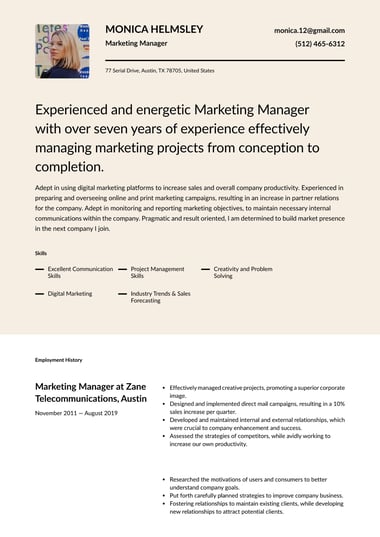
Each of these single-column designs in the resume builder puts content first in a slightly different style.
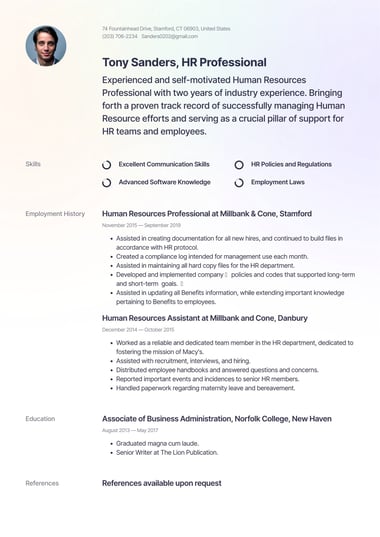
London template
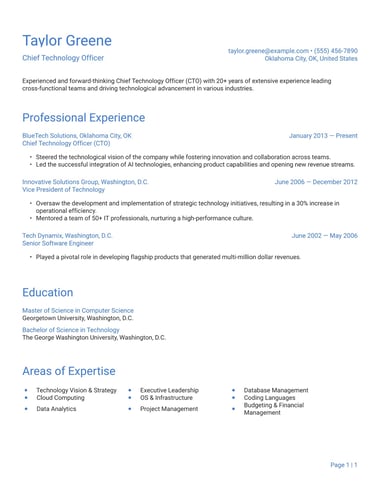
Simple, streamlined format that puts the emphasis on your skills and experience.
Great for careers such as a payroll manager, who want to put content first.
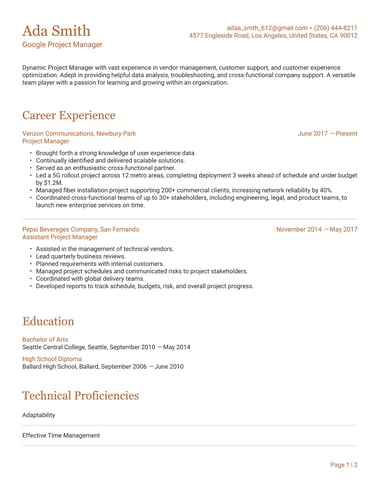
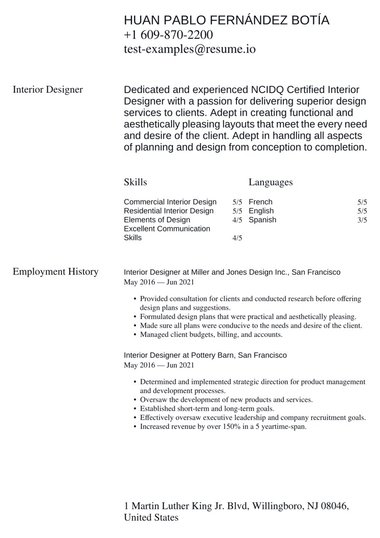
Moscow template
Classic resume with high readability and an emphasis on white space.
Excellent for professionals who put emphasis on substance and experience.
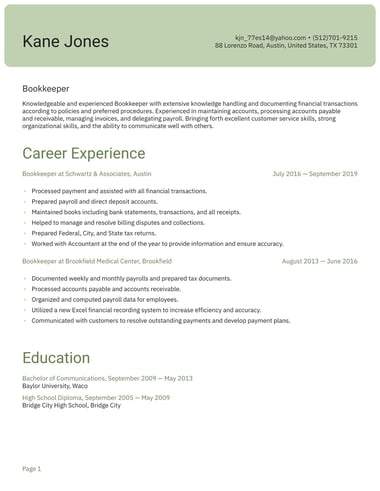
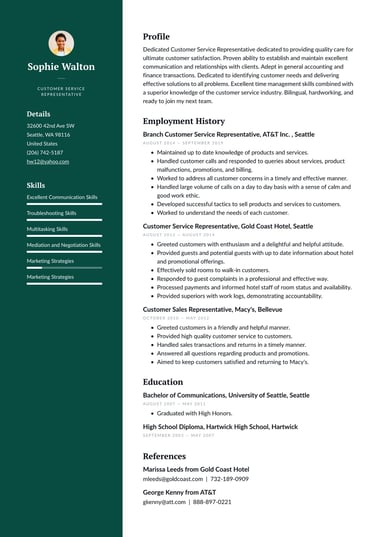
Prague template
With a hint of eye-catching color, this clean one-column resume offers educators and other professionals the opportunity to place a spotlight on their skills.
Key takeaways
- A single-column resume stacks every section from top to bottom, giving recruiters and applicant tracking systems one clear reading path.
- One column is the safer default for online applications, traditional fields, and entry-level job seekers.
- Two-column resumes suit creative roles and in-person applications, but text from a sidebar can scramble in an ATS.
- A single-column layout works with reverse-chronological, functional, and hybrid formats.
- Using the full page width often fits more text than a two-column design, especially when skills sit on one line.
Frequently asked questions
A few questions come up often when choosing a single-column resume template.
Are single-column resumes ATS-friendly?
Yes, single-column resumes are among the most ATS-friendly layouts you can use.
Applicant tracking systems read a page from top to bottom, and one column gives them clean, ordered text with no sidebar to misread.
Pair the layout with standard headings and a common font for the safest result.
Can a single-column resume be two pages?
Yes, a single-column resume can run to two pages when your experience calls for it.
The average resume is already 1.6 pages long (Resume.io, Resume Statistics Report, 2025), so a second page is common for experienced candidates.
Keep the most relevant roles and achievements on the first page.
Is a one-column resume the same as a simple resume?
No, the two terms describe different things. “One-column” describes the layout, while “simple” describes the design, meaning minimal color and no graphics.
Most simple resume templates use a single column, but a one-column resume can also include color accents or a more modern style.