



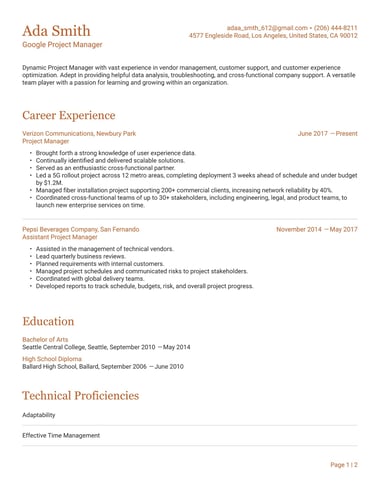
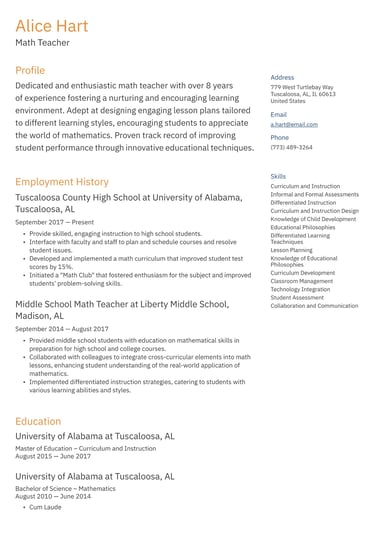
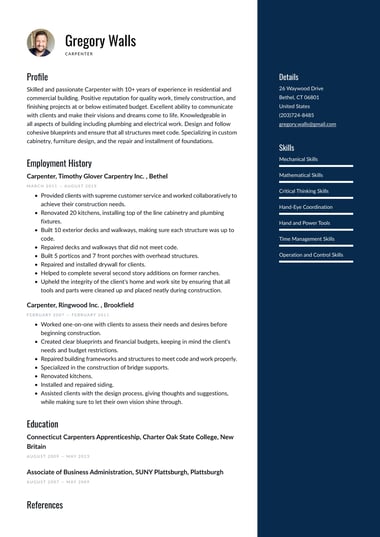
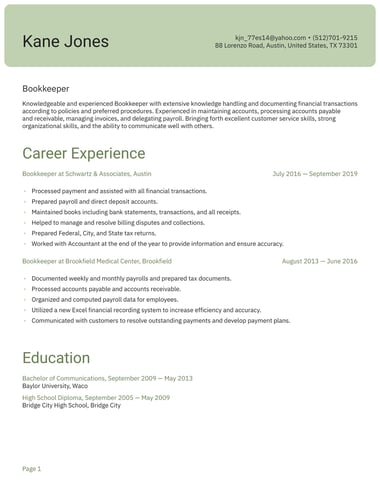
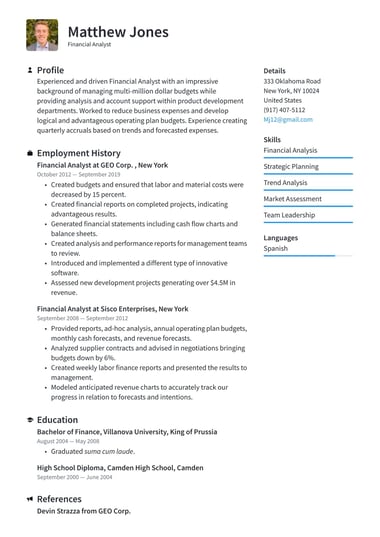
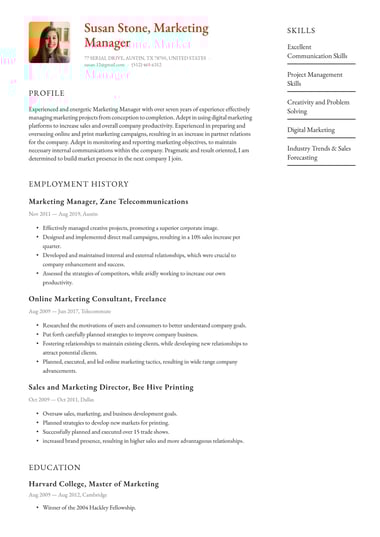
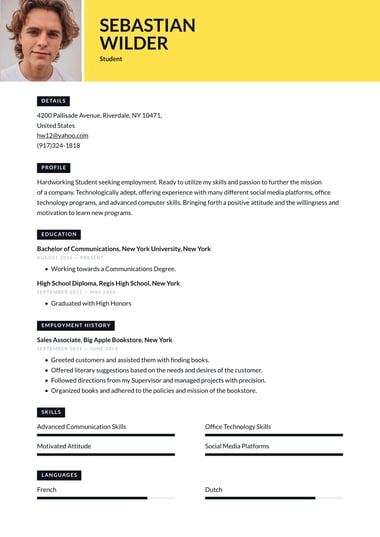
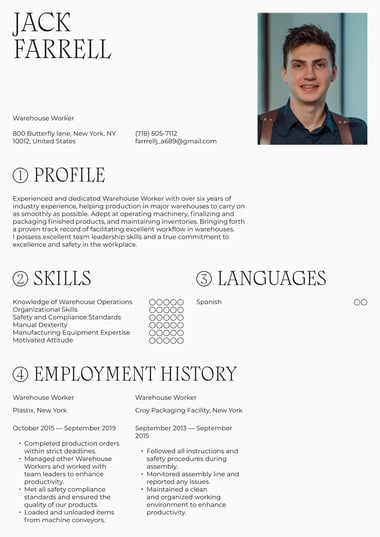
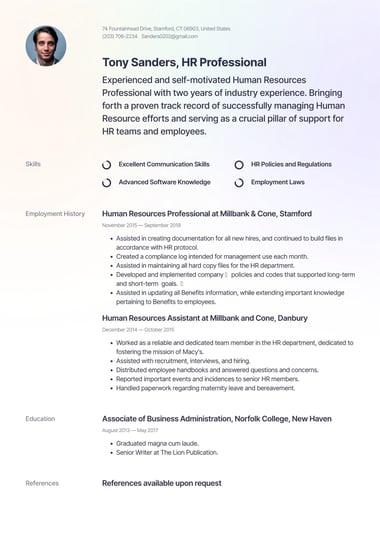
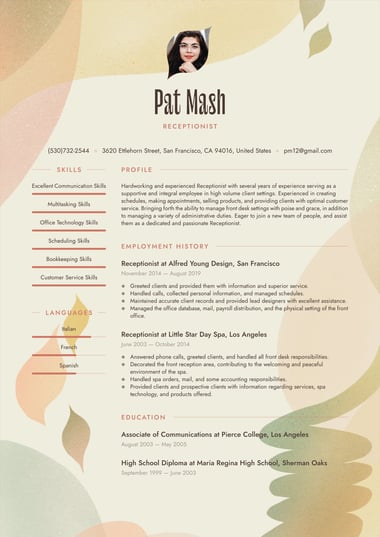
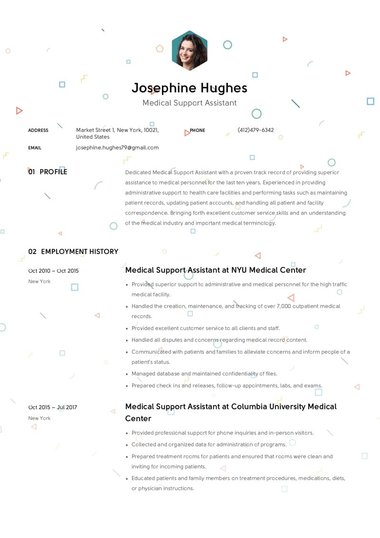
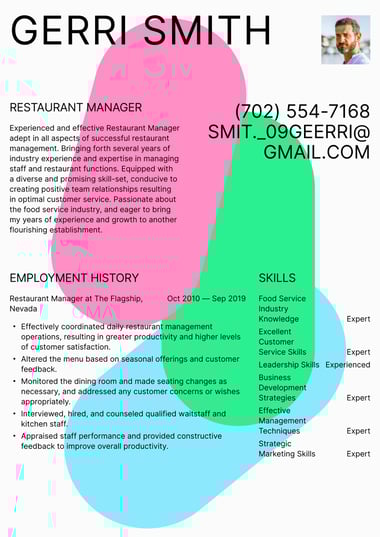
Free resume templates to build and edit
The right resume template does the formatting work for you, so your experience is the first thing a recruiter notices.
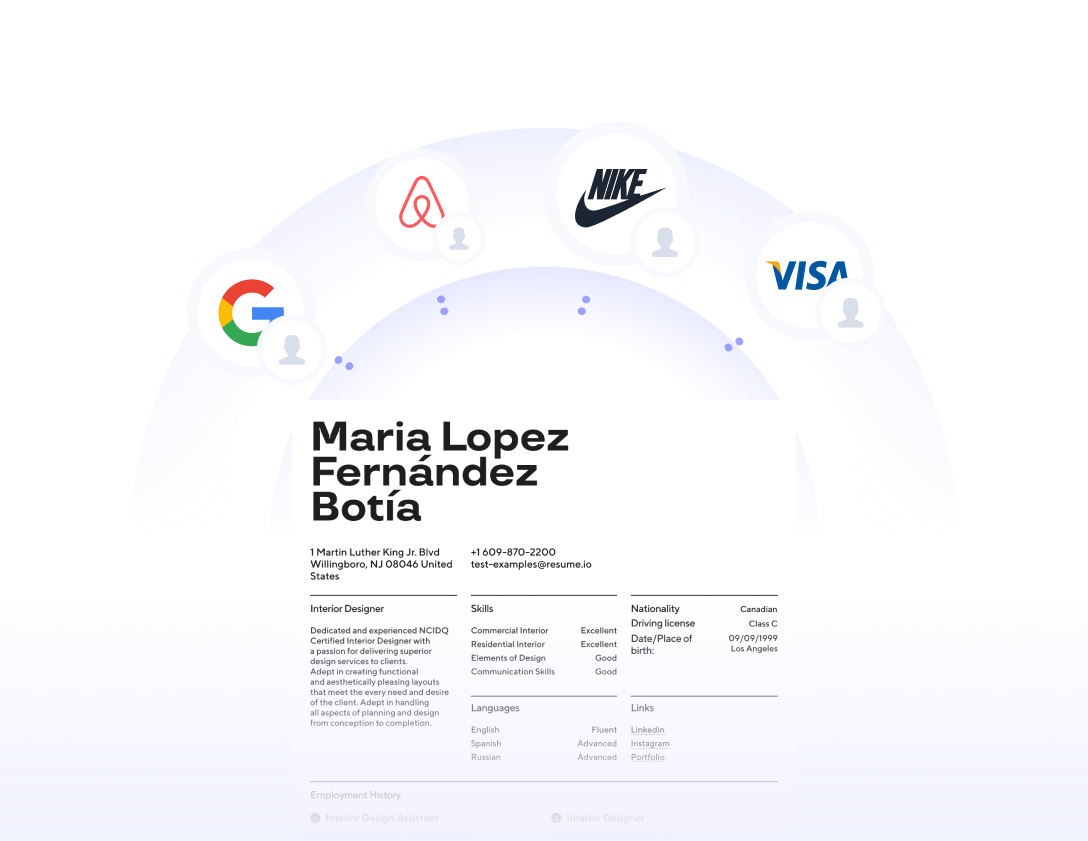
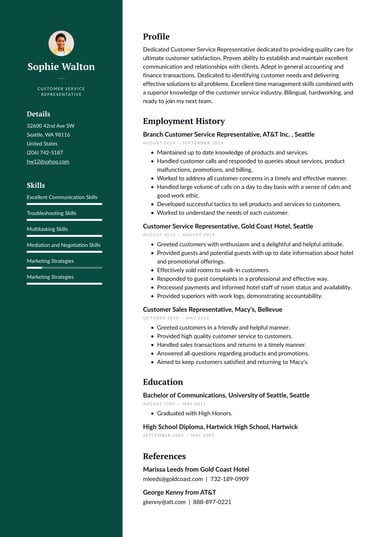
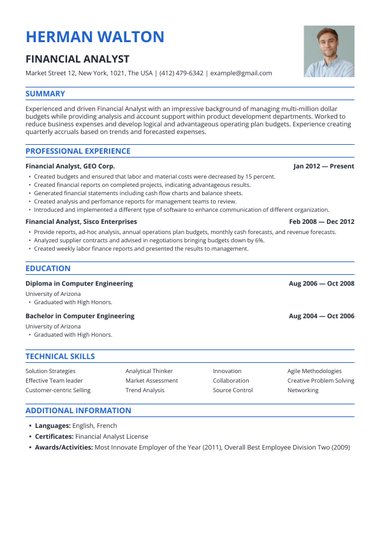
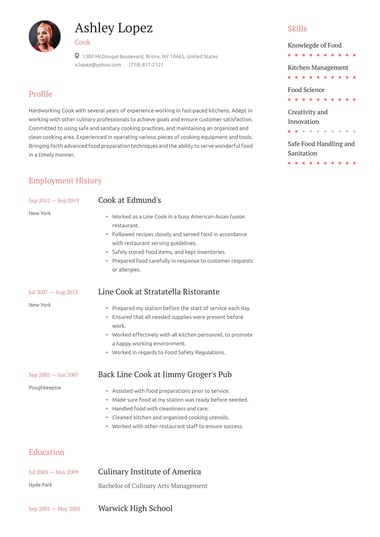
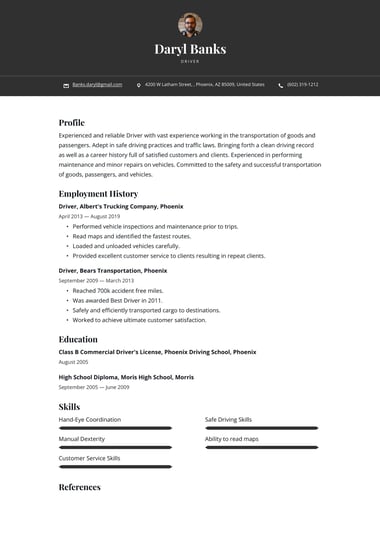
Resume.io resume templates are built around the layouts hiring teams expect, from simple single-column designs to modern two-column styles.
Pick the one that fits your situation, add your details, and download a finished resume.
Are Resume.io resume templates free?
Yes, you can build and preview a resume in any Resume.io resume template for free.
The free plan includes one resume and one cover letter, downloaded as a plain-text (TXT) file.
Downloading a finished design as a PDF requires a premium plan, and every premium plan comes with a 7-day money-back guarantee.
| What you get | Free plan | Premium plans |
|---|---|---|
| Build and preview in any template | Yes | Yes |
| Number of resumes and cover letters | One of each | Unlimited |
| Download format | TXT only | PDF in any template |
| Premium templates and colors | No | Yes |
| Money-back guarantee | Not applicable | 7 days |
A TXT download gives you the full text of your resume without the design.
Choose “Export to TXT” in the builder, then paste the text into Microsoft Word or Google Docs and format it yourself.
Plan options are listed on the pricing page, and the help center explains what the free plan includes.
Free copy-and-paste resume template
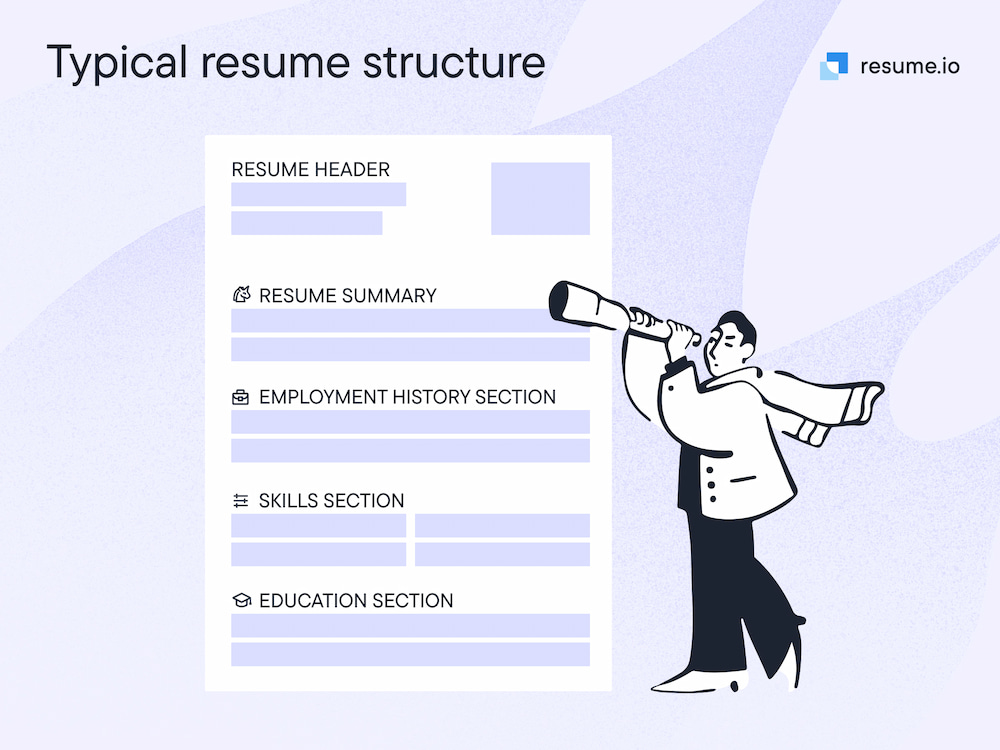
FULL NAME
City, State | Phone | Professional email | LinkedIn URL
PROFESSIONAL SUMMARY
Two to three sentences on your experience, strongest skills, and the role you want.
WORK EXPERIENCE
Job Title | Company Name | City, State | Month Year to Present
Achievement that starts with an action verb and includes a number
Achievement that shows a result you delivered
Responsibility that matches the job posting
SKILLS
Skill | Skill | Skill | Skill | Skill
EDUCATION
Degree, Major | School Name | Graduation Year
CERTIFICATIONS
Certification Name | Issuing Organization | Year
Paste the text into any word processor, keep one font throughout, and save the finished file as a PDF.
What is the best type of resume template to use?
The best type of resume template is the one that fits your situation.
A simple single-column template suits most job seekers, while students, career changers, senior professionals, and creative candidates each benefit from a different layout.
Choose the type that puts your strongest qualifications at the top of the page.
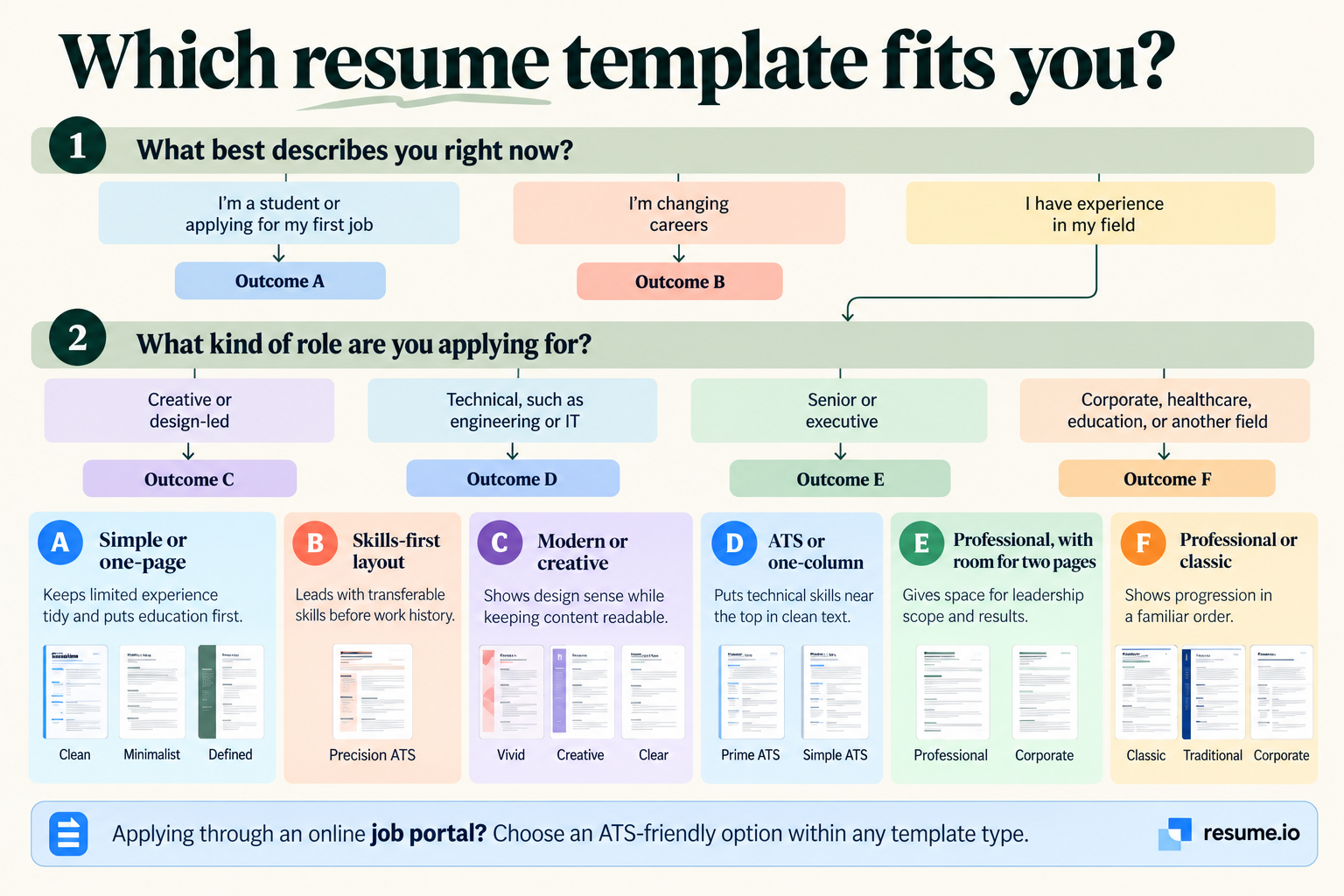
| Your situation | Best template type | Why it works |
|---|---|---|
| Student or first job | Simple or one-page | Keeps limited experience tidy and puts education first |
| Steady career in one field | Professional or classic | Shows progression in a familiar, recruiter-friendly order |
| Changing careers | Skills-first layout | Leads with transferable skills before work history |
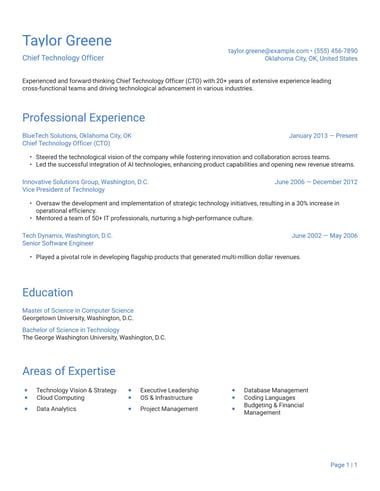
| Senior or executive | Professional, with room for two pages | Gives space for leadership scope and results |
| Creative or design role | Modern or creative | Shows design sense while keeping content readable |
| Technical role | ATS or one-column | Puts technical skills near the top in clean text |
| Applying through online portals | ATS | Keeps every detail readable when the application is stored and searched |
Traditional and corporate templates
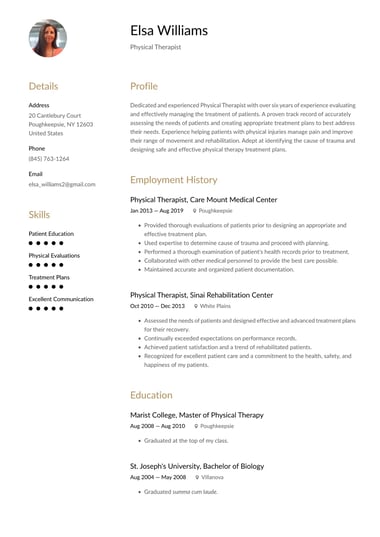
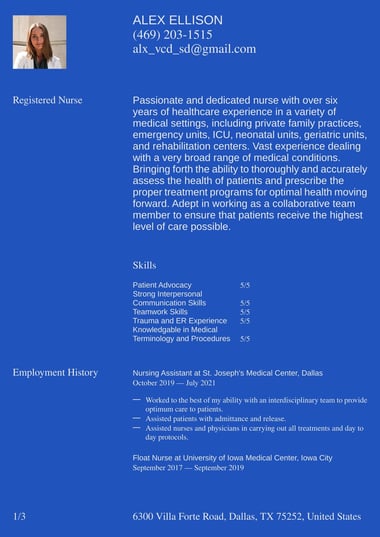
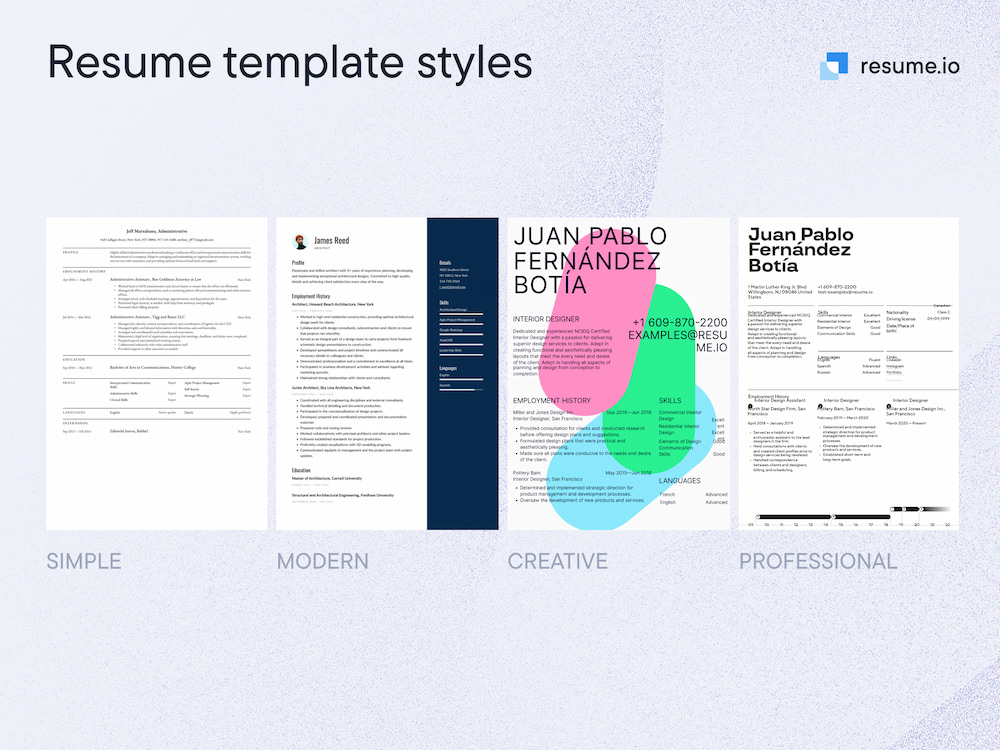
The professional resume templates, classic resume templates, and corporate resume templates use familiar fonts and a clear top-to-bottom order for law, finance, healthcare, and government roles.
Simple and minimalist templates
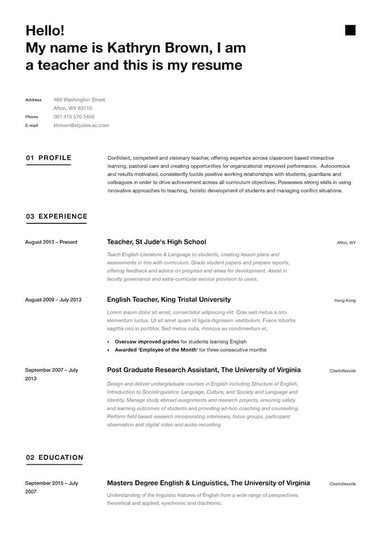
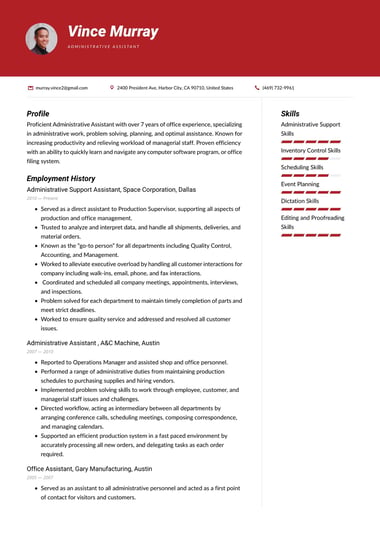
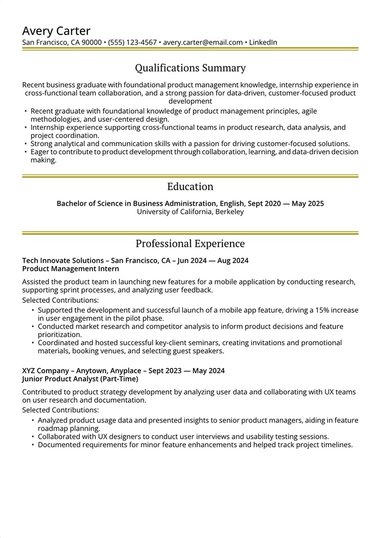
The simple resume templates, minimalist resume templates, and one-column resume templates keep design accents light, which makes them a safe choice in almost any industry and for students and interns.
Modern and creative templates
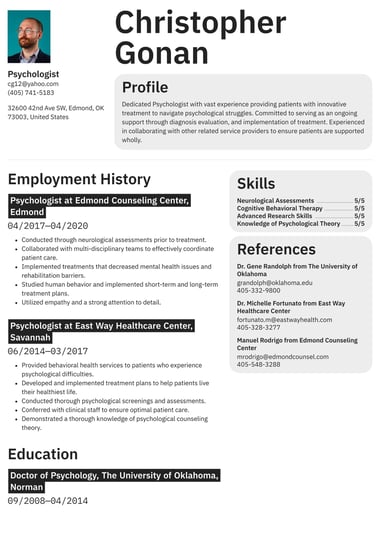
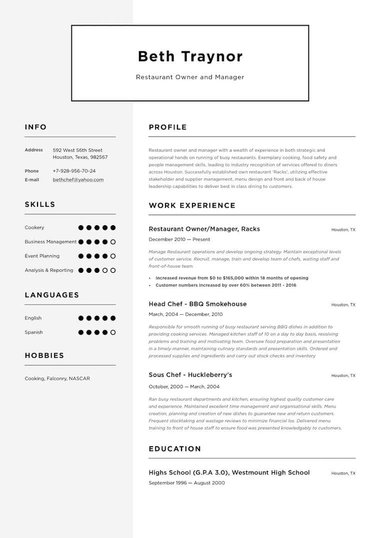
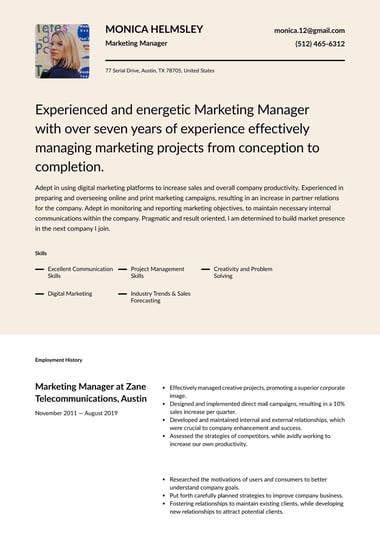
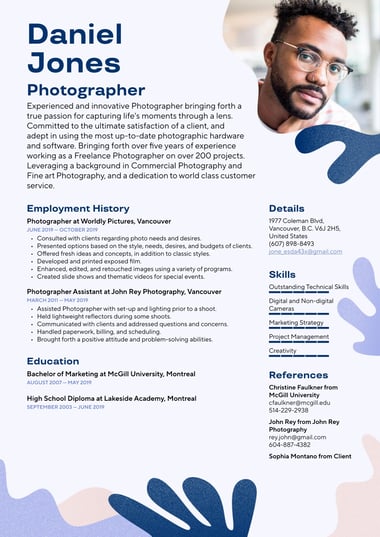
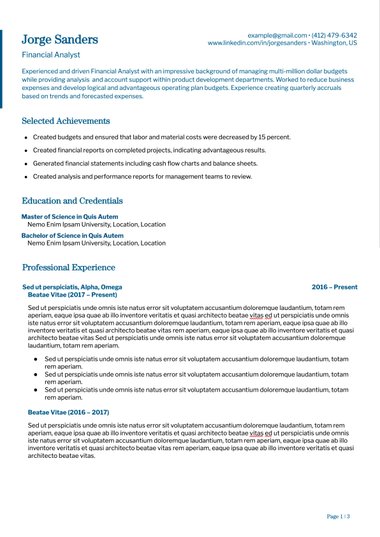
The modern resume templates, creative resume templates, and two-column resume templates add color and visual structure for marketing, design, media, and tech roles.
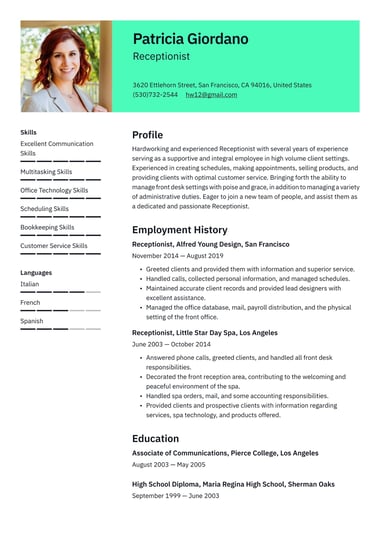
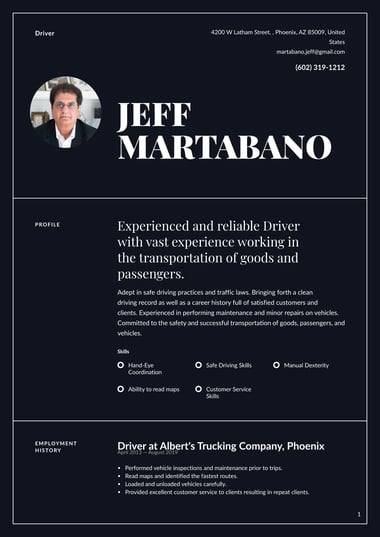
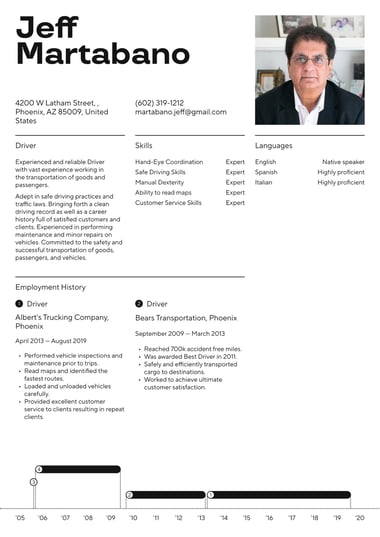
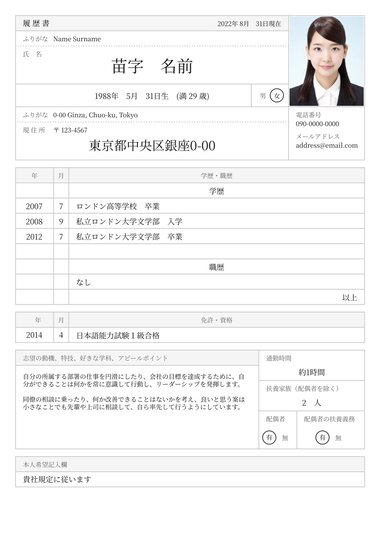
Most US employers prefer resumes without a photo, so save picture resume templates for roles where a photo on a resume is expected.
Templates for software screening and editing
The ATS resume templates keep layouts clean for applicant tracking systems, the Word resume templates and Google Docs resume templates suit candidates who want to keep editing in their own software, and the one-page resume templates help you fit a full history onto a single page.
What is the best template for a resume?
The best template for a resume is clean, consistent, and easy to scan.
Look for a single-column layout, a standard font between 10 and 12 points, clear section headings, and enough white space that a recruiter can find your name, recent role, and key skills at a glance.
Amanda Augustine, CPRW, CPCC, Resume.io’s career expert, explains why layout matters so much:
“When a recruiter is spending less than 10 seconds reviewing a resume, it’s imperative that you stick to a clean, consistent layout with adequate white space that makes it easy for readers to quickly understand and appreciate your career story.”
Five features separate a strong resume template from a decorative one:
- A clear header: The resume header makes your name the largest text on the page and leaves room for your phone, email, city, and LinkedIn profile
- Readable type: A professional font at 10 to 12 points, used consistently in every section
- Standard section headings: Labels such as Work Experience, Skills, and Education, matching the key parts of a resume recruiters expect
- Room for your experience: Enough space in the work history for your career stage, whether that means a one-page resume or a two-page resume
- Easy customization: Colors, spacing, and section order that change in a few clicks without breaking the layout.
A template with these five features lets recruiters focus on your results instead of hunting for them.
How can I customize a resume template to fit my industry?
Customize a resume template for your industry by changing what appears first on the page.
Read three to five job postings in your field, note the skills and credentials that repeat, and move those to the top of your summary and skills section.
Then match the layout to what your industry expects.
| Industry | Put this near the top | Layout that fits |
|---|---|---|
| Healthcare | Licenses, certifications, and clinical skills | Professional or simple |
| Education | Teaching certification, grade levels, and classroom results | Professional or simple |
| Finance and accounting | Certifications, software, and measurable results | Professional or classic |
| Engineering and IT | Technical skills, tools, and project outcomes | ATS or one-column |
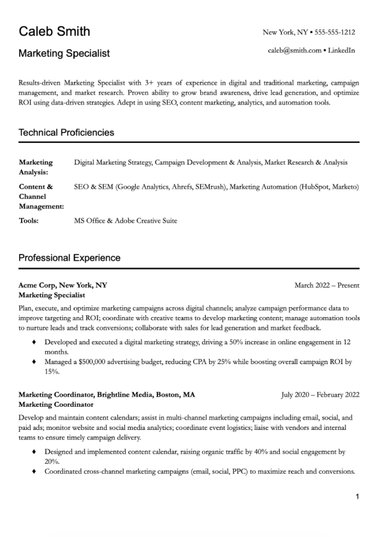
| Marketing and creative | Portfolio link, campaigns, and results | Modern or creative |
| Sales | Quota attainment and revenue numbers | Modern or professional |
| Retail and hospitality | Customer service, availability, and team skills | Simple |
| Transportation | Licenses, safety record, and equipment | Simple or one-column |
Industry resume examples show these choices in practice.
A healthcare resume leads with licensure, an accounting and finance resume leads with certifications and numbers, and an engineering resume puts technical skills near the top.
Examples for education, marketing, sales, human resources, real estate, retail, hospitality, and transportation follow the same logic.
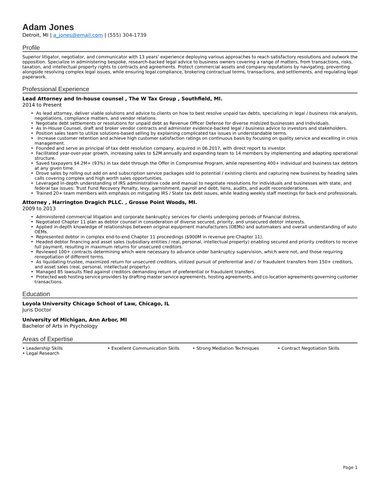
A lawyer example and a graphic designer example show how far formal and creative fields differ.
Customizing your resume for each application with keywords from the specific posting, while keeping a master version to copy from, keeps every application relevant.
How do you use a resume template?
To use a resume template, pick a layout that fits your situation, replace every placeholder with your own details, tailor the content to the job, then proofread and download.
The five steps below take you from a blank template to a finished resume that is ready to send.
- Choose your template: Pick a layout that fits your career stage and industry, then preview two or three options before you commit.
- Fill in each section: Replace the placeholder text in your header, resume summary, work experience, skills, and education, following the order taught in how to write a resume.
- Tailor it to the job: Mirror the skills and terms from the job posting in your summary and bullet points, so a targeted resume speaks directly to the role.
- Proofread and check the length: Read every line aloud, confirm that dates line up, and trim to one or two pages depending on your experience.
- Download and pair: Download the finished resume as a PDF with a premium plan, or as a free TXT file you can format yourself, and create a matching cover letter from the cover letter templates so the whole application looks consistent.
Every Resume.io template runs inside the AI resume builder, which suggests sample sentences for hundreds of job titles when a section feels hard to start.
What makes a resume template ATS-friendly?
A resume template is ATS-friendly when an applicant tracking system can read every word of it.
That means real text rather than images, standard section headings, a simple layout, common fonts, and no key details hidden in headers, footers, or text boxes.
The goal is accurate reading for a human reviewer, not beating a robot.
Applicant tracking systems store and organize applications so recruiters can search them by skills, job titles, and keywords.
When a template confuses the software, details can land in the wrong field or go missing, which makes a resume harder to find in a search.
An ATS-friendly resume template includes:
- Standard headings such as Work Experience, Education, and Skills
- Text typed directly on the page, not inside images, charts, or skill bars
- A single-column layout that every system reads in the right order
- Common fonts and plain bullet points
- Contact details in the main body rather than the document header
- A PDF or Word file, whichever the application requests
Two-column templates can work, and many modern systems read them, but a single column is the safest choice for large employers’ online portals.
Running your file through the ATS resume checker shows how software reads it, and an ATS-friendly resume also depends on using the right keywords from each posting.
What is a red flag on a resume?
A red flag on a resume is anything that makes a recruiter doubt your accuracy, attention to detail, or fit for the role.
Common examples include typos, inconsistent formatting, unexplained gaps, duties listed without results, and layouts so busy that key details are hard to find.
| Red flag | Why it hurts | How to fix it |
|---|---|---|
| Typos and grammar errors | Suggests a lack of attention to detail | Proofread aloud and ask someone else to check |
| Inconsistent fonts, spacing, or dates | Looks rushed and is hard to scan | Use a resume template that applies one style to every section |
| Unexplained employment gaps | Raises questions you are not there to answer | Add a short note or use a skills-first layout |
| Duties with no results | Hides your impact | Rewrite bullets with numbers and outcomes |
| Overdesigned layout | Buries key details and can confuse software | Choose a clean template with standard headings |
| Outdated or irrelevant details | Wastes space that recruiters skim | Cut old roles and unrelated hobbies |
Most resume red flags disappear with a regular review, so updating your resume every few months keeps dates, skills, and results current, and a skills-first layout can soften a gap in your work history.
Key tips
- Choose for your situation first: Pick the resume template that fits your career stage, industry, and how you are applying, then let style be the tiebreaker.
- Start simple: A single-column layout with standard headings suits most job seekers, so move to a modern or creative design only when your field rewards visual presentation.
- Customize for your industry: Read a few job postings in your field and move the skills, licenses, and credentials that keep appearing to the top of your resume.
- Make every line your own: Replace all placeholder text, mirror the language of each job posting, and proofread aloud before you download.
- Keep it readable for software and people: Use real text, common fonts, and clear headings so every detail lands in the right place when a recruiter searches.
Frequently asked questions
Here are quick answers to common questions about resume templates.
Do 75% of resumes get rejected by applicant tracking systems?
No. The “75%” figure traces back to a 2012 sales pitch from Preptel, a resume optimization company that published no methodology and closed in 2013, and HR researcher Christine Assaf has since debunked the claim in 2020, yet the myth continues.
Applicant tracking systems store and organize resumes so recruiters can search them, while people and the employer’s own screening questions make rejection decisions.
What is the 7 second rule in resume?
The 7 second rule is the idea that a recruiter decides within about seven seconds whether to keep reading a resume.
It comes from eye-tracking research by Ladders, which measured an average initial scan of 7.4 seconds (Ladders, Eye Tracking Study, 2018).
A clean template with clear headings helps your strongest details land inside that window.
Which format do most employers prefer for resumes?
Most employers prefer the reverse-chronological format, which lists your most recent role first and shows your career progression at a glance.
For the file itself, a PDF is the safest choice unless the job posting asks for a Word document.
The resume formats guide explains when a functional or combination format works better.
Is it bad to use a resume template?
No. Recruiters care about clear, relevant content, and a template handles the layout so you can focus on what you say.
The only real risk is leaving placeholder text or generic phrases in place, so replace every line with your own details.