
500+ Free Resume Examples by industry
Use the expert guides and our resume builder to create a beautiful resume in minutes.
Get started now
Resume
Cover Letter
Resources
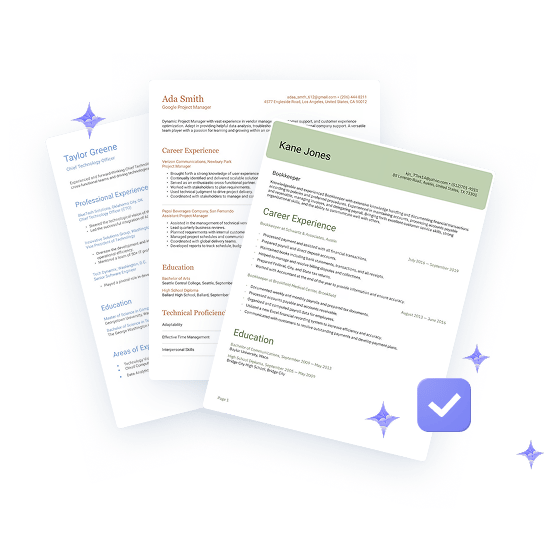
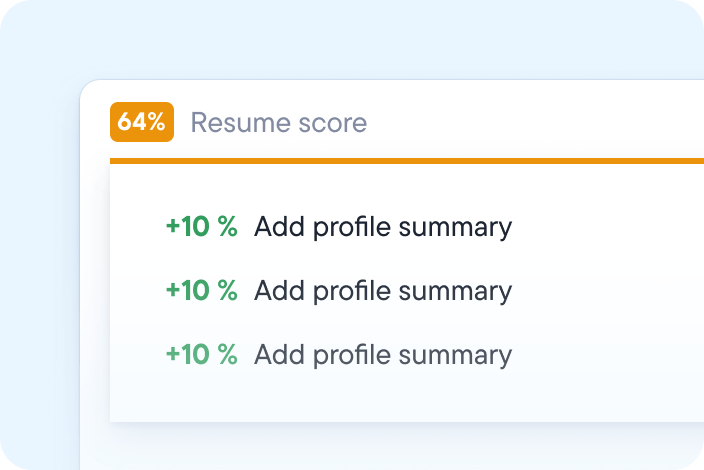

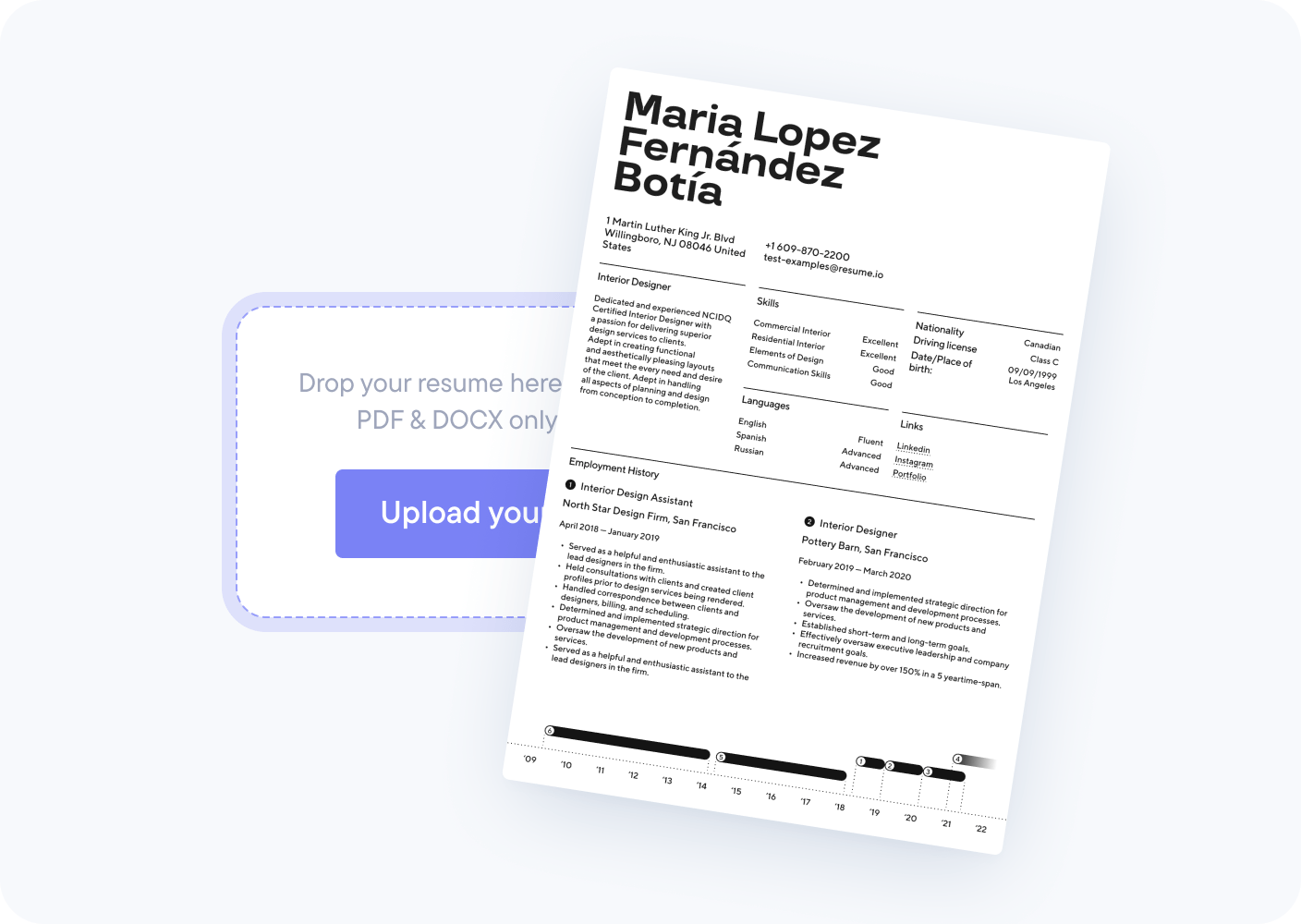
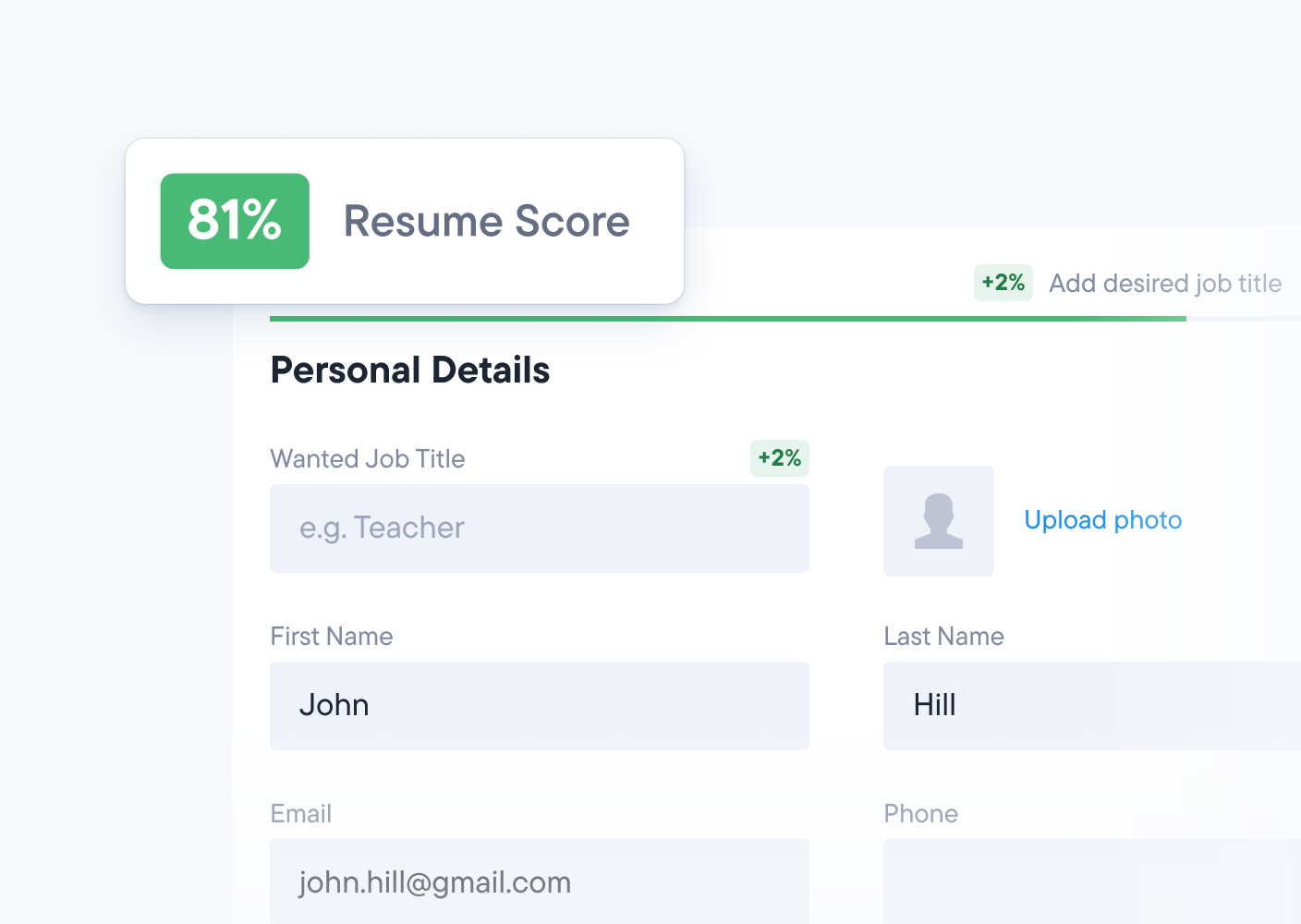
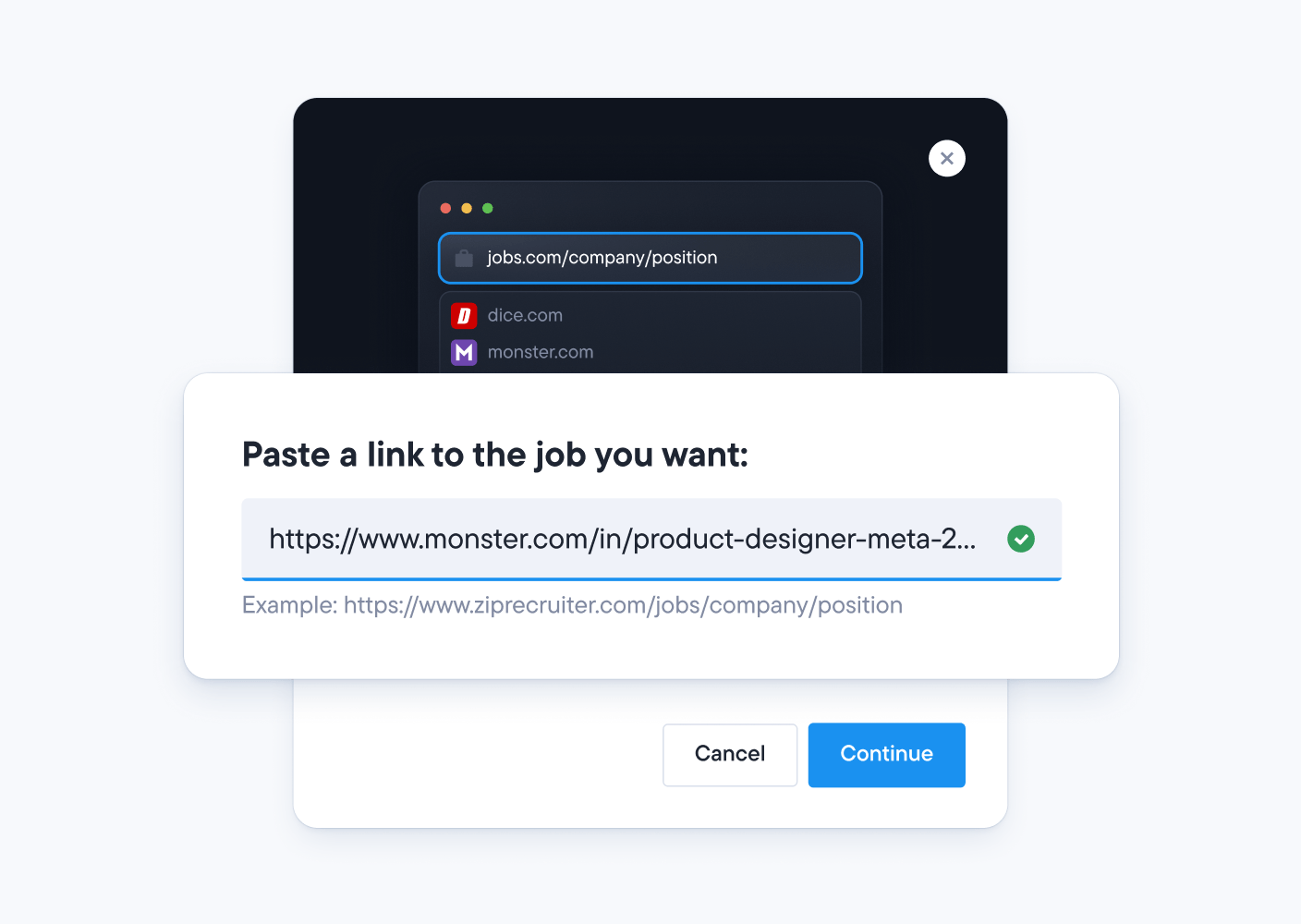
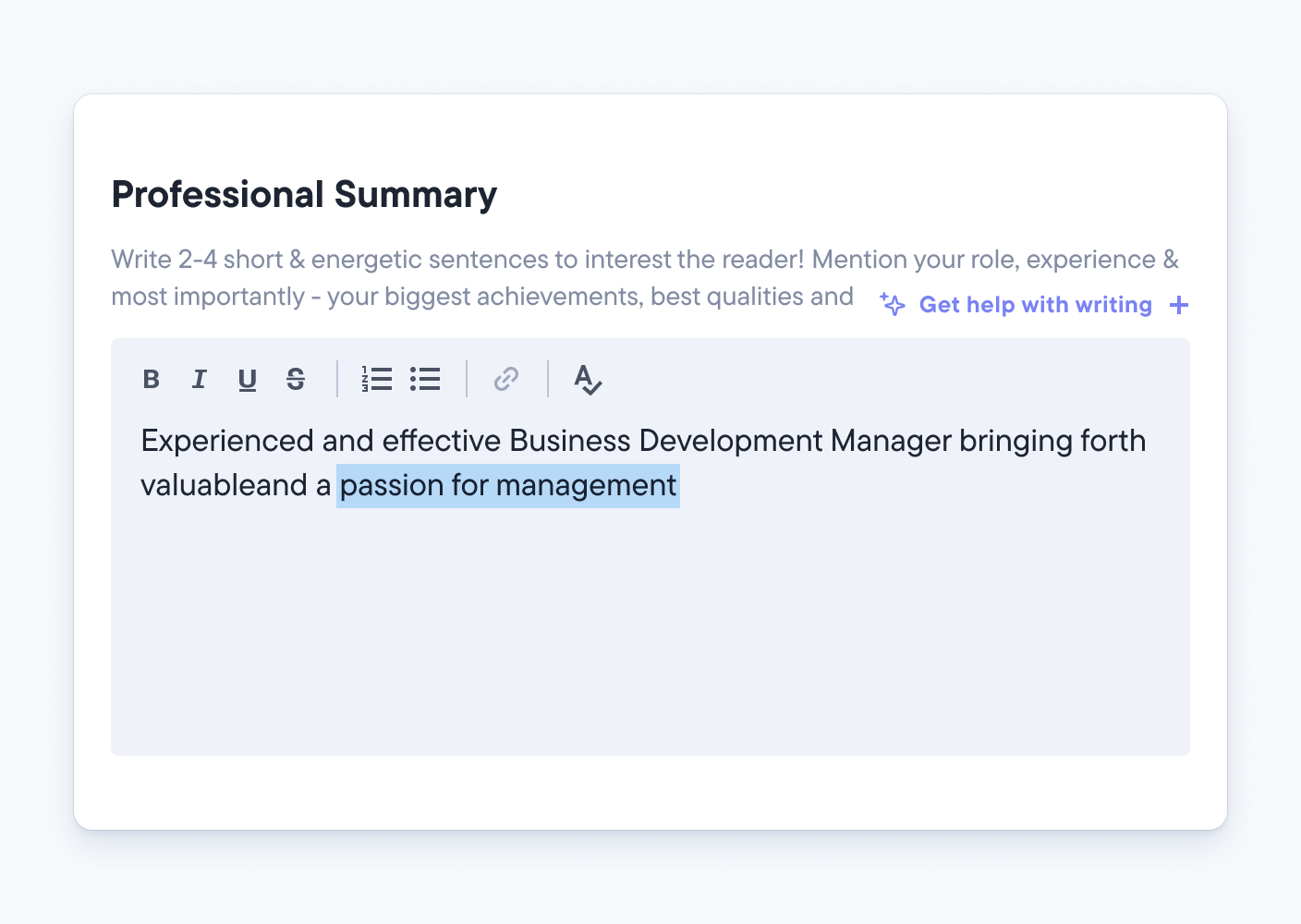
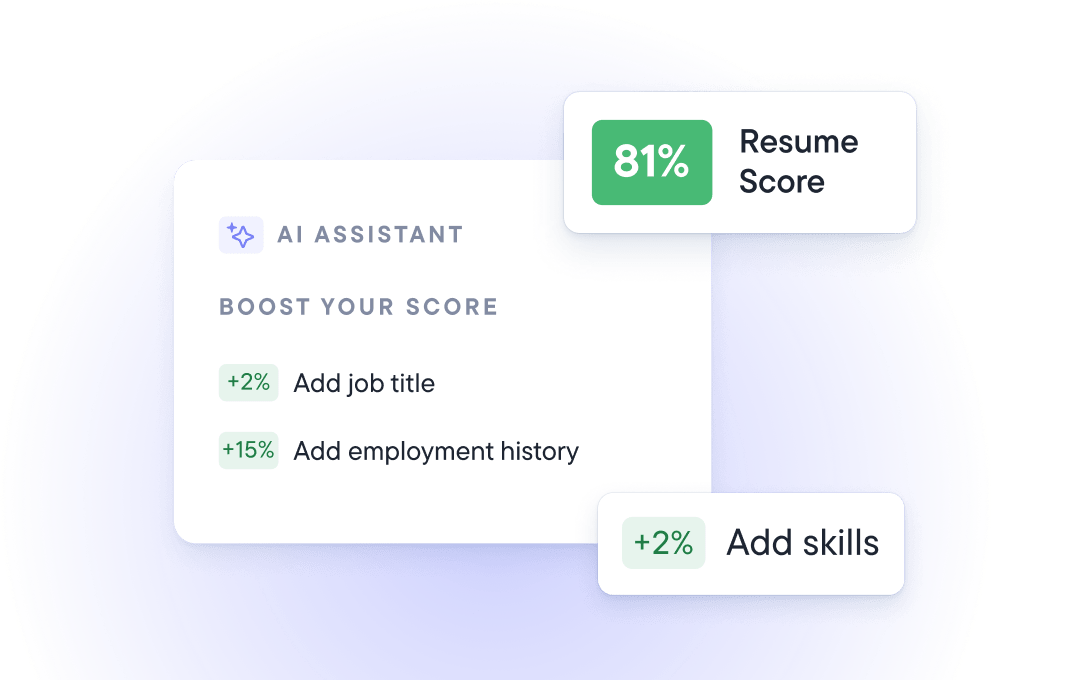





An ATS resume checker is a tool that reviews your resume for issues that can trip up applicant tracking systems (ATS). These include missing sections, formatting software may struggle to read, and keywords that do not match the job. The Resume.io checker runs 16 checks, gives you a score, and shows you what to fix before you apply.
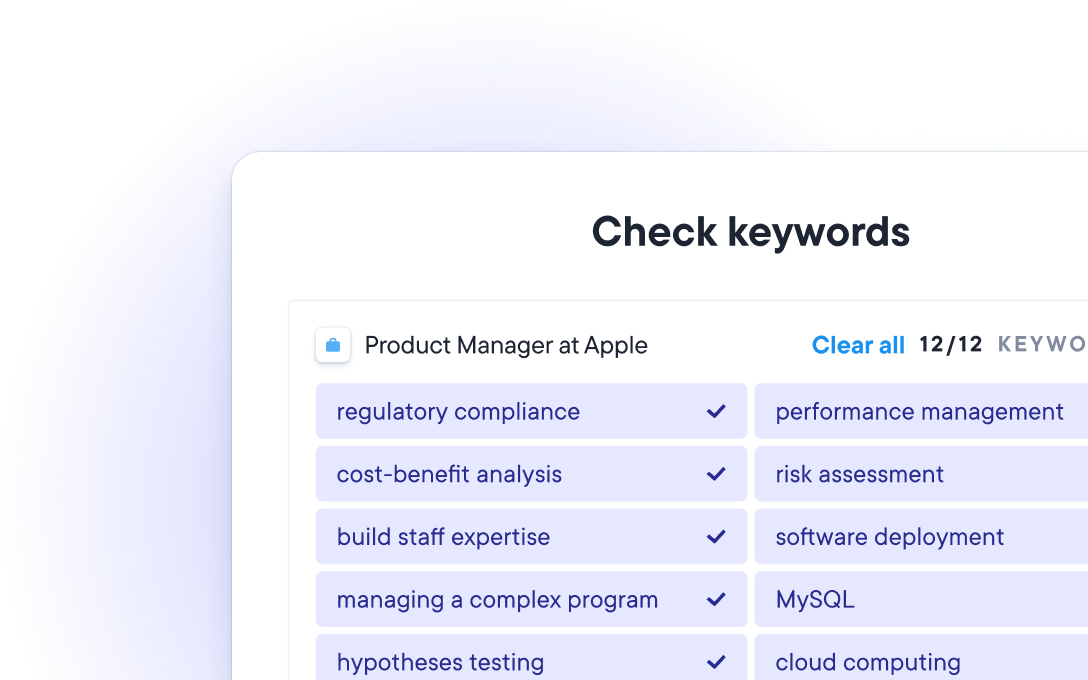
An ATS-friendly resume uses a simple layout, standard section headings, and a text-based file that software can read. It also includes keywords from the job listing that match your real experience. The quickest way to find out is to upload your resume to an ATS checker, which flags problems section by section.
Signs your resume is ATS-friendly:
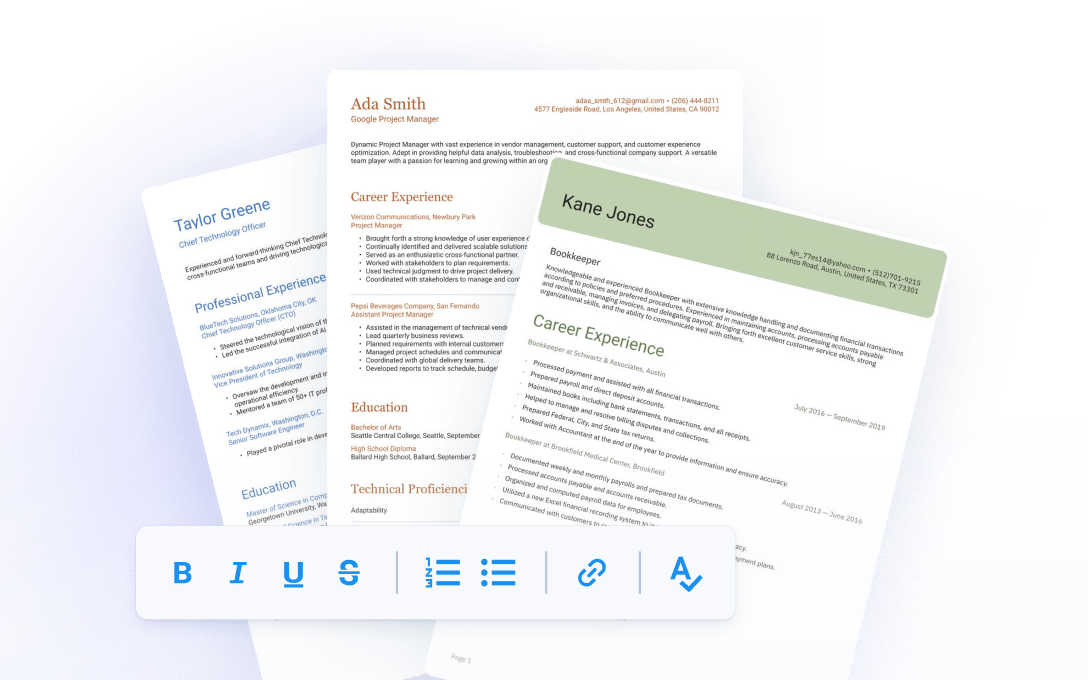
If your layout is the problem, our ATS-friendly resume templates are designed to read cleanly for both software and recruiters.
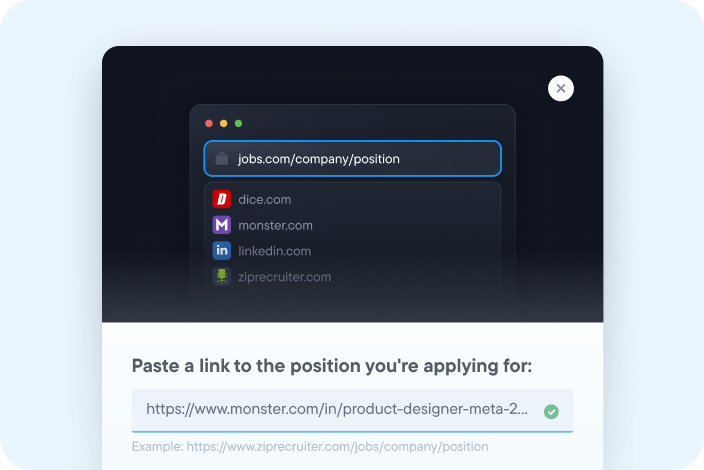
You can check your ATS score for free by uploading your resume to the Resume.io ATS checker. You get an instant score and a list of suggested fixes. You can also add a job description to see how well your resume matches that specific role.
The Resume.io ATS checker runs 16 checks across three areas: whether software can read your resume, the strength of your content, and how well you match a job description.
The Resume.io checker uses AI to review your resume in two stages. First, it checks that your resume includes all the essential sections. Then, when you add a job description, it gives you two scores: one for overall completeness and one for how well your resume matches the role. Together, they show where your resume stands and what to improve next.
A good score on the Resume.io checker is 80 or above, which means your resume covers the essentials. Scores from 60 to 79 are a solid start, with a few gaps to fix. If you are around 70, focus on matching keywords to the job description and completing any missing sections. Treat any score as a guide to what to improve, not a prediction of whether you will get an interview.
An ATS checker is accurate at spotting common problems, such as missing sections, hard-to-read formatting, and keywords missing from the job description. It cannot copy every employer’s system, because each company sets up its ATS differently. Use your score as a guide to what to fix, not a prediction of whether you will be hired.
Different checkers can also give the same resume different scores, because each one weighs things differently. Focus on the fixes a tool suggests rather than the number itself.
Both work. Most modern applicant tracking systems can read a .docx file or a text-based PDF. Always follow the employer’s instructions first. If none are given, a PDF keeps your layout intact, while a .docx is the safest choice for older systems. Avoid scanned or image-only PDFs, because software cannot read the text inside them. The Resume.io checker accepts both PDF and DOCX files.
ATS systems themselves do not typically flag AI-generated content. However, some hiring managers and employers use separate AI detection tools during their review process. Research shows that 49% of hiring managers say they would reject a resume they believed was AI-generated. The safest approach is to use AI as a starting point and then rewrite the content in your own voice, making sure it accurately reflects your real experience and skills.
Yes, the basic resume grader is free. You get a full review, an ATS score, and tips to strengthen your resume. You will need to enter your email address to see your results. Premium templates and extra features are available if you choose to upgrade, but the core grader costs nothing.