Free AI CV Checker

Upload your CV and get a free CV score, with clear fixes for each section. Add a job advert to see how well your CV matches the role.
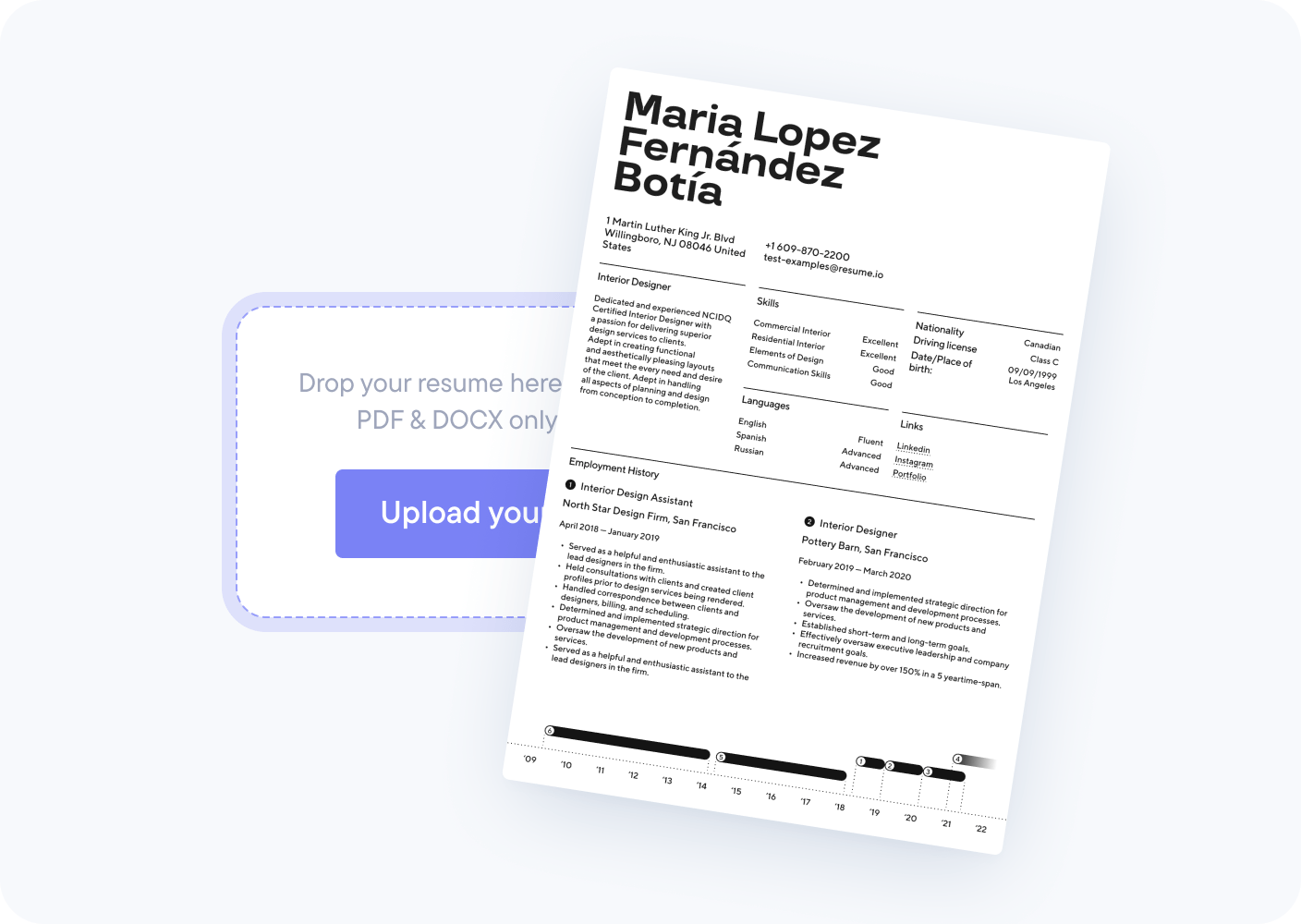
Drag and drop your CV here
PDF or DOCX, up to 10MB
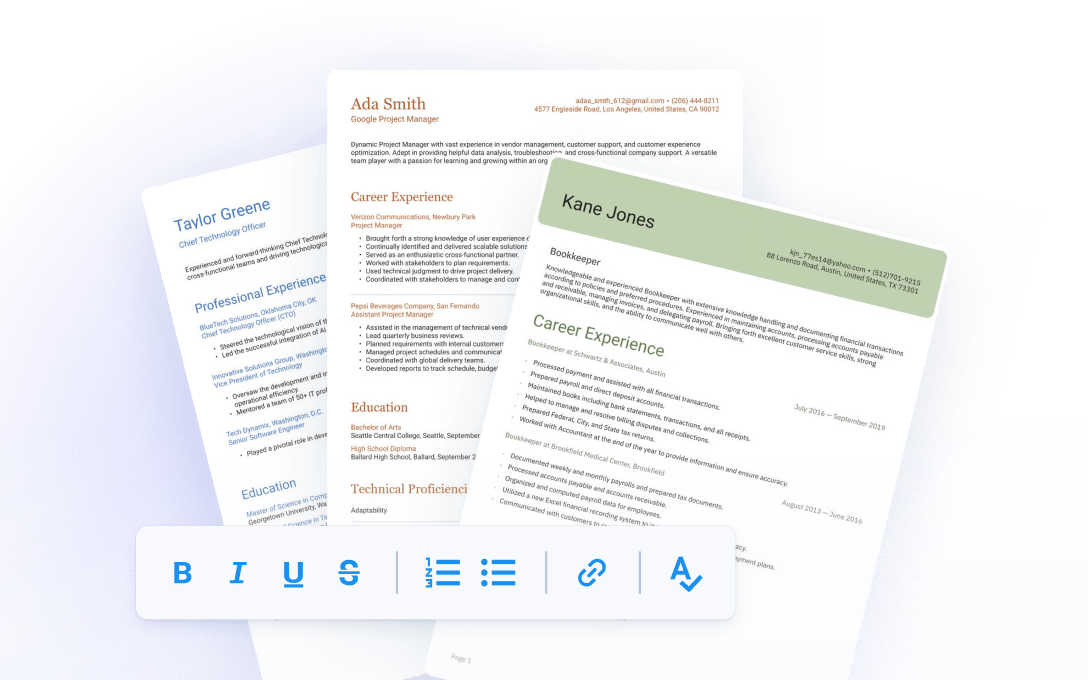
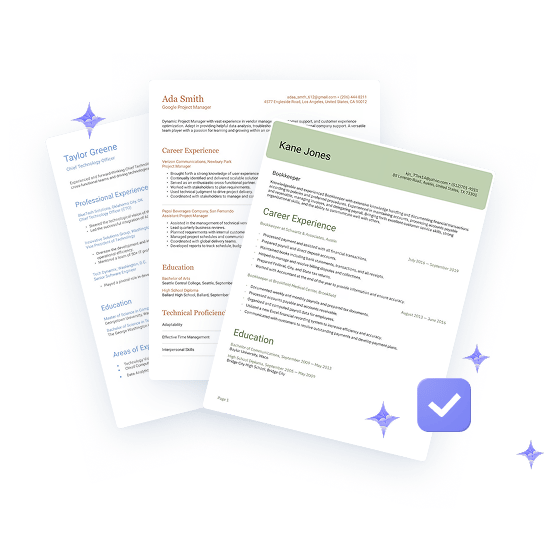
A selection of CVs that have been checked by AI and reviewed to receive a score

What the Resume.io CV checker does

What it checks
13 checks across 4 areas, including contact details, your profile, experience and education, and skills
What you get
A CV score and a list of fixes. Add a job advert to get a separate job-match score
Cost
Free. You enter your email address to see your results
Time
Under a minute
Files
PDF or DOCX, up to 10MB
Your data
Your CV is saved to your Resume.io account so you can keep editing it. Read our privacy policy to see how we use your data.

A CV checker for every job

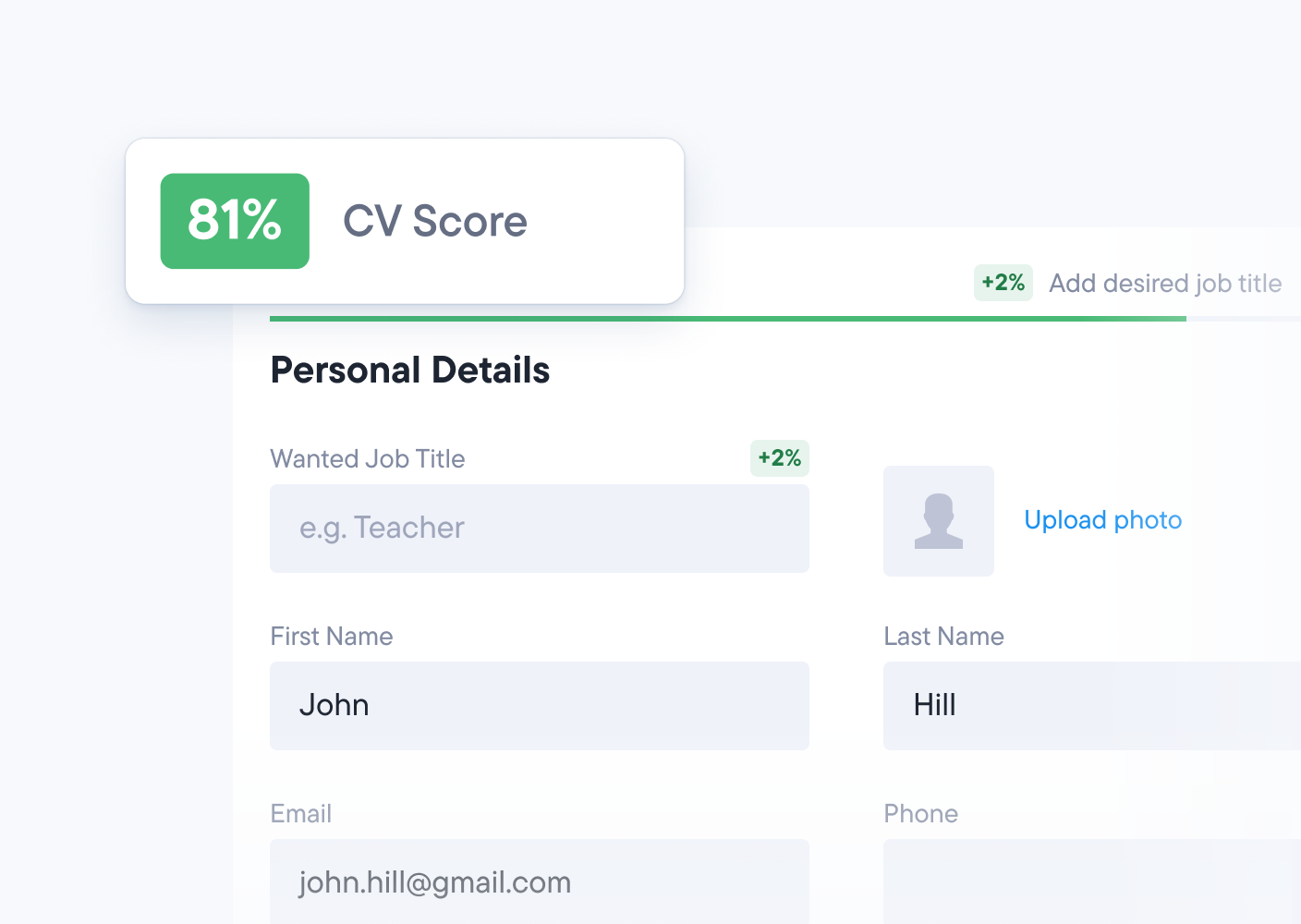
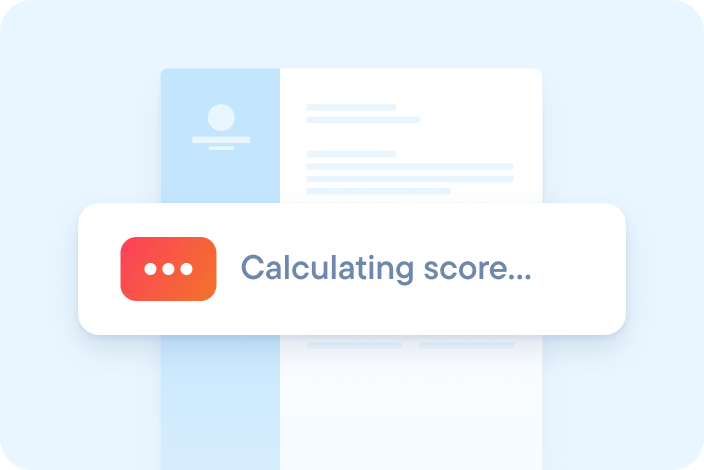
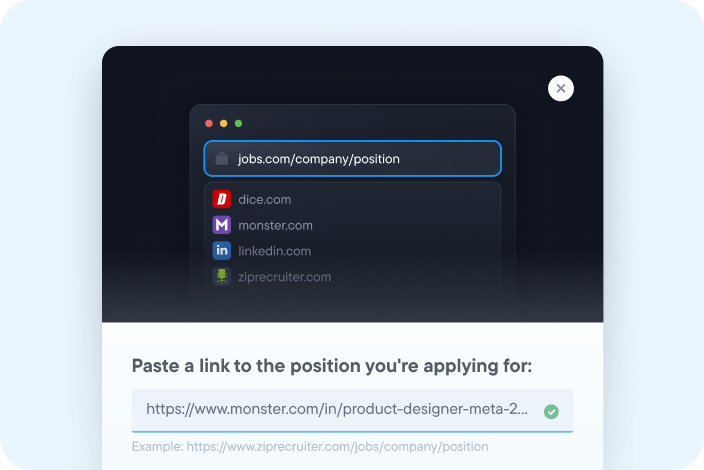
Progress indicator showing CV score being calculated in an ATS checker tool

See your CV score

The checker reads your CV the way applicant tracking software does, then scores how clear and complete it is.
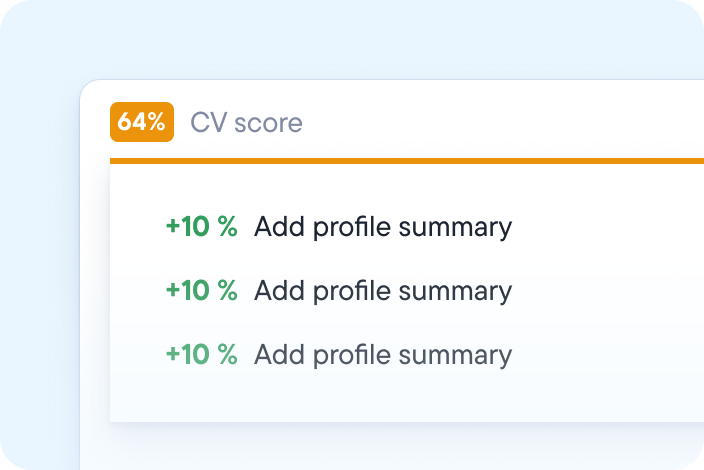
AI CV checker showing a 64% score and actionable improvement tips

Get clear next steps

Each issue comes with a plain instruction, so you know exactly what to change and where.
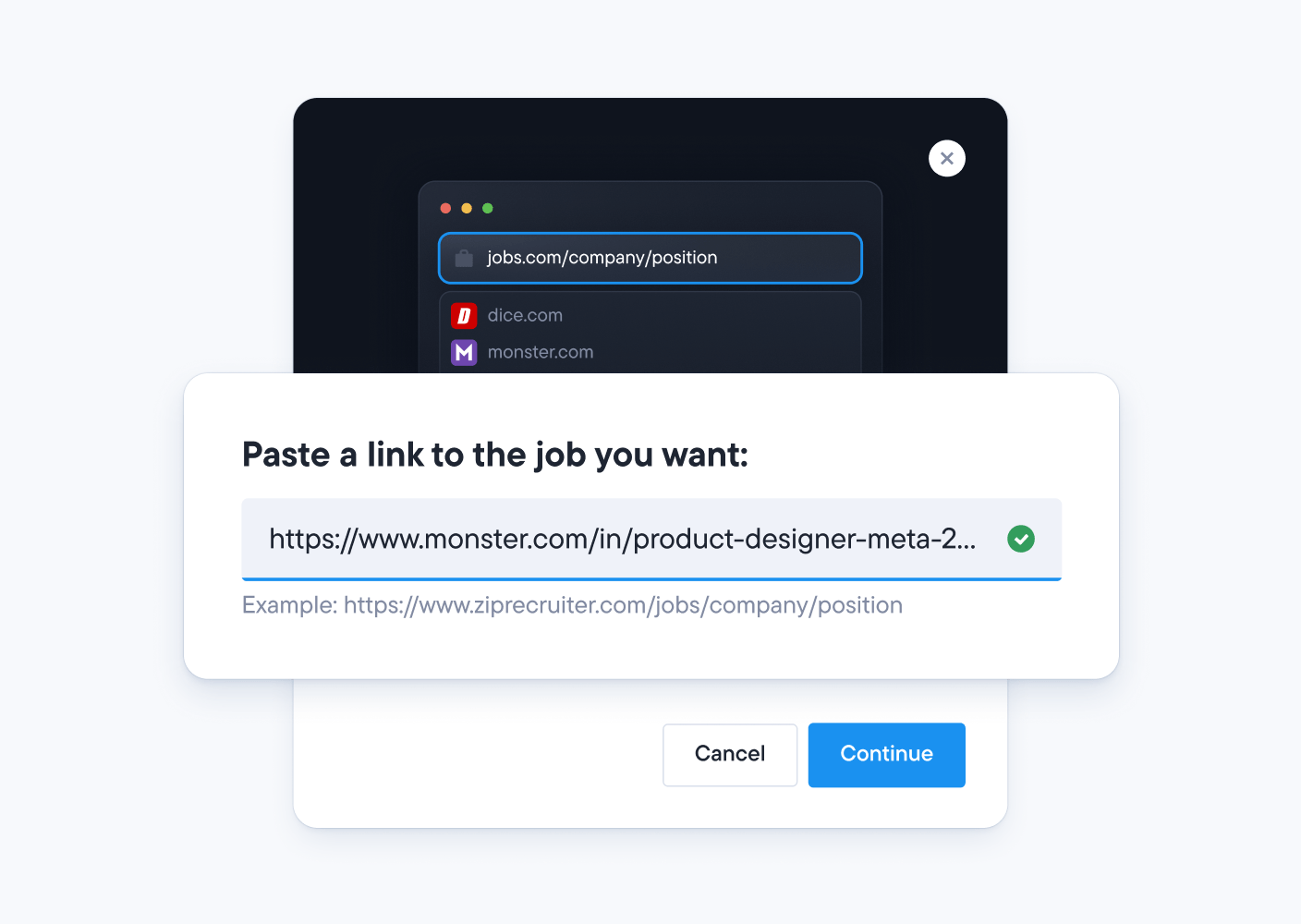
AI CV scanner feature that analyses your CV against a job description for better matching

Match your CV to the job

Paste in a job advert and the checker shows which skills and keywords from the role are missing from your CV.

What does the CV checker look at?

The Resume.io CV checker runs 13 checks across 4 areas. Each check looks for something that can stop software or a recruiter reading your CV clearly.

  • Contact details

    Email address, phone number, town or city and country

  • Profile and job title

    A personal profile and the job title you're applying for

  • Experience and education

    Employment history, education, placements, courses and activities

  • Skills and languages

    Up to five skills and the languages you speak

How does the free CV checker work?

1. Upload your CV
Drop your CV into the box or upload it. PDF or DOCX, up to 10MB
1. Upload your CV
2. Get instant feedback
See your score and a list of what to fix first
2. Get instant feedback
3. Add the job description
Paste in the job advert to get a job-match score
3. Add the job description
4. Update your CV
Work through the fixes in the CV builder, then check again to see your new score
4. Update your CV
1. Upload your CV2. Get instant feedback3. Add the job description4. Update your CV

What does your CV score mean?

Your CV score shows how clearly software and recruiters can read your CV, and how much is left to fix. It is not the score an employer's own system gives you, because no online tool can see that.

ScoreWhat it meansWhat to do next
80% and aboveStrong. Your CV is clear and completeTailor it to each job advert before you apply
60% to 79%A good base with a few gapsFix the flagged sections first, then check again
Below 60%Needs work before you applyStart with format, sections and keywords

What a fix looks like

What the checker flags
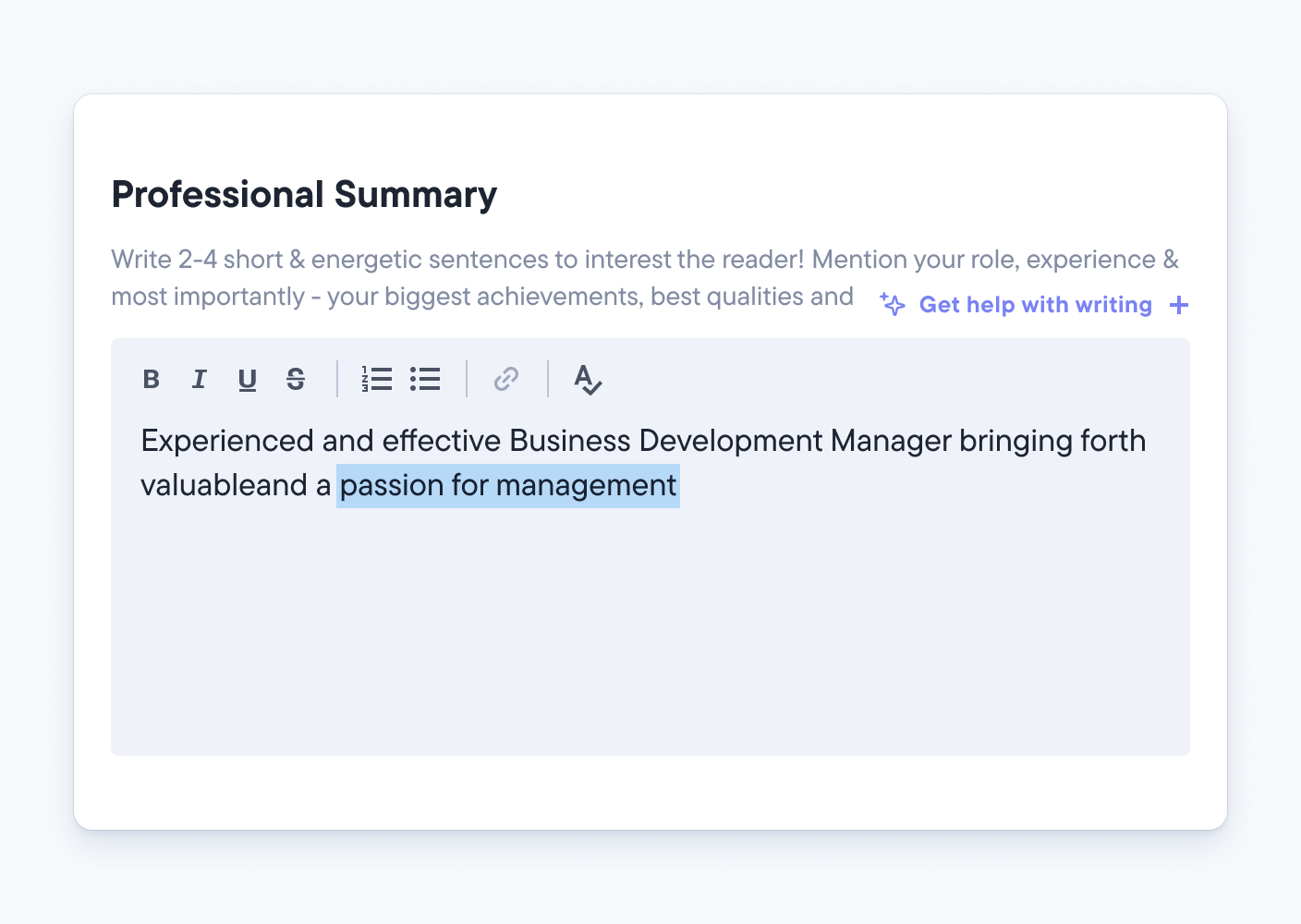
Add profile summary
Why it matters
A personal profile at the top of your CV tells recruiters who you are and what you offer in a few lines. Without one, your CV misses 15 points.
Before

No personal profile. The CV opens straight with work experience.

After

Product manager with six years' experience launching B2B software in the UK.

Score change82% to 97%

Does the CV checker work for UK CVs?

Yes. The Resume.io CV checker is set up for UK applications. It checks that your CV opens with a personal profile, and its suggestions use UK terms such as placements and CV.
How can I improve my CV score?

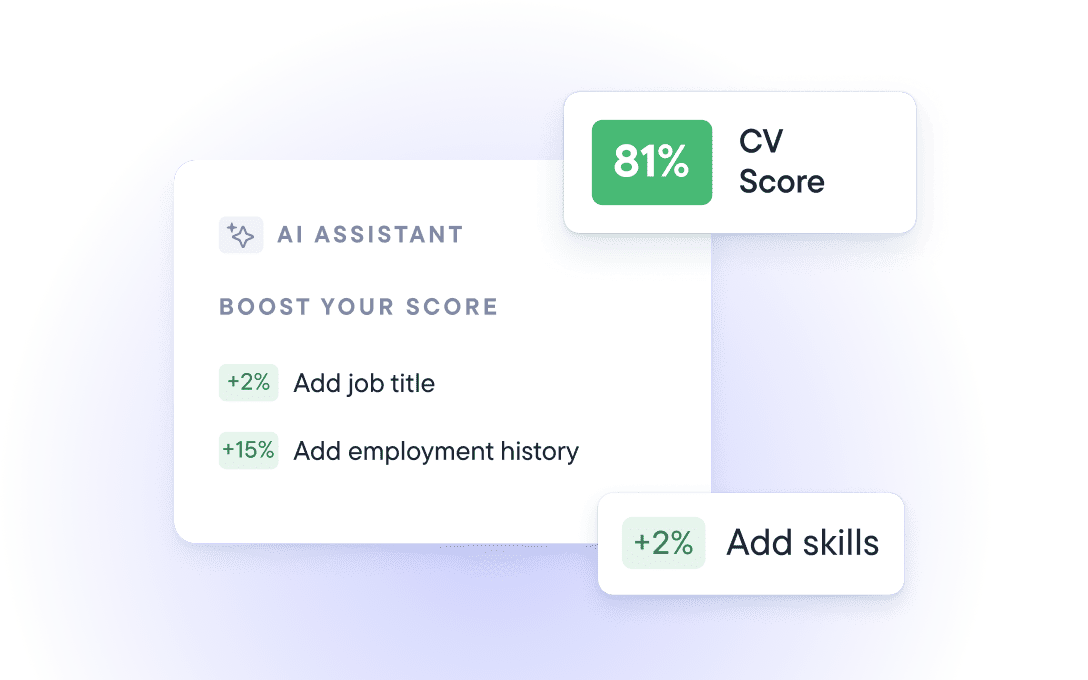
CV checker showing score and AI-powered suggestions to improve job title, skills, and work history

Use the job advert as your guide

Mirror its job title, key skills and wording where they truly fit your experience.
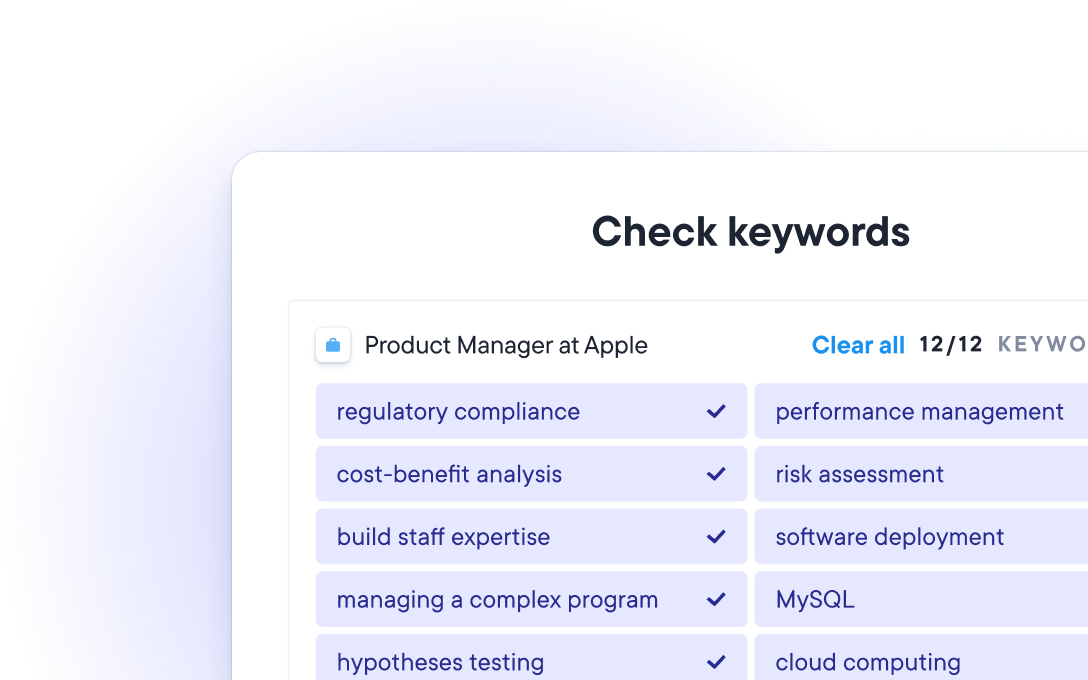
AI CV checker matching keywords from a product manager job advert

Add keywords from the advert

Applicant tracking systems search for the skills and terms in the job advert. Add the ones you genuinely have to your profile, skills and work history.
Examples of ATS-friendly CV templates with formatting options for editing CV content

Use a clear template

Standard section headings, such as Work experience and Education, are easier for software and recruiters to read.