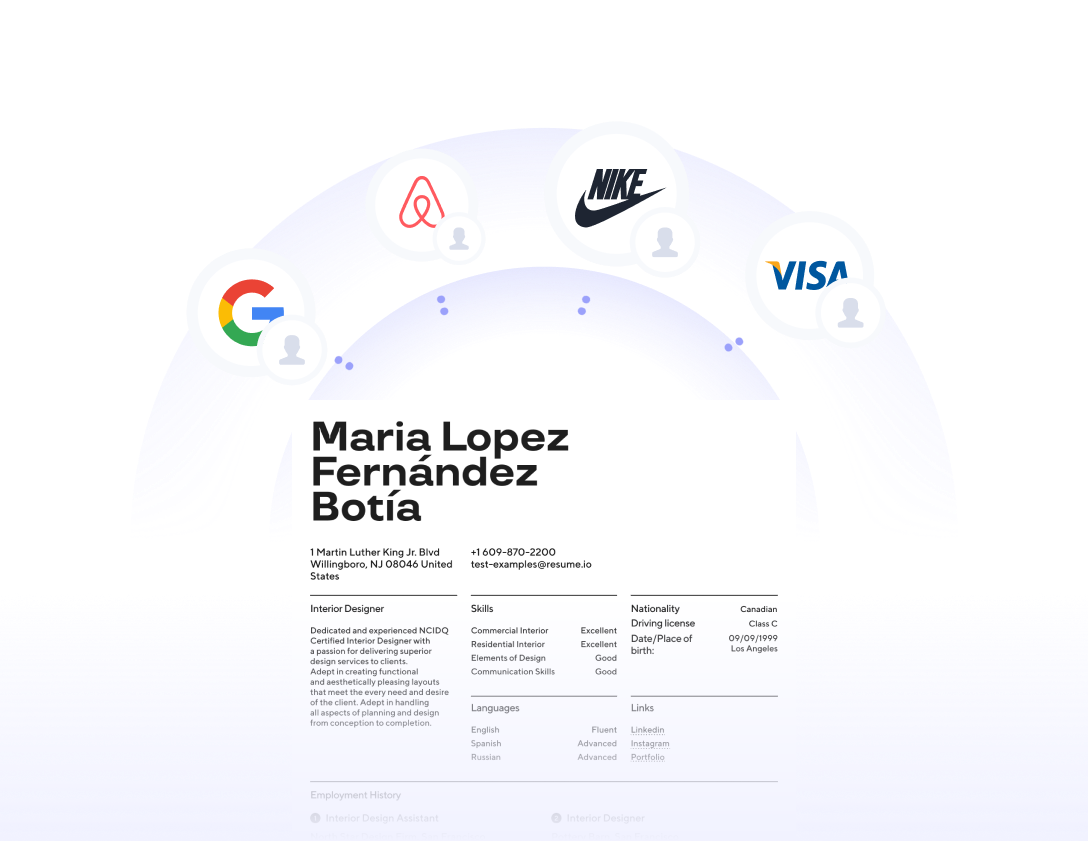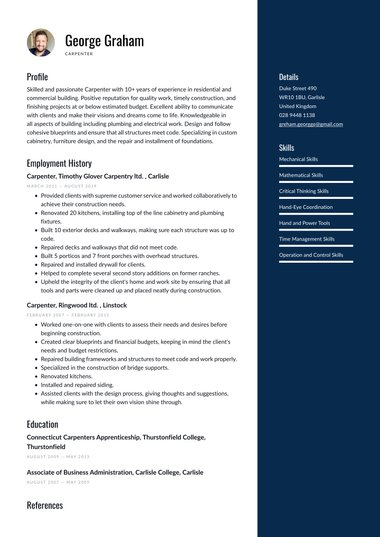
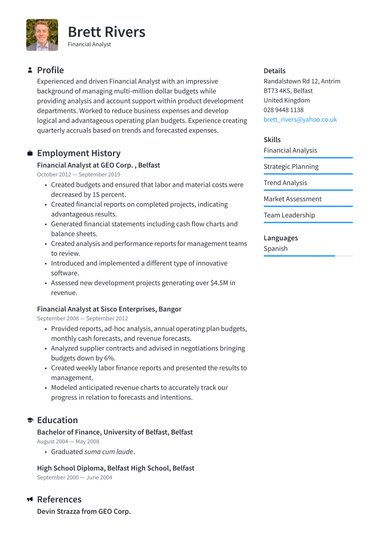
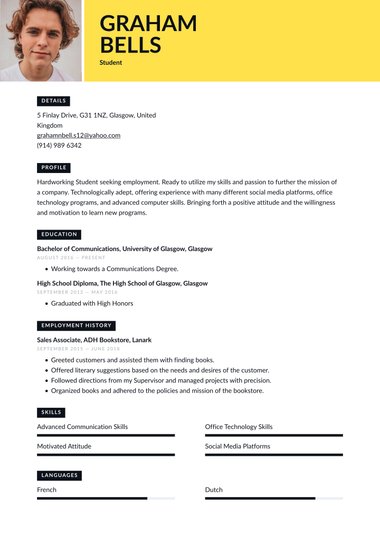


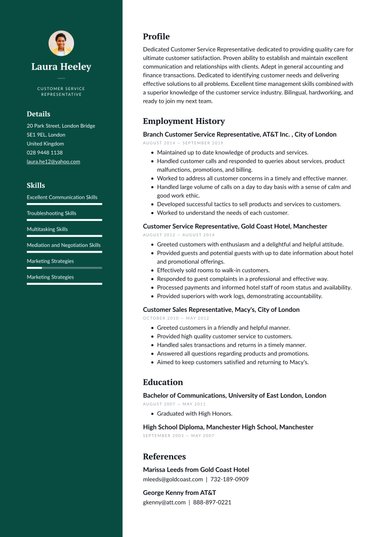

A modern CV template uses bold colour, eye-catching headers, and fresh layouts to help your application stand out in creative and tech-led industries.
Every Resume.io modern template pairs that style with a clear structure, so recruiters still find your experience quickly.
Pick a design below, add your details, and download your CV as a PDF.
What makes a modern CV template different?
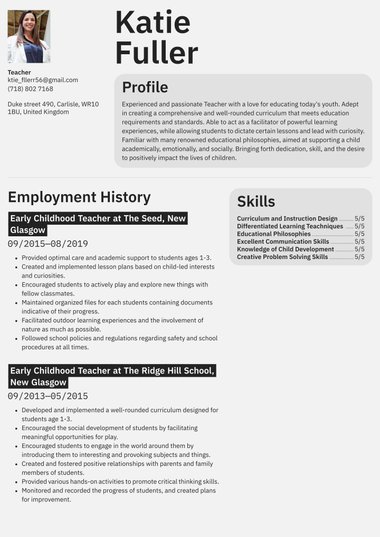
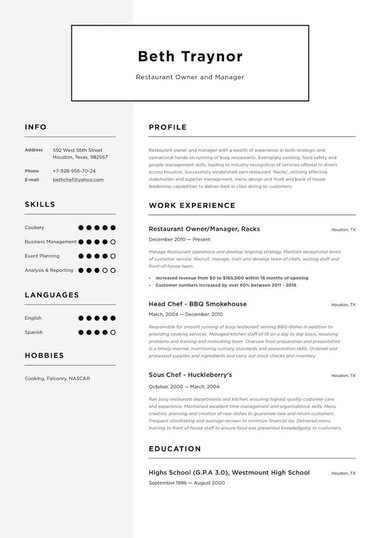
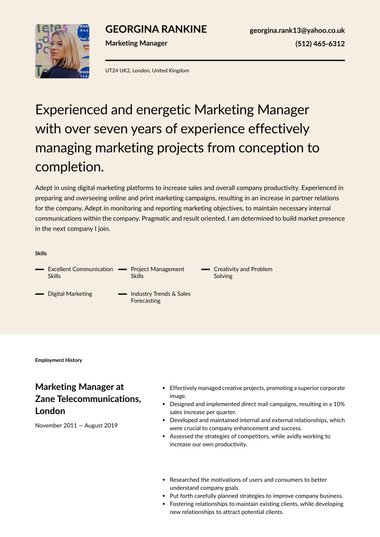
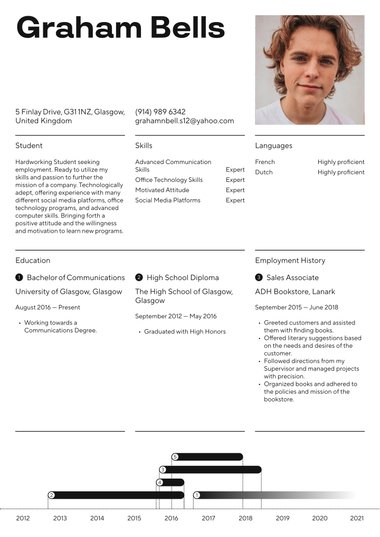
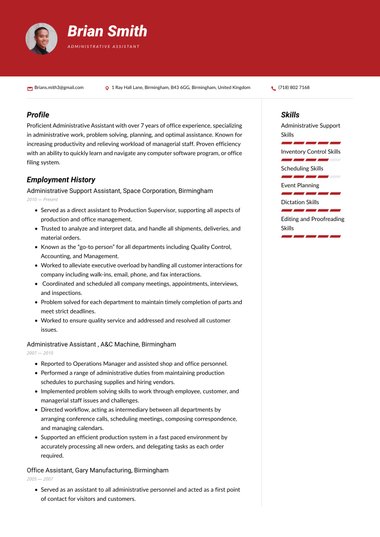
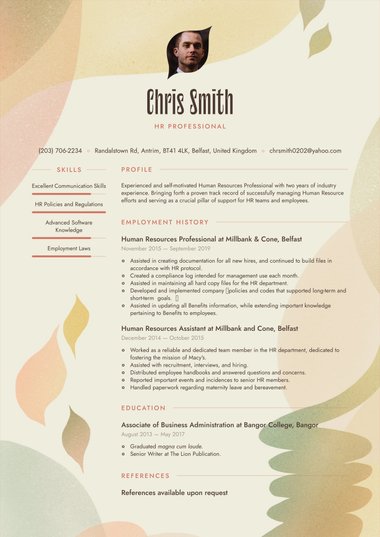
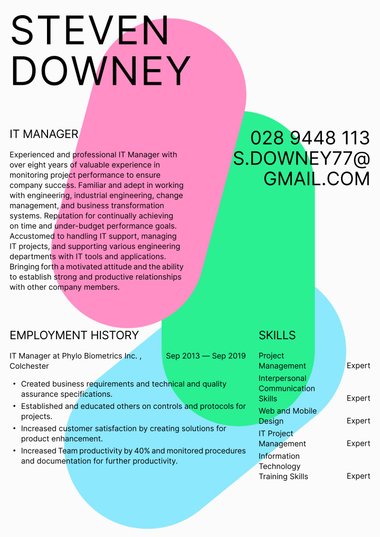
A modern CV template stands out through design: brighter colours, stronger headers, bolder fonts, and layouts that break from the traditional single column.
The style signals that you follow changes in your industry and bring fresh thinking to your work, a quality many employers in marketing, media, and technology value.
Compared with classic and professional designs, our modern CV template range takes more visual risks.
Each design feature has a job to do:
- Colour: Guides the eye from one section heading to the next
- A strong header: Puts your name and job title where a recruiter looks first
- Sidebars: Hold skills, contact details, and portfolio links, so the main column in a two-column layout can focus on your experience
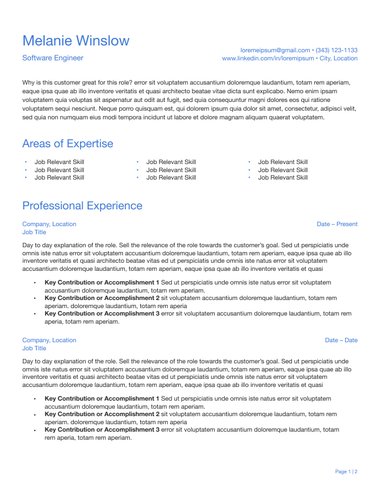
- Monochrome options: Keep a contemporary feel with less colour, for sectors that prefer restraint
A modern layout works best when your personal statement and recent roles are strong enough to match its visual confidence.
A readable font keeps the detail clear beneath the headings.
When should you use a modern CV template?
Use a modern CV template when you apply for roles in marketing, advertising, copywriting, film and television, IT, or software development.
These sectors tend to value individuality and current trends, so a confident, well-designed CV reflects qualities employers want to see in your work.
Designers have the most freedom. Graphic designers, UX designers, and web developers can treat the CV itself as a small sample of their taste.
The company matters as much as the job title.
Look at the employer’s website, logo, and social media before you choose a design.
A young or forward-thinking brand can welcome a modern template even for a traditionally formal role, such as finance or operations.
| Your situation | Is a modern template a good fit? |
|---|---|
| Applying to a digital agency, start-up, or media company | Yes |
| Freelancing or self-employed and pitching to clients | Yes |
| Formal role at a forward-thinking brand | Often, so check the brand first |
| Law firm, NHS, civil service, or bank | Usually not, so choose a more restrained design |
For those formal settings, a professional CV template or a simple one is the steadier choice.
Freelancers and self-employed candidates get a double benefit from a modern template: it presents their skills in a polished format and shows clients they run a current, well-presented business.
How do you choose the right modern CV template?
Choose a modern CV template by matching how much colour and decoration it uses to how creative your field is.
A designer can carry a vivid, colour-led layout, while a developer or analyst often does better with a cleaner modern design that still feels current.
- Gauge your field: The closer your work sits to design, branding, or media, the more colour your CV can carry.
- Decide whether you need Word: Only Balanced and Essential download as Word files, so start there if the job advert asks for one.
- Preview the template with your own details: Headers and sidebars that look spacious with sample text can feel crowded once your real job titles, dates, and skills go in.
Eight of the 11 designs map neatly to common situations:
| Template | Design | Suggested fit |
|---|---|---|
| Balanced | Contrasting sidebar | Candidates who want colour and a Word option |
| Essential | Versatile layout with a minimalist header | A gentle step from traditional into modern |
| Vivid | Standout header with strong section accents | Marketing and brand roles |
| Executive | Streamlined multi-column structure | Senior roles in tech or innovative businesses |
| Clean | Monochrome with neat section compartments | Tech and data roles that suit a cooler look |
| Visionary | Fluid, energetic layout | Design and other creative roles |
| Colour Splash | Strong font with playful pops of colour | Early-career candidates in media or content |
| Modern | Energetic layout with room for a busy history | Freelancers with many short projects |
Treat these pairings as a starting point, since your own content decides the final fit.
A long career history needs the room that Modern or Executive offer, while a shorter one can carry a stronger header and more colour.
Can a modern CV template hurt your chances?
A modern CV template can hurt your chances when the design makes your CV harder to read or clashes with the employer’s culture.
Colour and fresh layouts help in design-led fields, yet heavy graphics and tiny text slow a recruiter down in any sector.
Readability comes first, whatever the style.
Resume.io career coach and writer Amanda Augustine, CPRW, CPCC, recommends a clean, consistent layout with enough white space.
She cautions against “elaborate designs that can be overwhelming to readers and make it more difficult for them to find the details they care about.”
To keep a modern CV striking and readable:
- Keep body text at a comfortable size, even when the headings are large
- Save colour for headings and accents
- Keep every word as real text, never inside images or icons
- Limit decoration to one or two features, such as a coloured sidebar or a strong header
- Leave white space between sections so the eye can rest
Large employers often screen applications with applicant tracking systems, the software that sorts CVs before a person reads them.
For those applications, choose a modern design with one main column or switch to an ATS CV template.
Can you download a modern CV template in Word or PDF?
Yes. All 11 modern CV templates download as a PDF, and two of them, Balanced and Essential, also download as a Word document.
PDF is the more reliable file format for a modern design, because it locks your colours, fonts, and layout in place so the hiring manager sees exactly what you designed.
| Format | Modern templates available |
|---|---|
| All 11 templates | |
| Word (.docx) | Balanced and Essential |
| Google Docs | Any Word download, opened in Google Docs |
A PDF works for printing, emailing, and uploading.
Some online application portals ask for a Word file instead, so check the job advert first. In that case, pick Balanced or Essential and select the .docx option when you download, or browse our Word CV templates for more choice.
To work in Google Docs, upload the Word file to Google Drive and open it there.
Bold designs can shift slightly in a new editor, so review the colours and spacing before you send your CV.
Clean and Industrial are monochrome designs, so they also hold up well when an employer prints your CV in black and white.
Key tips
- Match the design to your field: Design, marketing, and tech roles welcome colour, while law, finance, and the public sector favour restraint.
- Look at the employer’s brand before you choose a template.
- Keep every word as real text, with colour saved for headings and accents.
- Send a PDF so your colours and layout arrive exactly as you designed them.
- Pick Balanced or Essential when an employer asks for a Word file.
Frequently asked questions
These are the questions job seekers most often ask before choosing a modern CV template.
What is the difference between a modern and a creative CV template?
A modern CV template adds colour and contemporary layouts to a structure most employers recognise.
A creative CV template goes further, with more expressive design.
Modern designs suit tech, marketing, and forward-thinking businesses, while creative designs suit roles where the CV doubles as a sample of your work, such as illustration.
Can graduates use a modern CV template?
Yes. A modern CV template suits graduates applying to start-ups, agencies, and tech firms, because the design adds polish when work experience is still short.
Put education, projects, and key skills near the top, and keep the CV to one page if your content fits.
Should my cover letter match my modern CV template?
Yes. A matching cover letter with the same colours and header makes your application look like one consistent package.
The two documents usually travel together, so a shared design keeps your name and details easy to find across both.