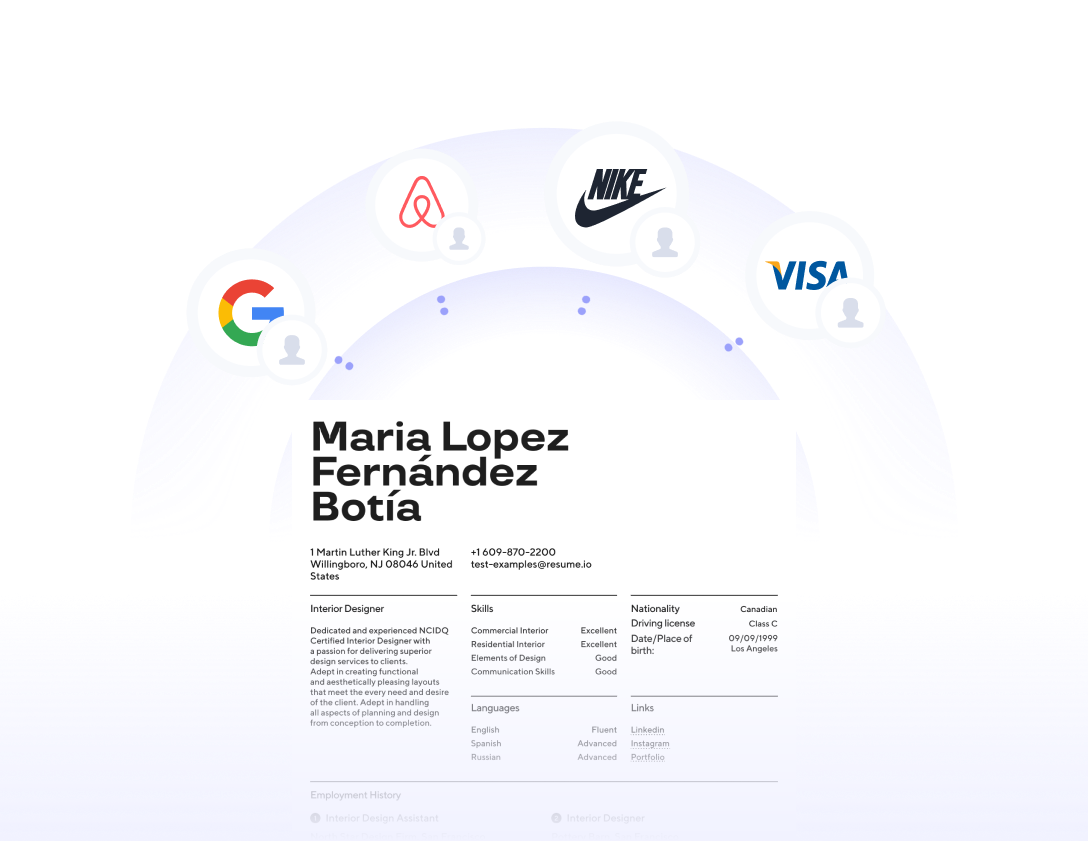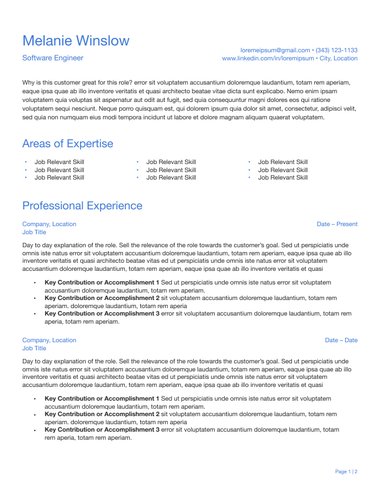
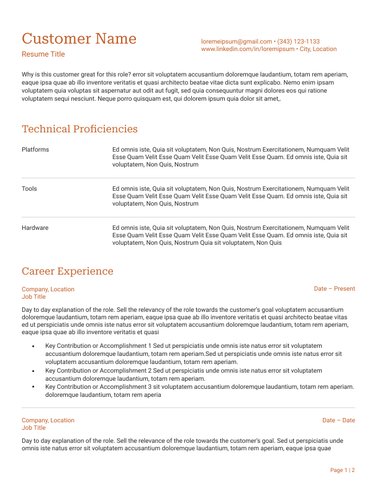

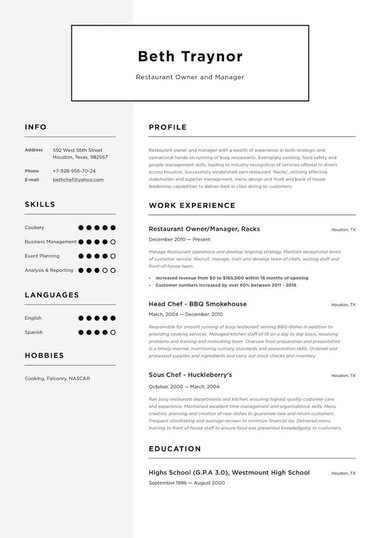
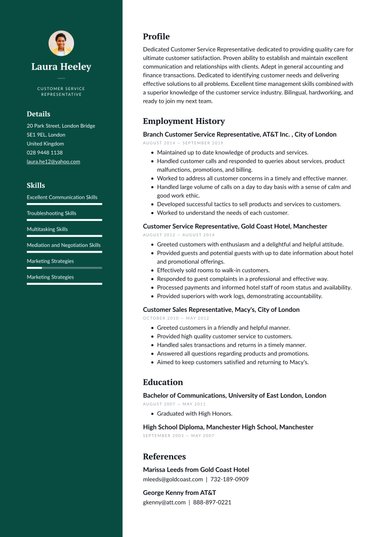


A classic CV template gives you a traditional, professional layout that lets your experience do the talking.
Resume.io’s classic CV templates follow the structure UK employers are used to reading, with clear headings, a standard font, and your work history in reverse chronological order.
Each one downloads as a PDF, and the Classic design also downloads as a Word file.
What is a classic CV template?
A classic CV template is a traditional layout with clear section headings, a standard font, and very little colour.
It lists your experience in reverse chronological order, with your latest job first. It leaves out graphics and photos, so recruiters can scan your career quickly and screening software can read it reliably.
The style has lasted because it works.
A recruiter can open a classic CV and know straight away where to find your current role, your qualifications, and your key skills, without having to learn a new layout first.
Small touches, such as a thin line under each heading or a dark accent colour for your name, keep the page looking current.
| Feature | Classic CV template |
|---|---|
| Layout | Usually a single column, read from top to bottom |
| Fonts | One readable font, such as Georgia, Arial, or Calibri |
| Colour | Black text with one dark accent colour at most |
| Section order | Contact details, personal statement, experience, education, skills |
| Visuals | Dividing lines only, with no photos, icons, or charts |
Is a classic CV the same as a chronological CV?
Mostly, yes. A classic CV template is built around the reverse chronological format, which is the format most UK employers expect, with your most recent job first.
Skills-based and combination formats can also use a classic design, but chronological is the best fit for anyone with a steady work history.
| CV format | How it works | Best for |
|---|---|---|
| Reverse chronological | Jobs listed newest first, with achievements under each | Most candidates with steady experience |
| Skills-based | Skills grouped by theme, with a short job list underneath | Career changers and people with long gaps |
| Combination | A skills summary first, then a chronological job history | Experienced candidates with transferable skills |
A gap in your work history does not rule out a classic template.
Add a one-line note in place of a job, such as “Career break: caring for a family member” or “Career break: travel and volunteering”, rather than leaving a blank.
Recruiters see gaps often, and a short, honest note answers the question before it is asked.
Who should use a classic CV template?
A classic CV template suits most job seekers, and it is a dependable choice for traditional sectors, online applications, and anyone unsure of an employer’s style.
It works at every career stage, from school leavers writing a first CV to senior candidates summarising decades of experience.
- Healthcare and care: Employers want registrations, training, and checks to be easy to find on an NHS CV or a care assistant CV
- Law, finance, and the public sector: These employers tend to expect a formal, understated look
- Online applications: Clear headings and a single column help screening software read your details in the right order
- Students and school leavers: A traditional structure helps a short student CV look organised and complete
- Career changers: A neutral design keeps attention on your transferable skills rather than your past job titles
A classic layout is not the only option.
If you work in design or marketing, a creative CV template gives you more room to show your style.
If you want a similar structure with a fresher look, a modern CV template adds a little more colour.
How do I make a classic CV stand out?
A classic CV stands out through what it says, not how it looks.
Tailor your personal statement to each job, start every bullet point with an action verb, and back up your claims with numbers.
Because the design stays quiet, strong content is easy for a recruiter to spot.
Certified career coach Amanda Augustine recommends being specific about your impact:
“Include concrete examples of your contributions and accomplishments, quantified wherever possible, to give potential employers a clear sense of the value you have to offer.”
- Rewrite your personal statement for each job: Mention the job title and two or three skills from the advert
- Lead with action verbs: Words like “led”, “improved”, and “reduced” show what you did
- Add numbers: Budgets, team sizes, targets, and time saved make your results concrete
- Match the advert’s keywords: Use the same wording the employer uses for skills and qualifications
Here is an example personal statement for a classic CV:
Organised office administrator with five years’ experience supporting busy healthcare teams.
Skilled in diary management, data entry, and improving filing systems, including a switch to digital records that halved document search times.
Looking to bring calm, reliable support to a growing practice.
Classic, simple, or corporate: which CV template should I choose?
Choose a classic template if you want a traditional layout that suits almost any employer.
Choose a simple template if you want the most minimal design possible, or a corporate template if you work in business and want your results to lead.
All three keep a clear structure that recruiters read quickly.
| Template style | Best for | Look and feel |
|---|---|---|
| Classic | Healthcare, law, the public sector, and most online applications | Traditional, formal, text-led |
| Simple | Entry-level, trades, and hospitality roles | Minimal and uncluttered |
| Corporate | Finance, consulting, management, and sales | Polished, structured, results-focused |
You can see more designs on the simple, corporate, and professional template pages.
If you apply mostly through job portals, an ATS CV template is designed with screening software in mind.
Can I download a classic CV template in Word?
Yes. The Classic design downloads as both a PDF and a Word file, so you can send whichever format an employer asks for.
Every template on this page downloads as a PDF. Send a PDF by default, as it keeps your layout fixed on any device or screen.
Some recruitment agencies and older application portals ask for Word, because they edit CVs before passing them to clients.
If that applies to you, start with the Classic design and download the Word version.
You can then make changes in Word or open the file in Google Docs.
Whichever format you send, open the file first to check that the fonts and spacing have not shifted.
Key tips
- Choose a classic layout when you are unsure of an employer’s style, as it reads as professional in almost any sector.
- Keep spacing, margins, and date formats consistent from top to bottom, because small slips stand out on a traditional layout.
- Keep your CV to two A4 pages, or one page if you are early in your career.
- Leave your photo, date of birth, and marital status off your CV, as UK employers do not expect them.
- Read your CV aloud before you send it, which catches typos and clumsy phrasing that spellcheck misses.
- Update your CV every few months, so new achievements and figures are ready when the right job appears.
Frequently asked questions
These answers cover the questions job seekers ask most about classic CV templates.
Are classic CV templates ATS-friendly?
Yes, in most cases. Classic templates use standard headings, common fonts, and a simple structure, which applicant tracking systems read easily.
Keep your contact details in the main body of the page rather than in a header, so the software picks them up.
What font should I use on a classic CV?
A clear, widely available font such as Georgia, Arial, or Calibri works well.
Use 10 to 12 points for body text and slightly larger for your name and headings.
Stick to one font throughout so the page looks consistent.
Can I use a classic CV template for my first job?
Yes. Lead with your education, skills, and any part-time work, placements, or volunteering.
A traditional structure helps a shorter CV look organised and complete.
Is a classic CV template good for a career change?
Yes. A neutral layout keeps attention on your transferable skills rather than your past job titles.
Open with a personal statement that explains the move and what you bring to the new role.