
PDF resume templates

Stand out with a PDF resume template that won’t lose its style. Download, customize, and ensure your resume always appears professional to hiring manager.

Create my resume
Upload my resume

Resume templates

Pick a layout that fits your career stage and build your resume for free. Download it as a free TXT file, or as a designed PDF with a premium plan.
Show all all templates templates

Simple & basic resume templates

ATS-friendly templates that keep the focus on your experience. Build yours in minutes, then download as PDF or Word.
Show all simple templates

Word Resume Templates: How to Find, Build, and Format One

Free, editable Microsoft Word templates, plus how to build and format a resume in Word that recruiters and screening software can actually read.
Show all word templates

Professional Resume Format 2026: How to Build One

Build a resume that looks professional and reads clearly, with the format, summary, and sections that get it read.
Show all professional templates

ATS Resume Templates

Build a resume that reads cleanly to applicant tracking systems and to the recruiter who reviews it next.
Show all ATS templates

Two-Column Resume Templates 2026

Two-column templates that help you fit more onto one page while keeping your resume clean, organized, and easy to scan.
Show all two-column templates

Google Docs Resume Templates

Find Google Docs’ five free resume templates, learn how to edit them, and see when a resume builder is the faster route.
Show all google docs templates

A PDF of your resume is a copy of a document that was created in another word processing app, such as Word or Google Docs, and then saved in the PDF format. 

It’s a common format for sending your resume to potential employers, and is often requested by hiring managers.

It’s a popular choice for job hunters, as it looks professional, is easy to upload, and is compatible with a variety of applications and operating systems.

You can also easily create a PDF of your resume using a resume builder like resume.io for the most convenient solution. But if you already have a resume in another format, you can still convert it to it.

To convert a Word doc to PDF:

  1. Click on the file tab of an open document.
  2. Select “Save As” instead of “Save.”
  3. Name the file in the file name box.
  4. Select “PDF” in the Save As Type drop down menu.
  5. Click save when you are finished.

If you’ve created your resume in Google Docs, save it this way:

  1. Create your document in Google Docs.
  2. Click File>Download, then select PDF. 

Alternatively, to email a Google Doc as a PDF:

  1. Open your resume in Google Docs
  2. Click on “File” in the menu bar.
  3. Select “Email,” then “Email this File.”
  4. Enter the recipient’s address, the subject line, and message.
  5. Make sure you’ve selected “PDF” in the file type box.
  6. Click “Send” to send your resume as a PDF.

Pros and cons of a PDF format

If a job description specifically states to send your resume as a PDF, then there really is no debate as to the format you’ll use: follow the directions and send it as a PDF. However, if you have a choice, it’s important to take some time to decide if PDF is the best format to use to save your resume.

PDF is a great choice, but it’s not without its drawbacks. Let’s take a look at the pros and cons of saving your resume as a PDF so you can make the best choice for your situation.

Pros

  • Preserves Formatting: the layout of your resume remains intact, ensuring consistent viewing across different devices and software.
  • Widely Accepted: Recruiters can open PDFs easily on almost any device or platform.
  • Optimized for ATS: PDF resumes can be parsed accurately by most modern Applicant Tracking Systems, making them a safe option.

Cons

  • Editing Limitations: PDFs are not as easily editable as Word documents, making last-minute changes more challenging (unless you’re using resume.io’s Resume Builder, in which case this isn’t an issue).
  • File Size Considerations: Graphics-heavy PDFs can have larger file sizes, which may be difficult to upload on some job application platforms (again, not an issue with our Resume Builder).
  • Can’t track changes: Unlike Word, PDF doesn't allow for tracking changes you’ve made in your resume.

Why use a Resume Builder instead of editing elsewhere

While you’re free to create and edit your resume in Adobe, Microsoft Word, or Google Docs and then export as a PDF, it may not be the optimal choice. 

Instead, consider resume.io’s Resume Builder, which has all the tools you need to create a professional-looking resume, all in one place. 

Why choose the Resume Builder?

  • Multi-format resume options: save your resume in your choice of formats, including PDF.
  • AI-generated phrases: use our expert-approved, pre-written phrases to effectively highlight your skills, experience, and accomplishments.
  • Optimized resume formats: ensure your resume sails through the ATS with no issues.
  • Automatic summary generator: generate a top-notch professional summary that gets you noticed.
  • Professionally-designed resume templates: choose from a variety of professional, eye-catching templates to show off your skills.
  • Automatic spell checker: don’t worry about typos; the resume builder takes care of it for you, ensuring your resume is mistake-free.

Job-specific example PDF resumes

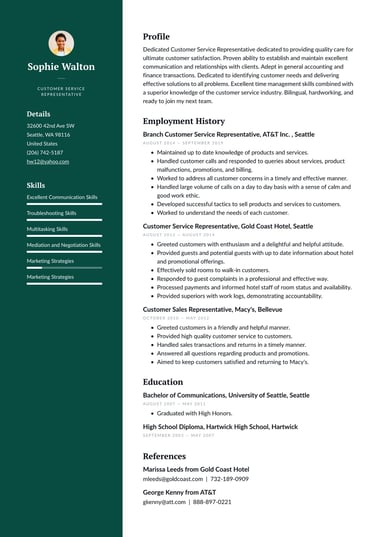
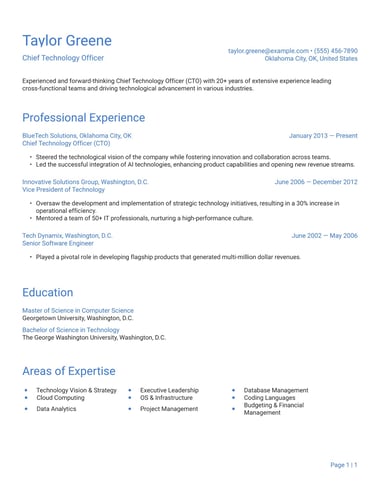
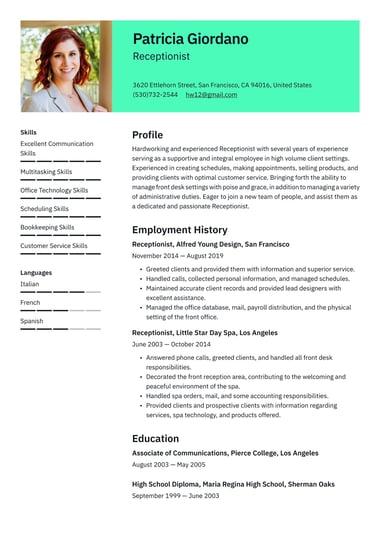
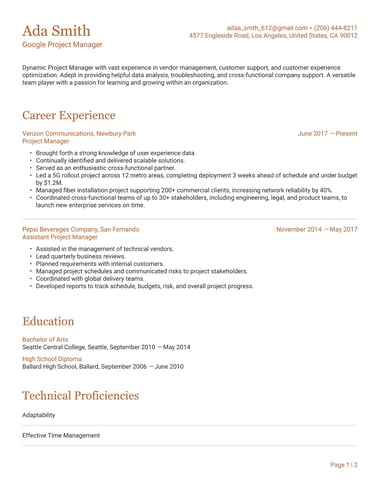
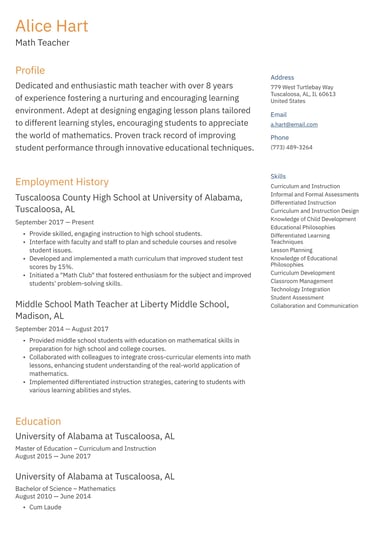
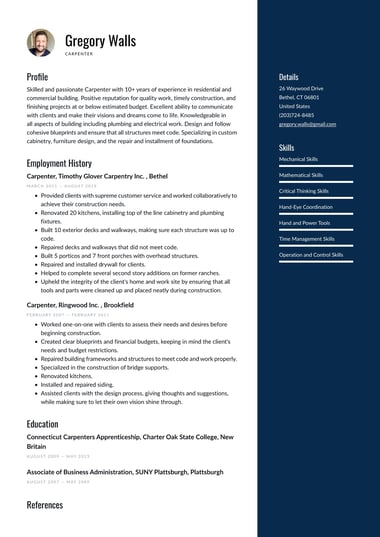
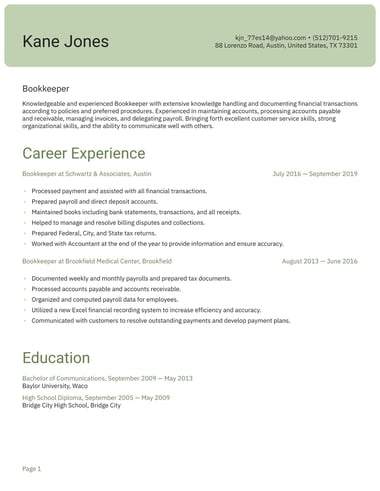
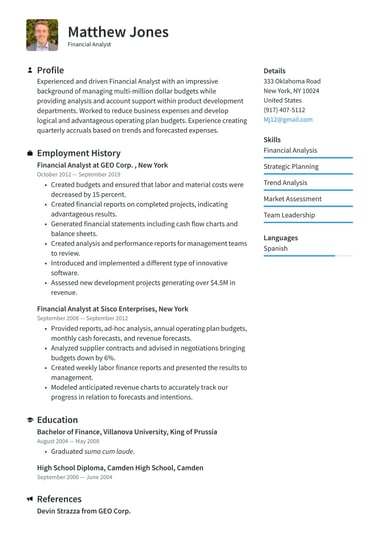
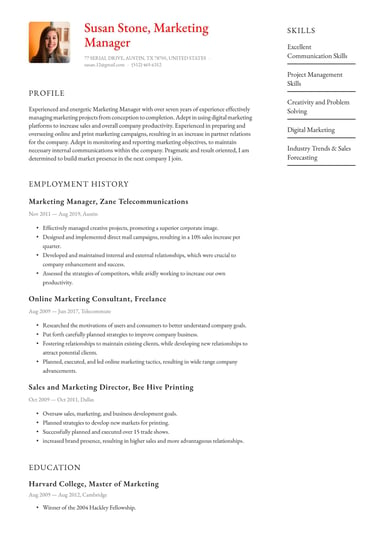
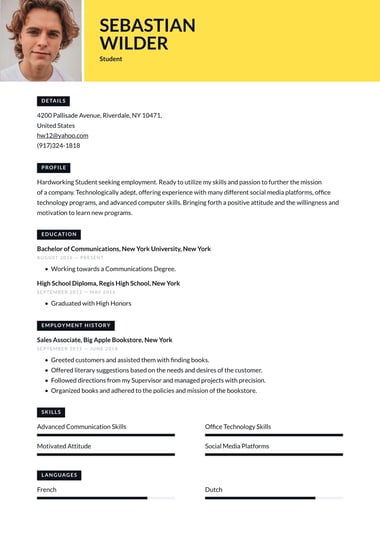
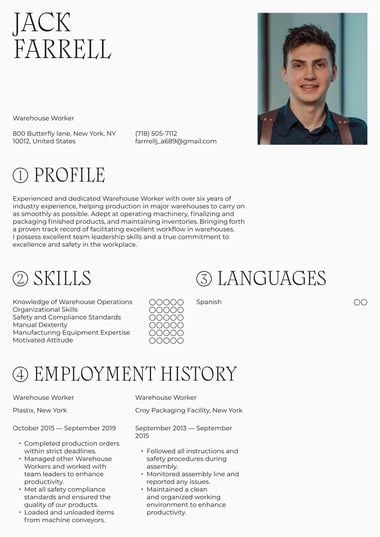
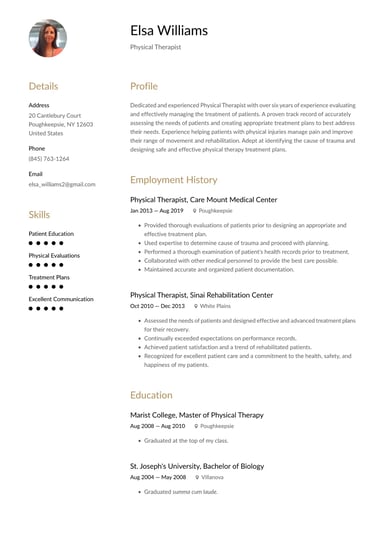
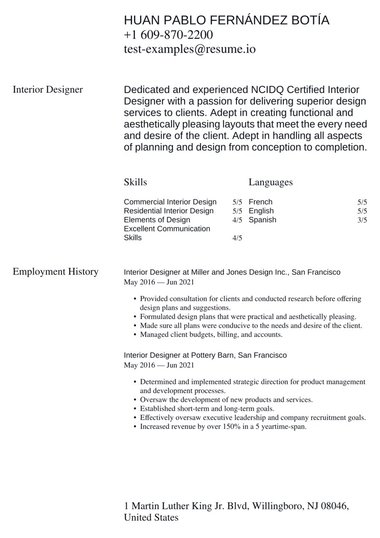
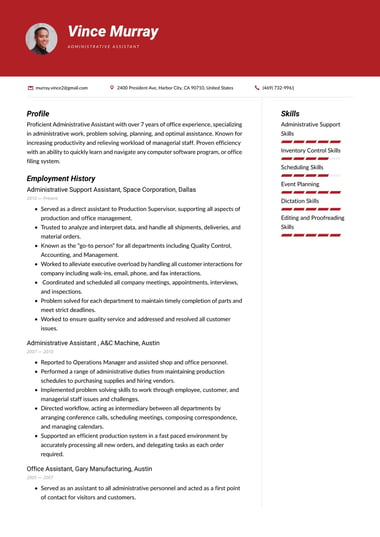
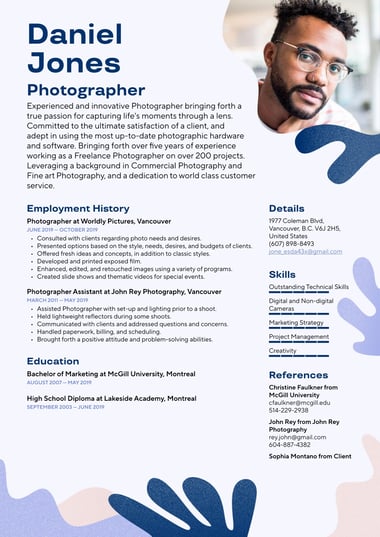
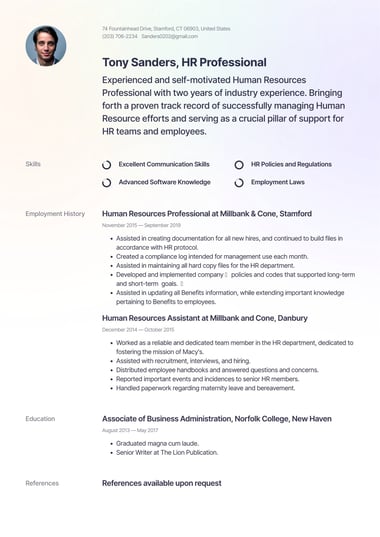
Resume.io has a variety of professional, eye-catching resumes that can be easily downloaded as a PDF file, ensuring your skills and experience are placed front-and-center. Wondering which template might be right for you? Here are a few examples that are available in the Resume Builder:

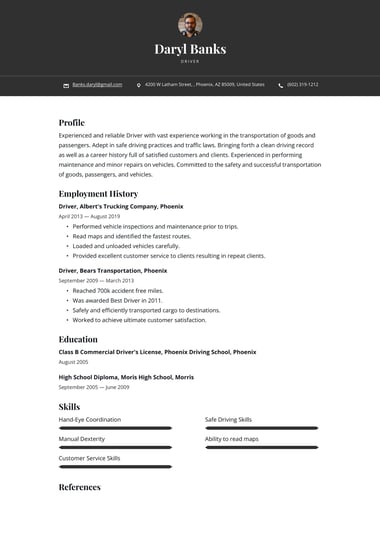
ATS-Friendly - Shanghai Template

Use this resume

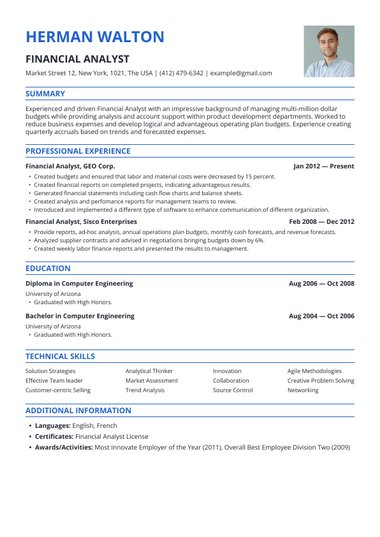
Ideal for ATS scans with minimal graphics and clean, simple formatting. Great for professionals who want to let their experience speak for itself.

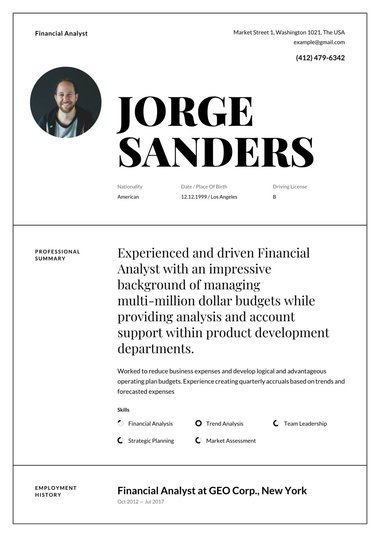
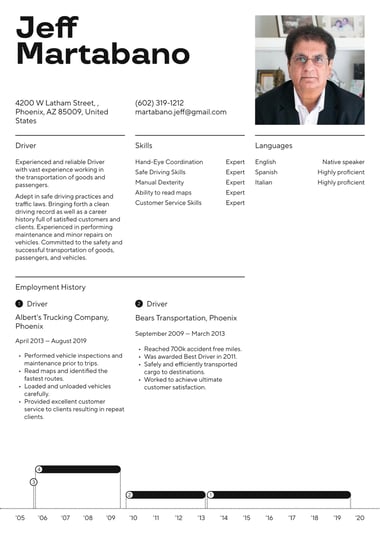
Picture/Simple - Boston 

Use this resume

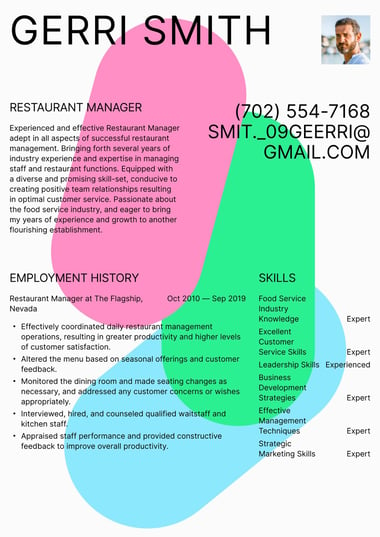
A visually appealing, multi-column layout that includes space for a profile photo. Perfect for professionals who want to convey their professionalism and organization.

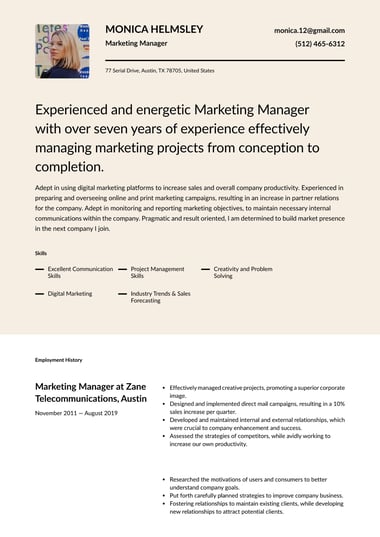
Creative - Lisbon 

Use this resume

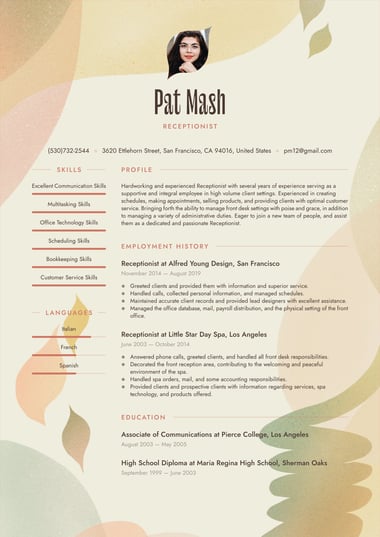
This is a visually-effective design for professionals in creative fields who want to stand out from the crowd. This design is exclusive to Resume Builder and not possible to create in a Word or Google docs format.

Is it better to send a resume as PDF or Word and Google Docs?

While it depends on what the employer is requesting, if you have the choice, it’s best to send your resume as a PDF. 

Why? These days, most current ATS programs parse PDF resumes more easily, increasing the chances that your resume is “green-flagged” and gets into the hands of an actual hiring manager.

It’s also more easily read by a variety of apps, operating systems, and platforms (such as tablets, phones, and laptops).

Why else is a PDF the best choice for your resume?

  • It looks more professional: a PDF is less likely to have issues with margins, spacing, or fonts.
  • It can’t be altered or changed: PDFs are “read only,” so you know that a hiring manager won’t accidentally lose or delete information.
  • High compatibility factor: PDFs can generally be opened by a variety of operating systems and software.
  • Maintain document formatting: a PDF will look the same to the person receiving it, and won’t have issues with the formatting getting corrupted when opened.
Build your resume in 15 minutes
Use professional field-tested resume templates that follow the exact ‘resume rules’ employers look for.
Create my resume
Build your resume in 15 minutes
Use professional field-tested resume templates that follow the exact ‘resume rules’ employers look for.
Create my resume

Frequently Asked Questions

Is Resume.io resume builder free?

Yes, there is a free option for Resume.io’s resume builder, as well as a seven-day trial option, and tiered pricing plans. Read more around billing and using Resume.io for free here.

What are employers looking for in a resume in 2026?

According to our experts, employers are looking for resumes that quickly get to the point and clearly demonstrate why a candidate is the right fit for a specific role. The most effective resumes are tailored to each job description, highlighting relevant skills and experience rather than listing everything. Customizing your resume for each application significantly improves your chances of getting noticed.

Is it bad to use resume templates?

Resume templates are a genuinely useful starting point for building a professional, well-structured application. However, recruiters can spot a copy-paste resume, so it is important to customize any template to reflect the specific job description and your own experience. A good template should work for you, not define you.

What doesn't need to be on your resume?

A resume should only include information that is relevant and adds value to your application. You do not need to include a photo, your full home address, references, or personal details such as age, marital status, or nationality. Outdated work experience, irrelevant hobbies, and generic skills like "Microsoft Word" are also worth leaving out to keep your resume focused and easy to read.

Does Google Docs have resume templates?

Yes, Google Docs offers a small selection of resume templates that provide a basic outline to get you started. However, they offer limited design flexibility and do not include customization features, ATS optimization, or expert guidance. For a more complete solution, a dedicated resume builder will give you far more control over the final result.

Where can I get expert-level resume templates?

Resume.io offers a wide range of professional resume templates covering many industries, all of which can be tailored to the specific jobs you are applying for. Each template is designed with recruiter expectations in mind, and our career experts are on hand to help you make the most of your resume. Templates are free to download, making expert-level resumes accessible to everyone.

Which template is best for a resume?

The best resume templates in 2026 prioritize ATS compatibility, clean formatting, and clear professional structures that make it easy for recruiters to find what they need. Top options include minimalist designs, role-specific tailored layouts, and classic single-column formats that work across industries. All of these template styles are available on Resume.io, where you can find the right fit for your experience and target role.

What is the 7 second rule in resume?

The 7 second rule refers to the average amount of time a recruiter spends on an initial scan of a resume before deciding whether to read further. This means your resume needs to lead with your strongest, most relevant information and be easy to skim at a glance. A clean layout, clear headings, and a well-written summary at the top of your resume are the most effective ways to make those first seconds count.

Can ChatGPT write my resume?

ChatGPT can help you draft resume content, but it cannot replace the judgment and expertise that goes into a strong, job-specific application. AI-generated resumes often lack the personal detail, tailored language, and industry nuance that recruiters respond to. Using a resume builder tool alongside expert guidance ensures your resume is not only well-written, but genuinely competitive.

What resume template is most successful?

The most successful resume templates in 2026 use clean, ATS-friendly designs with simple formatting that lets your experience speak for itself. Minimalist single-column layouts tend to work best for traditional industries, while structured two-column formats suit modern or creative roles. All of these options are available on Resume.io, where templates are designed to perform well with both recruiters and hiring software.

Didn't find what you're looking for? — use our FAQ
More than resume

So much more than a resume builder

When you build your resume, you get access to 18 powerful career tools. It’s the complete career toolkit, all in one place. If you’re here, you’re already on the way up.