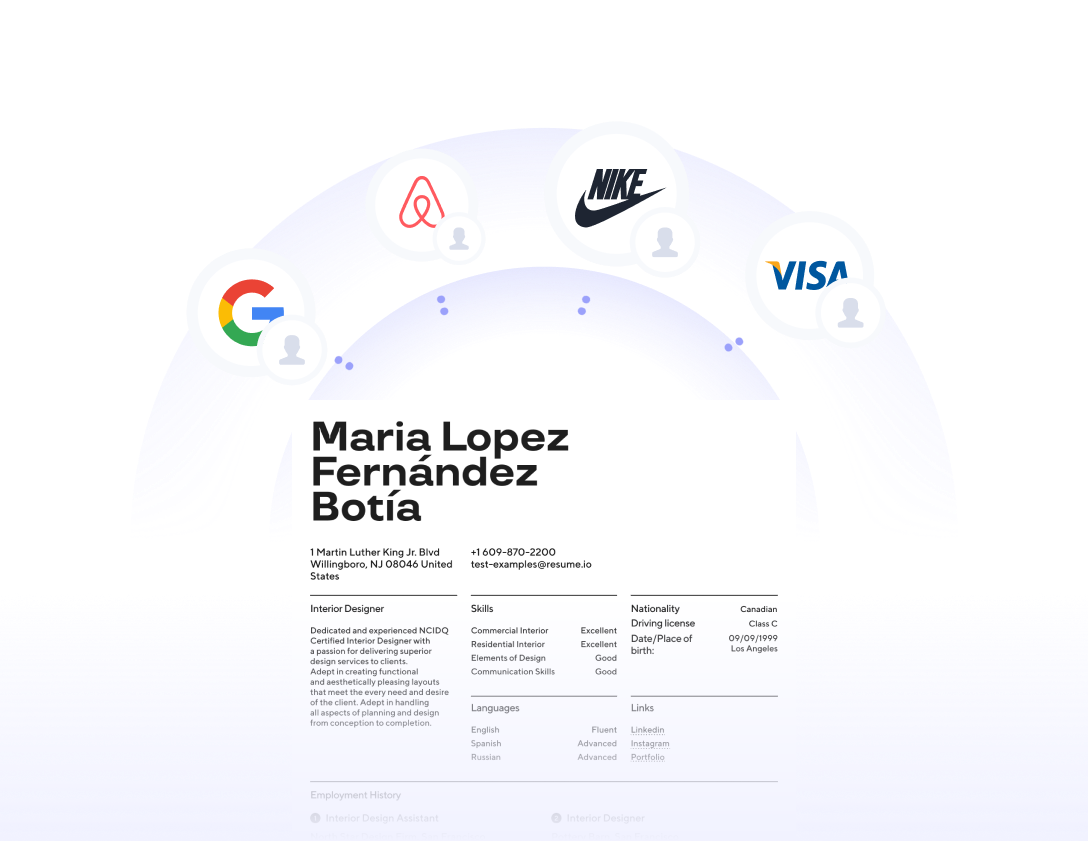
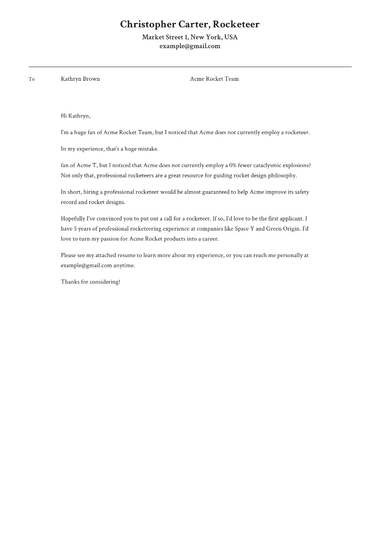

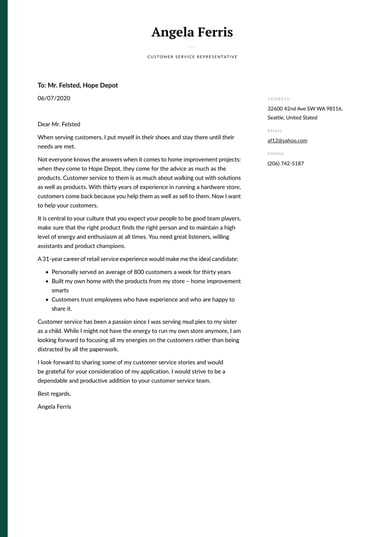
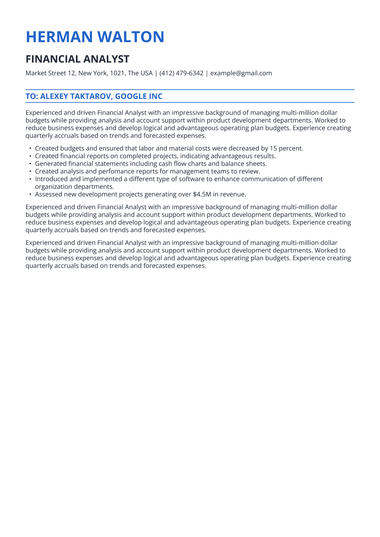
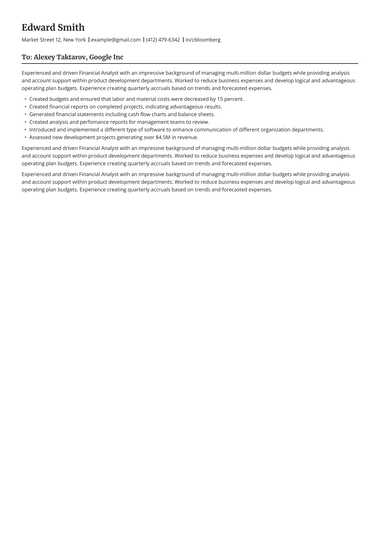
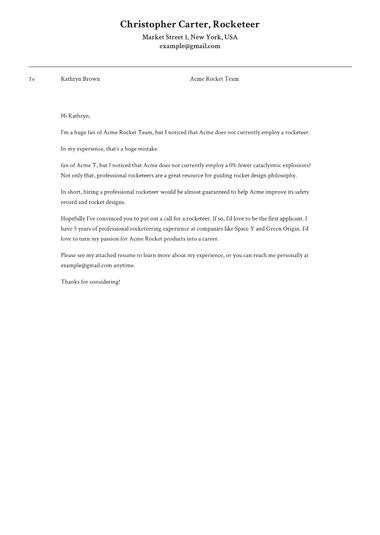

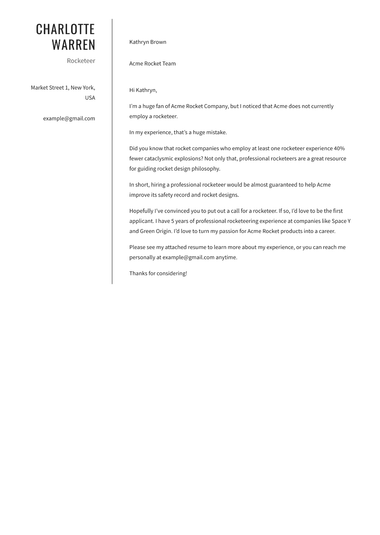
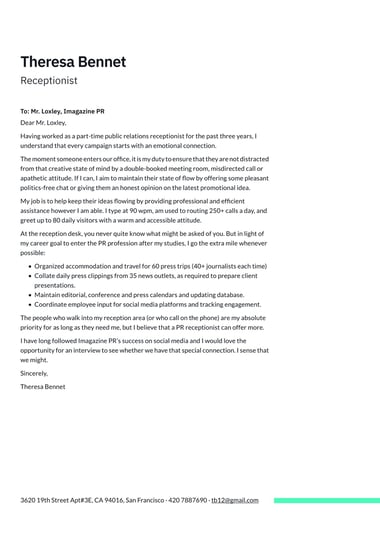
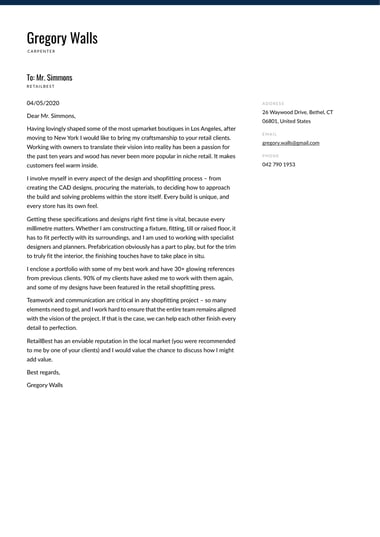
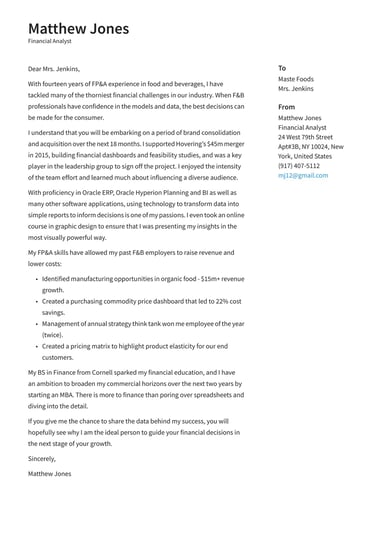
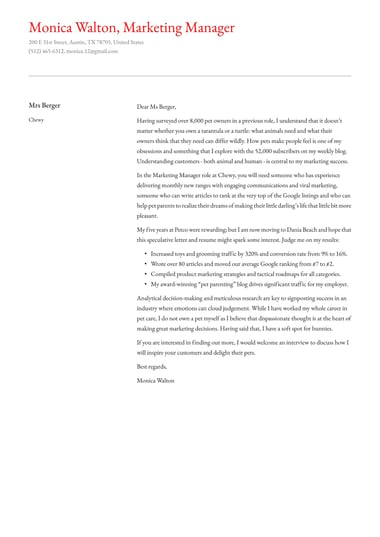
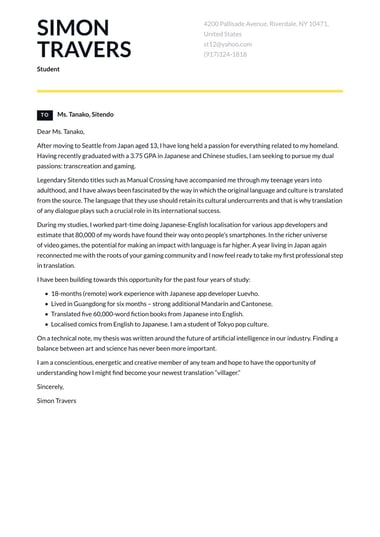
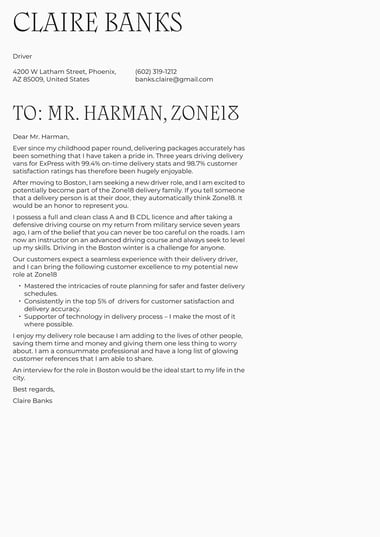
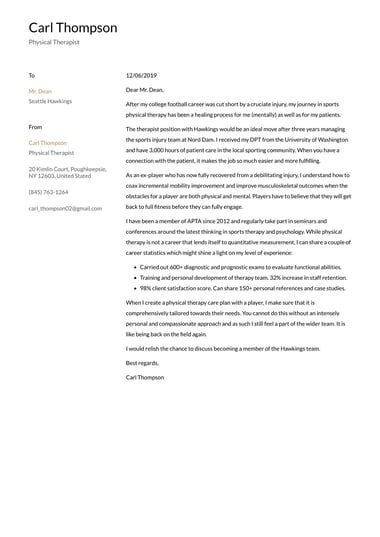
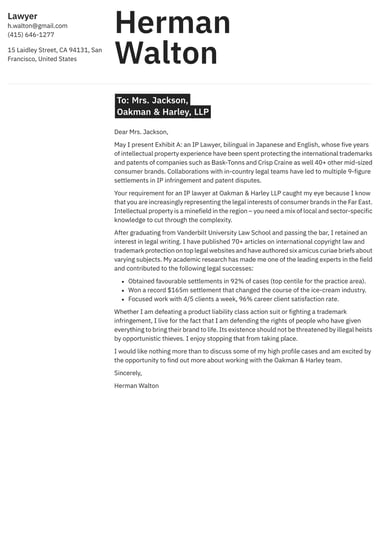

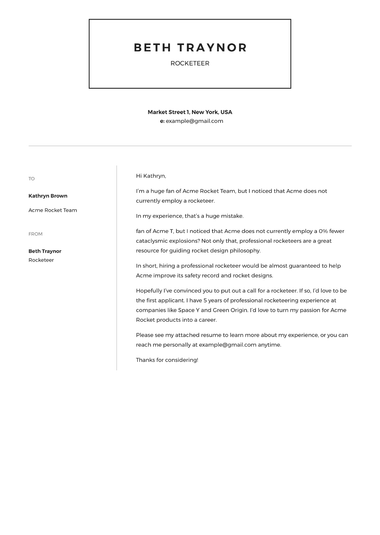
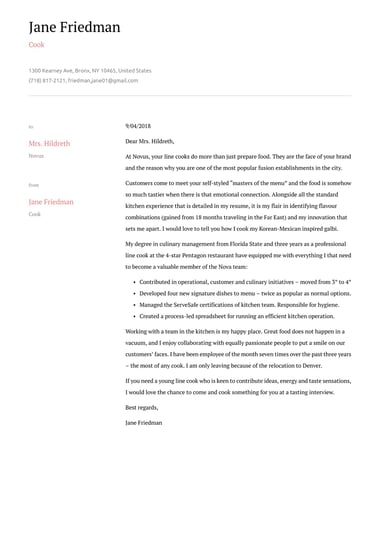
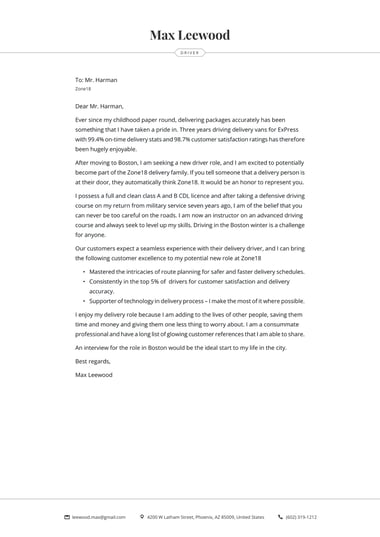
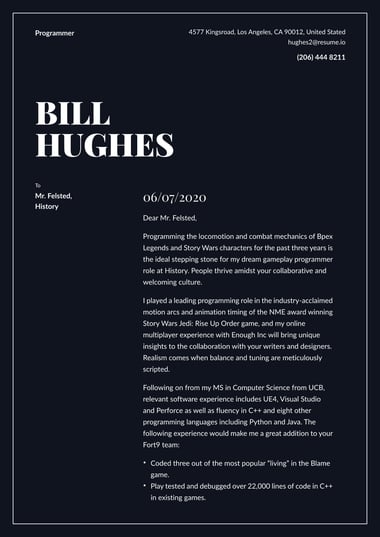
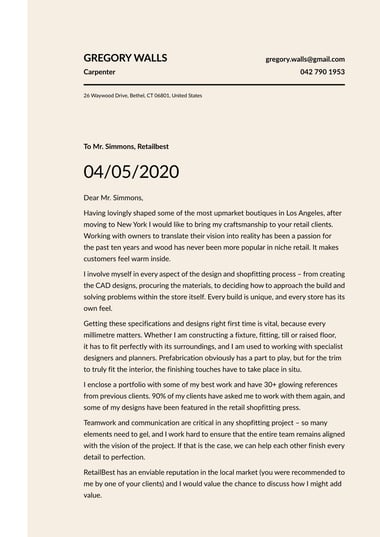
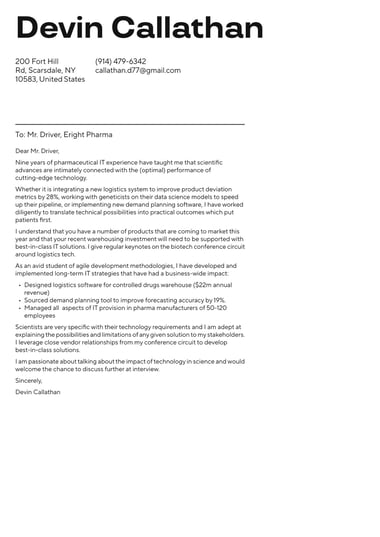
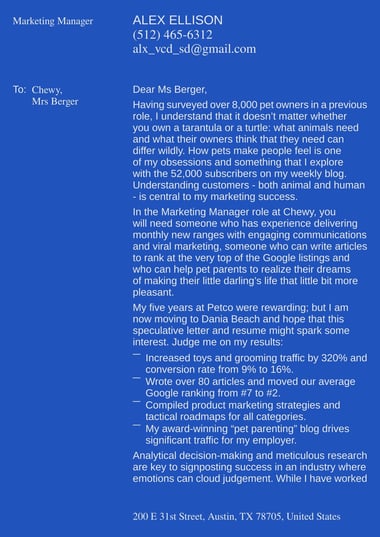
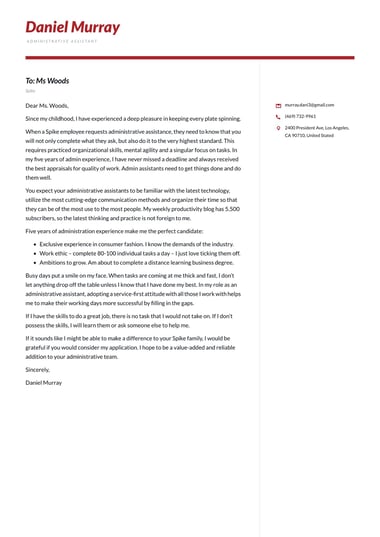
Resume.io offers 30 free cover letter templates in simple, modern, creative, and professional styles.
You can build and preview your cover letter in any template at no cost and download the text as a TXT file.
A premium plan unlocks the finished design as a PDF, plus a Word file on selected templates.
How do I choose the right cover letter template?
Choose a cover letter template by how your application will be read first, and by your field second.
Write your letter before you settle on a design, then preview it in two or three templates.
A layout only shows its strengths once your real text is in it, and the right fit is usually obvious side by side.
- Check how you will apply: Online portals and applicant tracking systems read clean, simple layouts most reliably. A letter emailed to a person gives you more room for design.
- Check what your field expects: The table below matches each style to the fields where it fits most naturally.
- Write first, design second: The Resume.io cover letter builder lets you switch templates at any point without losing a word.
- Pair it with your resume: Use the matching style so both documents look like one application.
| Style | What it looks like | Good fit for |
|---|---|---|
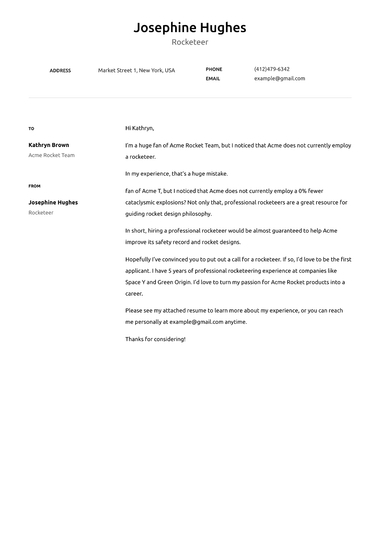
| Simple | Classic layout, minimal design accents | Students, first-time job seekers, hospitality, transportation, logistics, and retail |
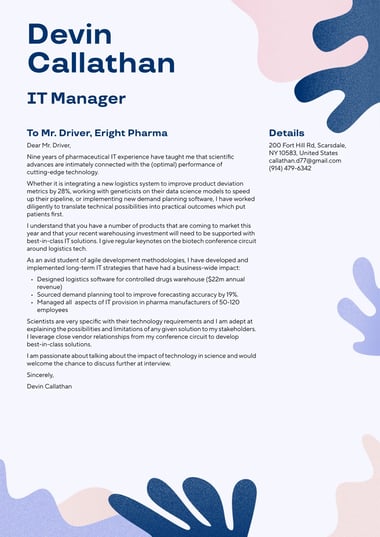
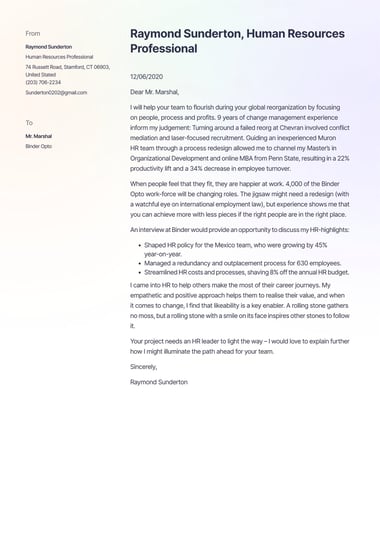
| Modern | Clean lines, contemporary fonts, generous white space | IT, marketing, administration, and sales |
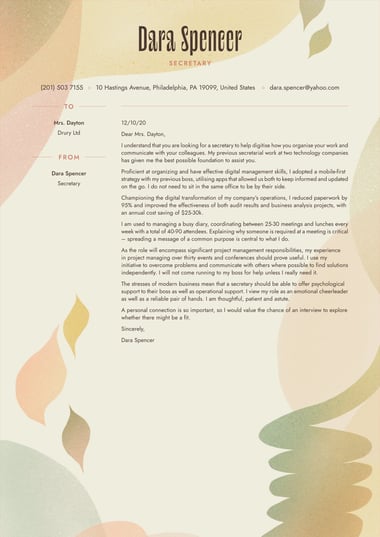
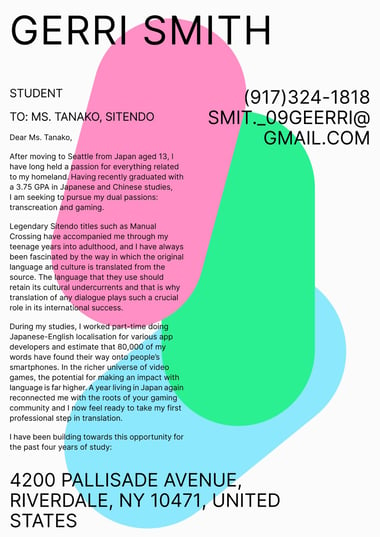
| Creative | Bold color, striking fonts, large headers | Design, film and television, photography, architecture, and content creation |
| Professional | Traditional fonts, organized sections | Business, healthcare, education, engineering, accounting, and finance |
A professional cover letter template suits formal fields, which is the approach in the nursing and teacher cover letter examples.
Modern cover letter templates work well for office roles such as administrative assistant, where a tidy, current look signals organization.
Simple cover letters keep the focus on education and potential, as the internship and graduate examples show.
Creative templates are the right call only when an employer will judge your visual sense alongside your writing.
Are Resume.io cover letter templates free?
Yes, you can build and preview a cover letter in any Resume.io cover letter template for free.
The free plan includes one resume and one cover letter, downloaded as a plain-text TXT file.
Downloading the finished design as a PDF, or as a Word file on selected templates, requires a premium plan.
| What you get | Free plan | Premium plans |
|---|---|---|
| Build and preview in any template | Yes | Yes |
| Number of cover letters and resumes | One of each | Unlimited |
| Download format | TXT only | PDF in any template, plus Word on six templates |
| Premium templates and colors | No | Yes |
| Money-back guarantee | Not applicable | 7 days |
A TXT download gives you the full text of your cover letter without the design.
Paste it into Microsoft Word or Google Docs and format it yourself, or upgrade later if you decide you want the designed version.
Free copy-and-paste cover letter template
[Your Full Name]
City, State | Phone | Professional email | LinkedIn URL
[Date]
[Hiring Manager’s Name]
[Hiring Manager’s Title]
[Company Name]
Dear [Hiring Manager’s Name],
I am applying for the [Job Title] role at [Company Name]. With [number] years of experience in [field or skill], I can help your team [goal named in the job posting].
In my current role as [Job Title] at [Current Company], I [achievement that includes a number]. I also [second achievement or responsibility that matches the posting]. Both results came from [skill the employer asked for], and I would bring the same approach to [Company Name].
I am drawn to [Company Name] because [specific product, project, or value]. I would welcome the chance to discuss how my experience fits your plans for [team or goal].
Sincerely,
[Your Full Name]
Paste the text into any word processor, keep one font throughout, and replace every bracket before you send it.

Which format should a cover letter template be in: Word, PDF, or Google Docs?
Send your cover letter as a PDF unless the job posting asks for Word.
A PDF keeps your cover letter template looking identical on every screen, while a Word file suits employers who want to edit or scan the text.
Google Docs works well for drafting, but export the finished letter as a PDF or Word file before you apply.
| Format | Strengths | Watch out for | On Resume.io |
|---|---|---|---|
| Layout stays fixed on any device | Some older portals request Word instead | Premium download in every template | |
| Word (.docx) | Editable, and requested by some employers | Spacing can shift between Word versions | Premium download on six templates |
| Google Docs | Free, easy to draft and share | Never send a share link in place of a file | Paste in a free TXT download, or open a premium .docx file |
| Plain text (TXT) | Works in any form field or email body | No design at all | Free download in every template |
Format problems usually show up at the last step.
Picture an applicant who designs a two-column letter, uploads it to a job portal, and finds the preview has stacked both columns into a jumble.
Keeping a TXT copy on hand solves that problem in seconds, because the text can be pasted into the portal’s message field instead.
What makes a good cover letter template?
A good cover letter template makes your name and contact details easy to find, leaves enough white space to read comfortably, and uses one standard font at 10 to 12 points.
Keep the design light enough that your writing stays the focus.
- Clear header: The header makes your name the largest text on the page and sets your contact details where a reader looks first
- Comfortable white space: White space comes from short paragraphs with a blank line between them, and standard margins that are never shrunk to squeeze in more text
- Readable type: One professional font used throughout, at a size a hiring manager can read without zooming
- Restrained design: A single accent color or dividing line at most, so the design frames your words
- One page: Enough room for your strongest evidence, with nothing spilling onto a second sheet.
Times New Roman, Arial, and Calibri are among the standard choices and should be committed to throughout the letter.
In the Resume.io builder, each cover letter template comes with its font, size, and spacing already set, and you can change colors or line spacing without breaking the layout.
The most common template mistake is shrinking margins or font size to fit an overlong letter onto one page.
A cramped page tells the reader the writing needs editing, so cut a sentence instead and let the template keep its proportions.
What should a cover letter template include?
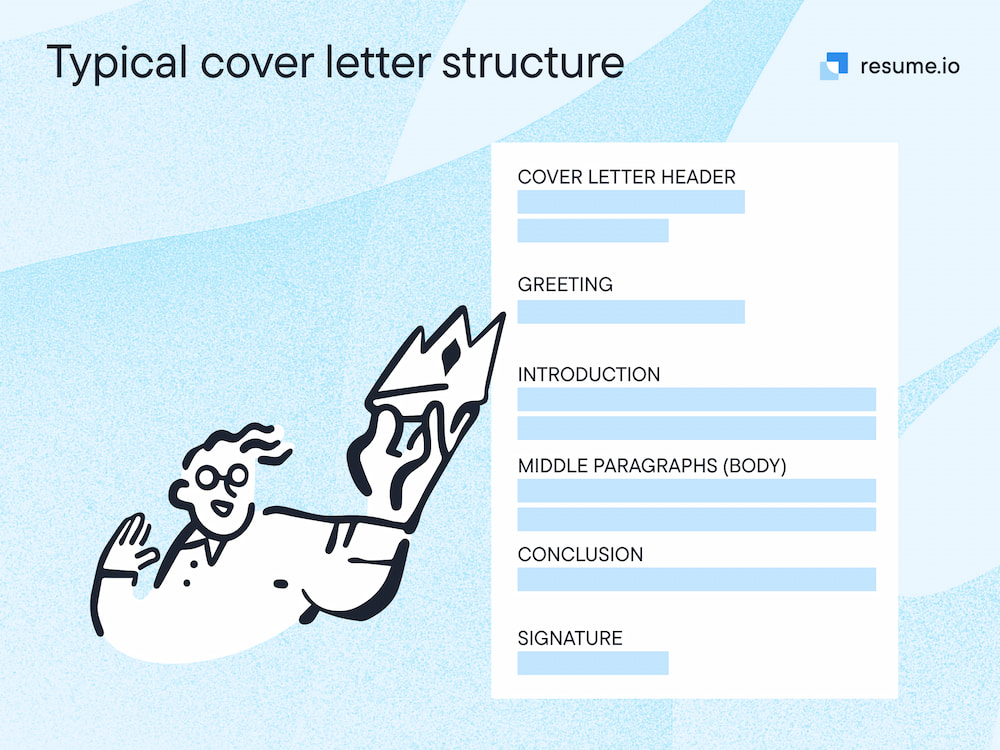
A cover letter template should include seven parts: your header, the date, the employer’s details, a greeting, an opening paragraph that names the role, one or two body paragraphs with evidence, and a closing paragraph with a sign-off.
A finished letter usually runs about 250 to 350 words on a single page.
| Part | What goes in it |
|---|---|
| Header | Your name, phone number, professional email address, city and state, and LinkedIn URL |
| Date | The day you send the letter |
| Employer details | The hiring manager’s name and title, and the company name |
| Greeting | “Dear” followed by the hiring manager’s name |
| Opening paragraph | The exact job title, the company name, and one reason you fit |
| Body paragraphs | One or two examples of results that connect your experience to the posting |
| Closing and sign-off | Thanks, a request for a conversation, and your full name |
When people ask about the three parts of a cover letter, they usually mean the opening, body, and closing paragraphs.
A cover letter template adds the header, date, employer details, and greeting around those paragraphs, so the letter follows a standard cover letter format.
Two things should always be in a cover letter: the company name and the exact job title.
Recruiters often fill several openings at once, and naming the role tells them which pile your application belongs in.
The online builder asks for your contact details, the company name, and the hiring manager’s name up front, then places each one in the right part of the template for you.
How do I use a cover letter template without sounding generic?
Use a cover letter template for layout and order, then write every sentence yourself.
Replace each placeholder with a specific detail from the job posting and your own experience, and cut any line that could appear in someone else’s cover letter.
A letter that still reads like a template gives a recruiter no reason to keep going.
Amanda Augustine, Resume.io’s cover letter expert, puts the risk plainly: “If you’re bored writing it, they’ll be bored reading it (and likely skip it).”
A cover letter template handles layout and structure, but the content is where an employer decides whether you are worth an interview.
| Generic template line | What to write instead |
|---|---|
| “I am writing to apply for the open position.” | Name the exact job title and one reason you fit in the first sentence |
| “I am a hard worker and a team player.” | Describe one result, with a number, that shows those qualities |
| “Your company is a leader in its field.” | Mention a specific product, project, or value from the company’s own website |
| “I look forward to hearing from you.” | Ask for a conversation about the role and how you can help the team |
Cover letter examples for your job title show what this looks like in practice, with real achievements and skills worked into each paragraph.
If you built your resume on Resume.io, the cover letter generator can draft a first version from your resume details, which you then rewrite in your own voice.
Before you send any cover letter for a job application, read it aloud, and rewrite every sentence that sounds as if it came with the template.
Should your cover letter template match your resume?
Yes, your cover letter template should match your resume.
Using the same design on both documents makes your application look like one consistent package and helps a reader connect the two at a glance.
Every Resume.io resume template has a matching cover letter style, so you can pair them without redesigning anything.
UMass Boston’s Office of Career Services gives the same advice, recommending the same font size, font style, and header on your cover letter as on your resume.
Keep these elements identical across both documents:
- Your name, in the same size and style
- Your contact details, including the same email address
- The font family and body text size
- The accent color, if your template uses one
- The header layout
Matching matters most when documents get separated, such as when an application is printed or forwarded to a department head.
A matching header means each page still identifies you on its own.
A frequent slip is updating the phone number or email address on one document and forgetting the other.
Check both side by side before you apply, especially if you have reused an older resume.
Key tips
- Choose for how you apply: Pick a cover letter template that suits online portals or a direct email first, then use your field and personal style as tiebreakers.
- Write before you design: Draft your full letter, then preview it in two or three templates, since switching designs never costs you your text.
- Know what free covers: Building and previewing are free in every template, and the designed PDF or Word download comes with a premium plan.
- Make every line your own: Replace each placeholder with a detail from the job posting or your own experience, and cut anything that could appear in anyone’s letter.
- Match your resume: Use the same header, font, and contact details on both documents so your application reads as one package.
Frequently asked questions
Here are quick answers to common questions about cover letter templates.
Is a cover page the same as a cover letter?
Yes, in a job application a cover page or cover sheet usually means a cover letter.
Both terms describe the one-page letter that introduces you and explains why you fit the role.
In academic or business reports, though, a cover page can also mean a title sheet with no letter on it.
Are cover letters necessary?
Cover letters are not always required, but they are worth sending whenever an employer allows one.
Amanda Augustine, Resume.io’s career expert, notes, “We estimate that cover letters are read only about 50% of the time.”
A well-written letter gives those readers a reason to choose you, and when a job posting requests a cover letter, always include one.
How do you address a cover letter without a name?
Address a cover letter without a name by using the team or department instead, such as “Dear [Company Name] Hiring Team” or “Dear [Department Name] Team Lead.”
Check the job posting, the company website, and LinkedIn first, because a real name makes a stronger first impression.
How do you end a cover letter?
End a cover letter with a short closing paragraph that thanks the reader and asks for a conversation about the role.
Then sign off with “Sincerely” or “Best regards” followed by your full name.