


A professional resume is a clean, clearly structured document that presents your experience, skills, and education so recruiters and hiring software can read it quickly.
The most reliable professional resume format is reverse-chronological, on one to two pages, with standard headings and generous white space.
This guide covers what a professional resume is, the best format to use, how to write each part, and what it looks like for your role.
What is a professional resume?
A professional resume is a concise summary of your work experience, skills, and education, written to show an employer you are a strong fit for a specific role.
It uses a clean, standard layout with clear sections so both recruiters and applicant tracking systems can read it quickly.
A professional resume focuses on relevant achievements rather than decoration, which is what makes it look credible at a glance.
What is the best format for a professional resume?
For most people, the best professional resume format is reverse-chronological.
It lists your most recent role first, reads clearly, and is the layout recruiters and screening software expect.
Two other formats suit specific situations, so pick the one that matches your experience rather than the one that looks busiest.
| Format | Best for | Watch out for |
|---|---|---|
| Reverse-chronological | Most job seekers with steady work history | Gaps show clearly |
| Functional | Career changers or limited work history | Some recruiters and systems distrust it |
| Combination | Strong skills plus relevant experience | Can run long if not trimmed |
Resume.io templates are built in these formats already, so the structure is correct before you add a word.
That lets you put your effort into the content, which is what decides whether the resume reads as professional.
What is a professional summary on a resume?
A professional summary is a short paragraph of two to four sentences at the top of your resume that highlights your experience, strongest skills, and the value you bring to a role.
It replaces the outdated career objective, which focused on what you wanted rather than what you offer.
Place it directly under your contact details, so it is the first thing a recruiter reads.
Amanda Augustine, Resume.io's resume expert, is blunt about the old approach.
She warns that a career objective "dates you" and wastes "prime real estate at the top" that a strong summary should own instead.
In practice, that means leading with your years of experience, your specialism, and one concrete result, rather than a generic line about your goals.
How do you make a resume look professional?
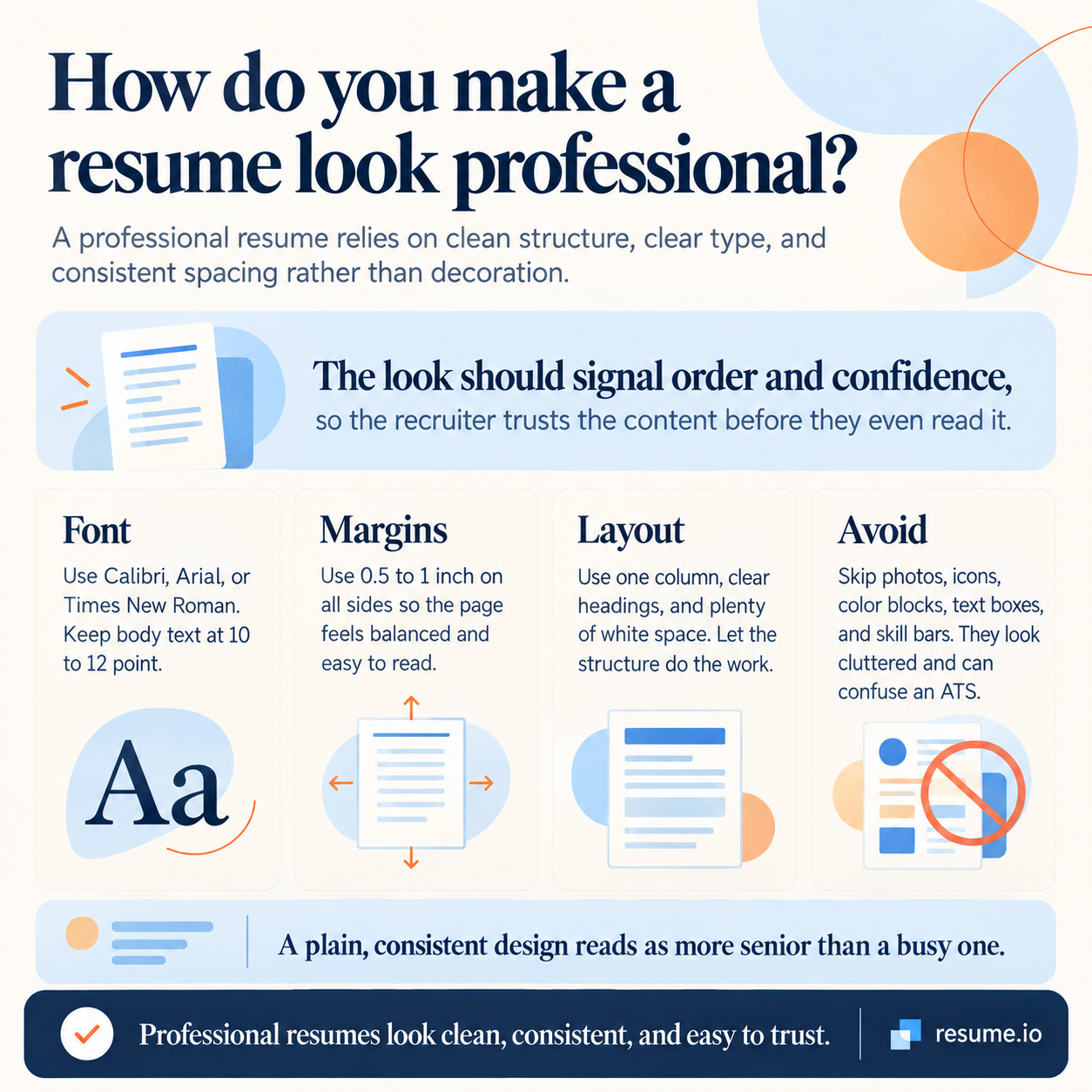
You make a resume look professional with a clean layout, not decoration.
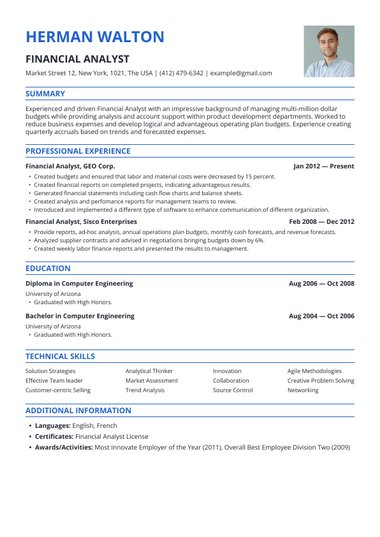
Use a single-column structure, a standard font, consistent spacing, and clear headings, and let white space do the work.
The look should signal order and confidence, so the recruiter trusts the content before they even read it.
Keep to these choices:
- Font: Calibri, Arial, or Times New Roman, 10 to 12 point for body text.
- Margins: 0.5 to 1 inch on all sides.
- Layout: One column, clear headings, plenty of white space.
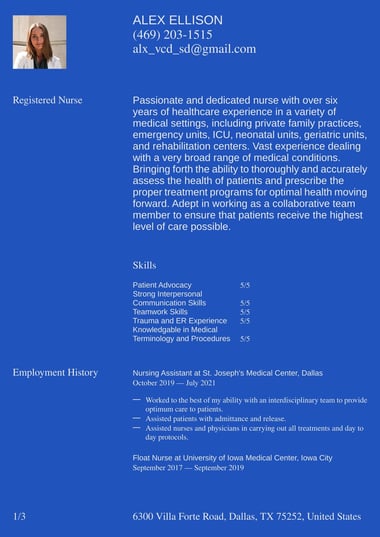
- Avoid: Photos, icons, color blocks, text boxes, and skill bars, which look cluttered and confuse an ATS.
A plain, consistent design reads as more senior than a busy one.
If you would rather not format it by hand, our professional templates apply these rules for you and stay ATS-safe.
How do you write a professional resume, step by step?
You can write a professional resume in seven steps, working from the top of the page down.
Choose your format first, then build each section in order, and finish by tailoring and proofreading.
The goal at every step is a clear, specific, achievement-led document.
- Choose the reverse-chronological format unless your situation calls for another.
- Add a header with your name, phone number, professional email, city, and LinkedIn URL.
- Write a professional summary of two to four sentences.
- List work experience in reverse-chronological order, with bulleted achievements that use numbers.
- Add a focused skills section matched to the job description.
- Add education, then any relevant certifications or awards.
- Tailor the resume to the role, proofread it, and save it as a PDF.
If you want the steps handled for you, our AI resume builder guides each section and keeps the formatting consistent.
What should you include in a professional resume?
A professional resume should include five core sections, plus optional ones when they add value.
The five essentials give recruiters everything they need to assess you quickly, in the order they expect to find it.
Add extra sections only when they strengthen your case for the specific role.
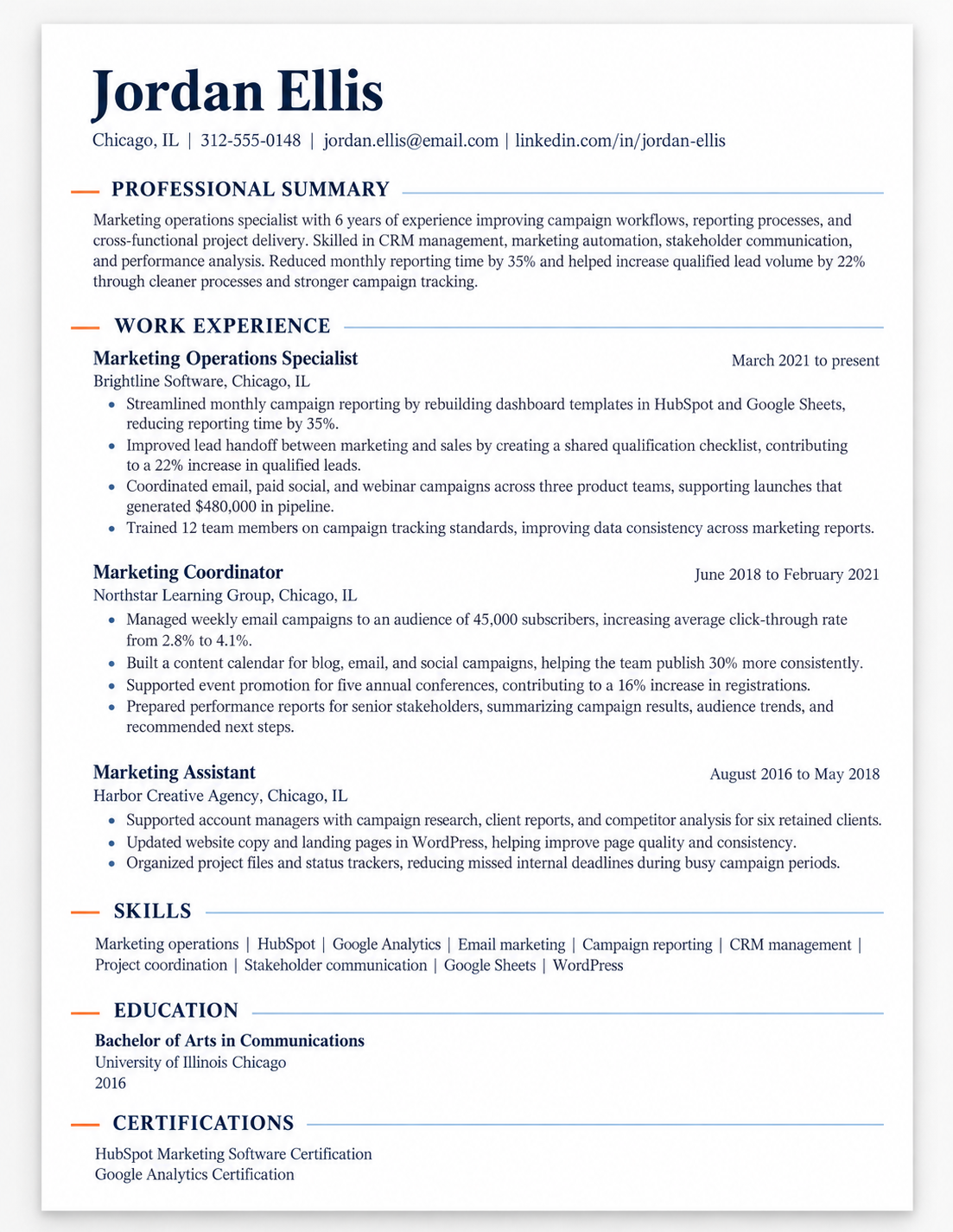
Core sections, in order: contact details, professional summary, work experience, skills, and education.
Optional sections worth adding when relevant include certifications, projects, volunteer work, awards, and languages.
Keep each section labeled with a standard heading, so both a recruiter and an ATS can find it without hunting.
Everything you include should earn its place by supporting the role you are targeting.
What does a professional resume look like for your role?
The structure of a professional resume stays the same across jobs, but the emphasis shifts by role.
A technical role leads with tools and measurable results, a management role leads with scope and team outcomes, and an early-career resume leans on education, internships, and projects.
The format does not change, only what you choose to foreground and the clearest way to see this is by example.
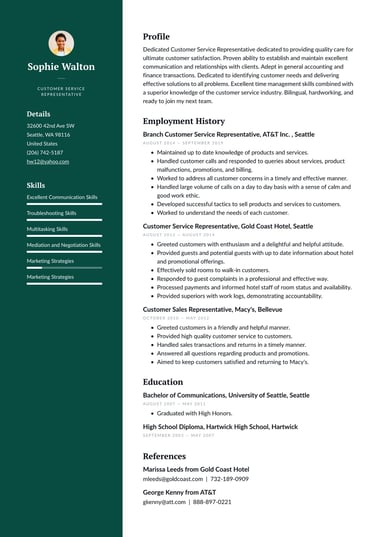
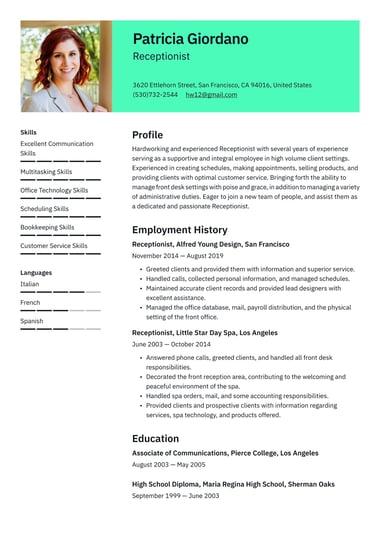
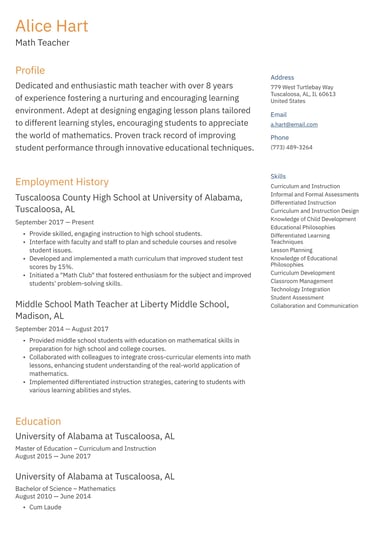
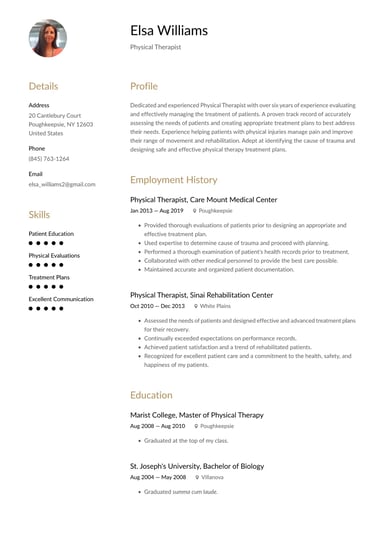
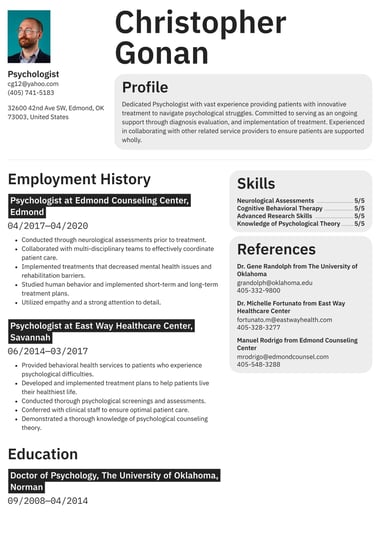
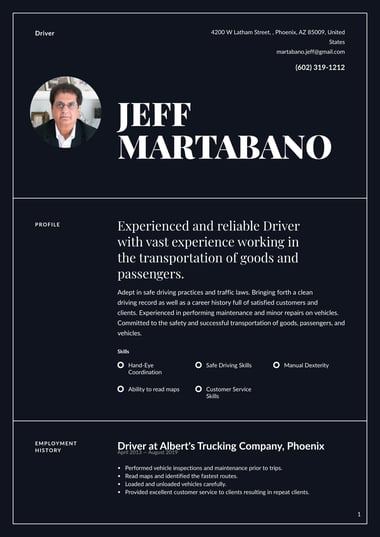
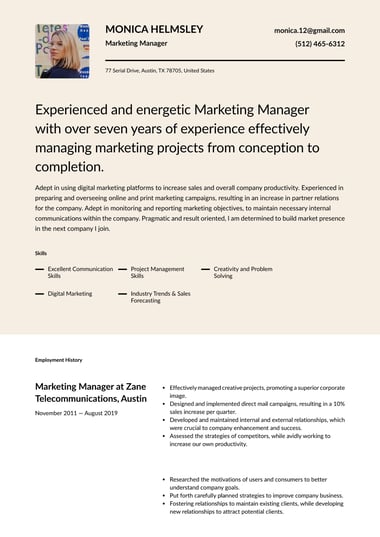
Our resume examples show how professionals in different fields apply the same professional format to very different careers, from a healthcare resume to management and technical roles.
Use the one closest to your role as a model for what to foreground and how much detail to give.
Key takeaways
- A professional resume is a clean, clearly structured summary of your experience, skills, and education, built for fast reading.
- Reverse-chronological is the best format for most people, with functional and combination formats for specific cases.
- A professional summary of two to four sentences replaces the outdated career objective at the top of the page.
- A professional look comes from a clean single-column layout, standard fonts, and white space, not decoration.
- Include five core sections, contact details, summary, experience, skills, and education, and customize the resume to each role.

Frequently asked questions
Here are quick answers to common questions about professional resumes.
What is the most professional type of resume?
The reverse-chronological resume is the most professional type for most job seekers.
It presents your work history from most recent to oldest, which recruiters and applicant tracking systems read most easily.
It suits anyone with a steady work history in their target field.
What does a professional resume look like?
A professional resume looks clean and uncluttered: one or two pages, a single-column layout, a standard font, clear section headings, and plenty of white space.
It uses no photos, icons, or color blocks.
The design stays quiet so your experience and achievements stand out.
Are there free resume templates that look professional?
Yes. Resume.io offers free resume templates with clean, recruiter-ready layouts that are built to stay ATS-friendly.
Choose a simple, single-column design, add your details, and download it as a PDF.