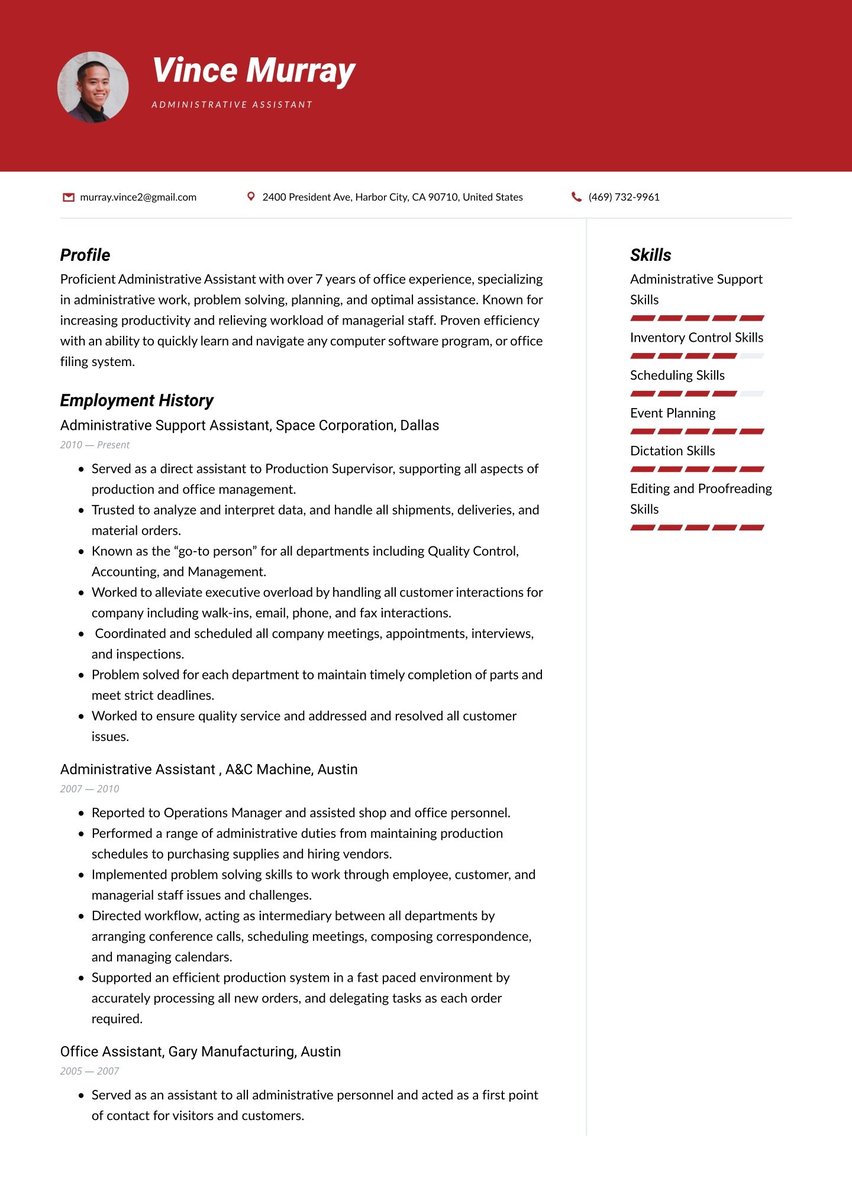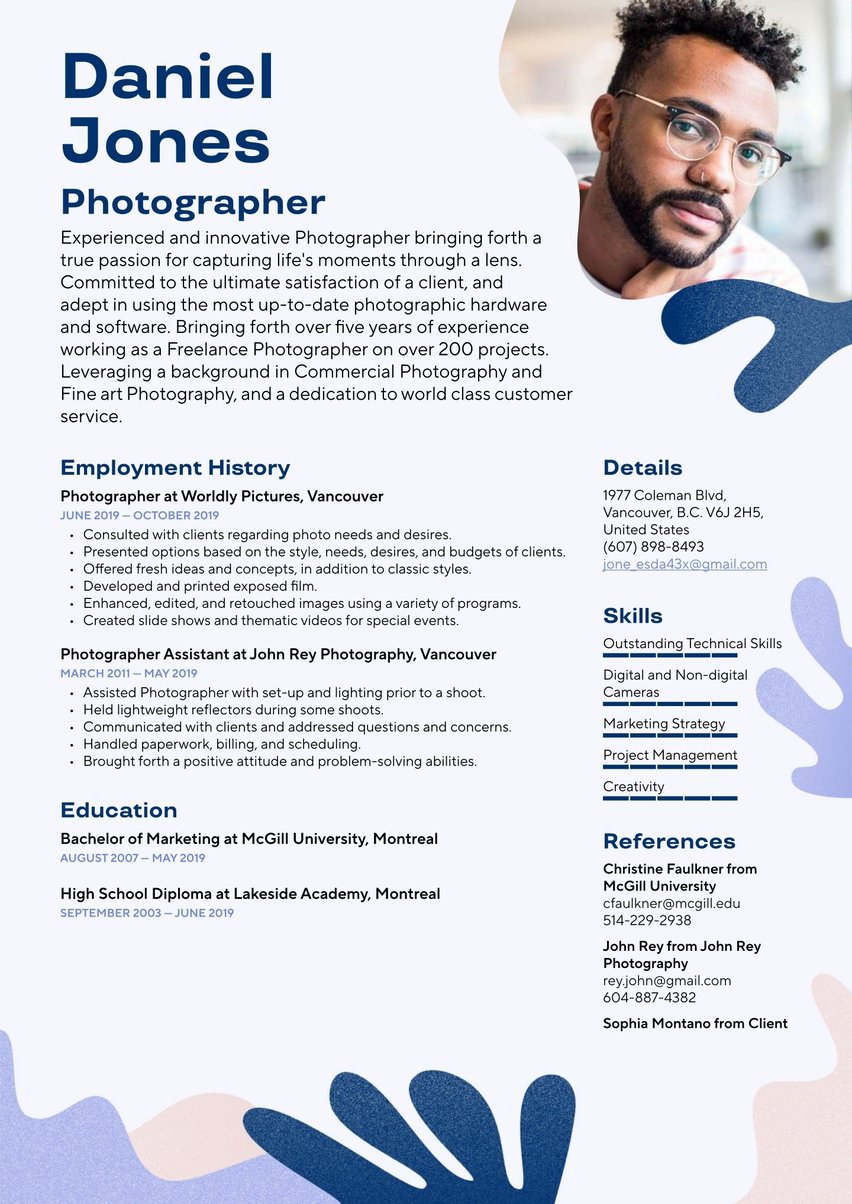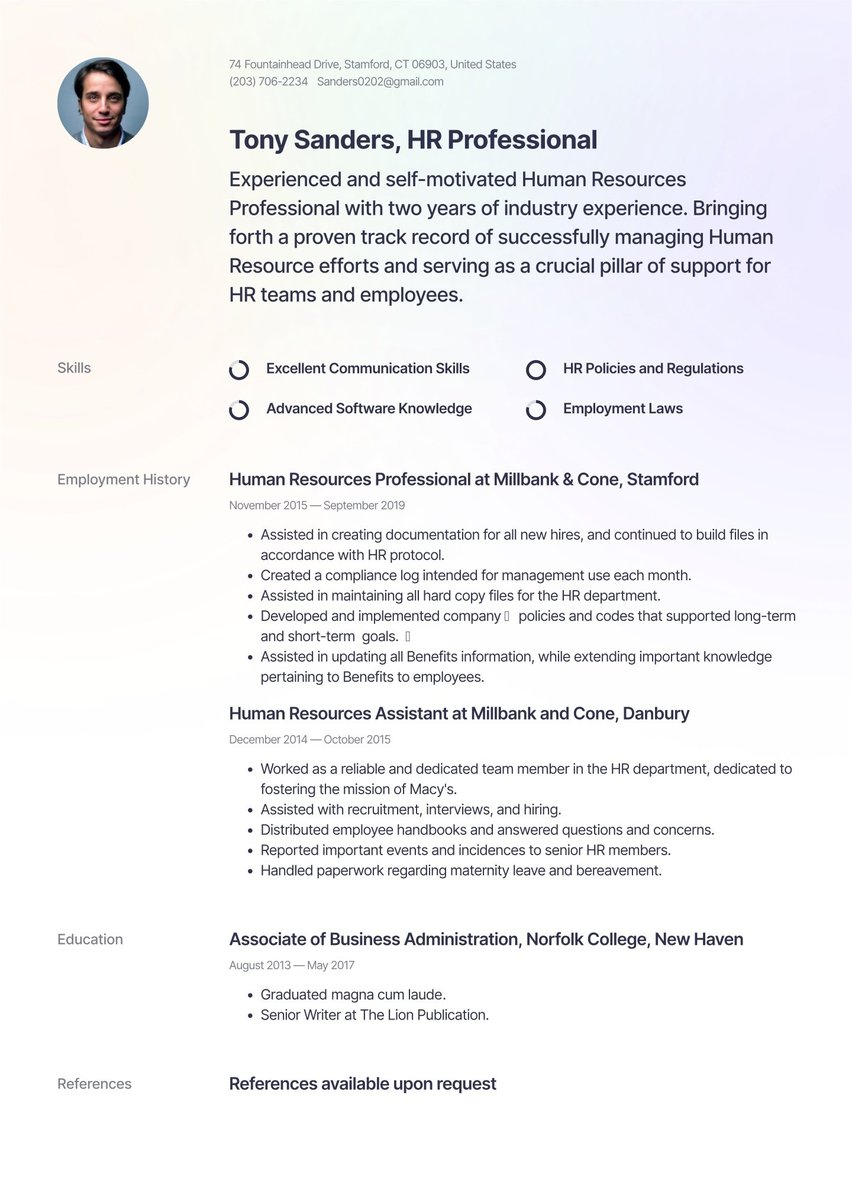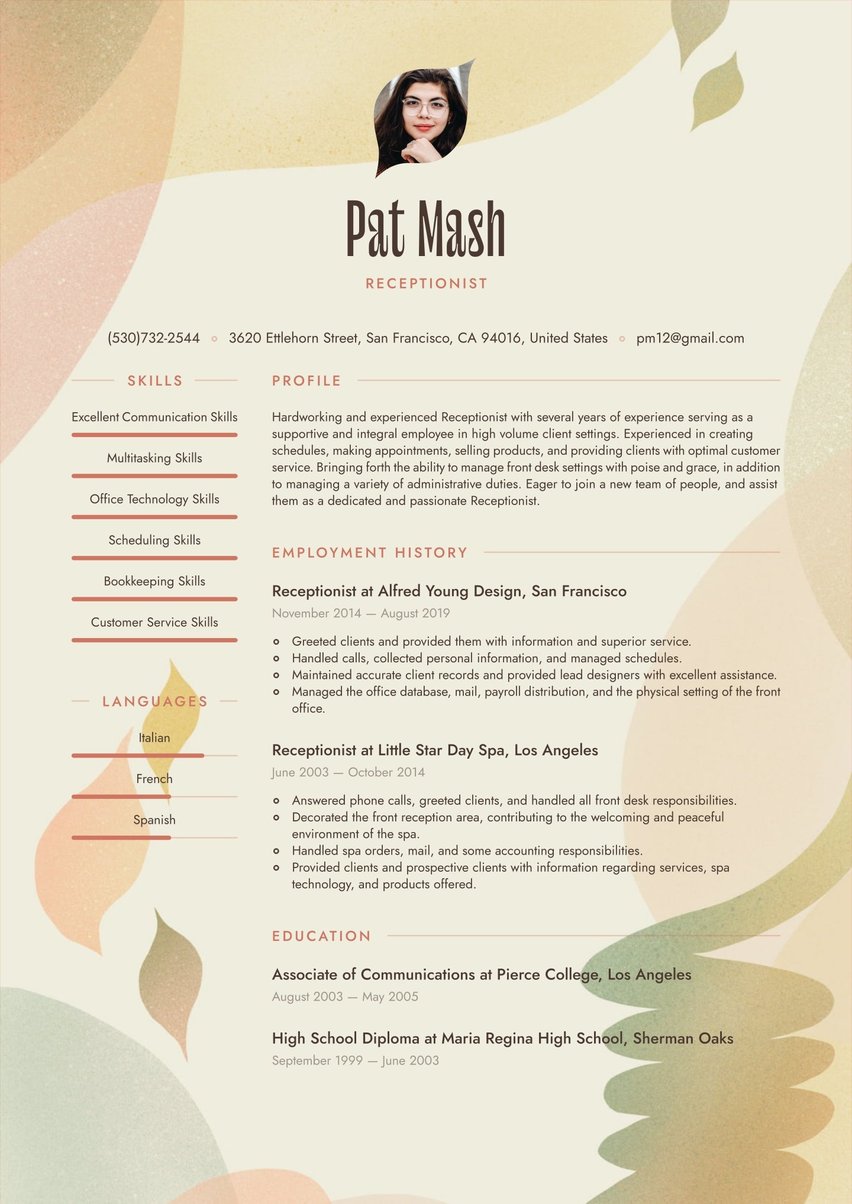


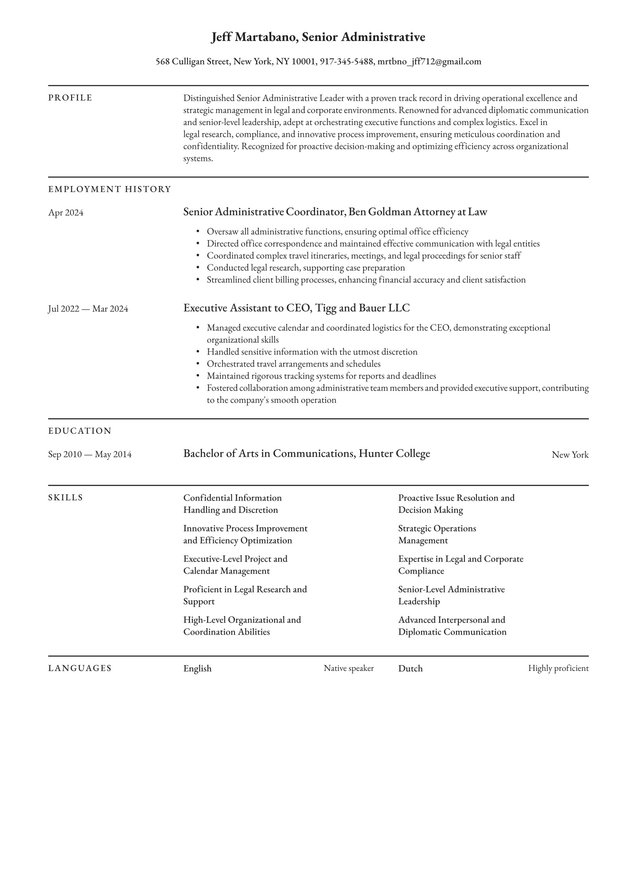
Highly skilled Administrative professional seeking to utilize my office and interpersonal communication skills for the betterment of a company. Adept in managing and maintaining an organized documentation system, working one-on-one with customers, and providing optimal front-end and back-end support.
04/2016 - 08/2021, Administrative Assistant , Ben Goldman Attorney at Law, New York
- Worked hard to fulfill administrative and clerical duties to ensure that the office ran efficiently.
- Managed all office correspondence such as answering phone calls and communicating with other attorney offices,
- Arranged travel, and scheduled meetings, appointments, and depositions for the team.
- Performed legal research, as needed, with help from attorneys and paralegals.
- Processed client billing properly.
07/2014 - 03/2016, Administrative Assistant , Tigg and Bauer LLC, New York
- Managed the calendar, related correspondence, and coordination of logistics for the CEO.
- Managed highly confidential information with discretion and confidentiality.
- Arranged and coordinated travel schedules and reservations.
- Maintained a high level of organization, ensuring that meetings, deadlines, and duties were completed.
- Prepared reports and maintained tracking system.
- Collaborated cohesively with other administrative staff.
- Provided support to other executives as needed.
09/2010 - 05/2014, Bachelor of Arts in Communications, Hunter College, New York
- English
- Dutch
- Interpersonal Communication Skills
- Administrative Skills
- Clerical Skills
- Agile Project Management
- Self Starter
- Strategic Planning
An administrative resume has to prove you can keep an office running before an employer has met you, so every line needs to look as organized as your work. The strongest ones replace job descriptions with numbers that show how many people you supported and what improved because you were there.
Related Resume Examples
Human Resources Assistant resume example

Tuned for polished professionalism, this clean, structured layout highlights your organizational skills and HR expertise with precision. Its subtle design accents emphasize your interpersonal strengths, helping you connect with hiring managers in human resources roles.
Executive Assistant resume example
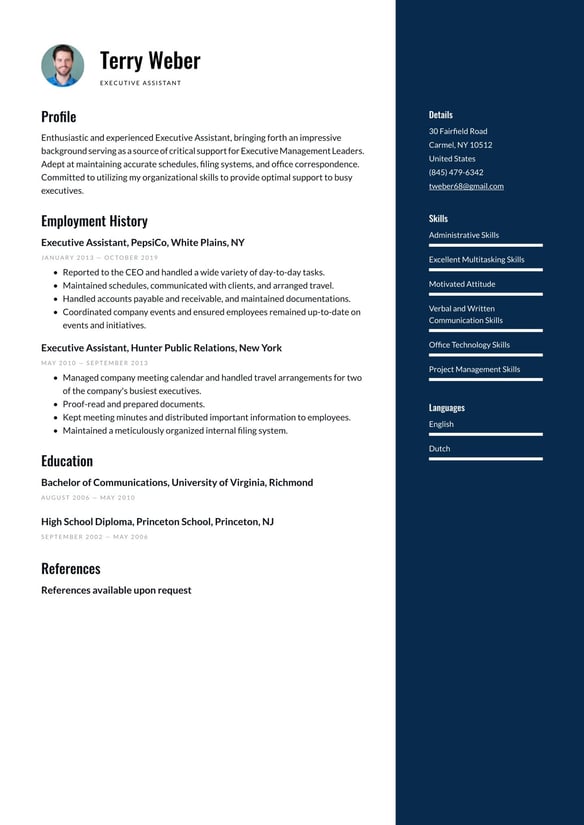
Focused on clean lines and a balanced layout, this template highlights your organizational skills and professionalism as an Executive Assistant. Its structured design showcases your multitasking expertise and communication strengths, impressing busy executives and hiring managers alike.
Office Manager resume example

Engineered for polished professionalism, this clean, well-structured layout spotlights your organizational expertise and leadership skills as an Office Manager. Its balanced design highlights your achievements and certifications, ensuring you impress decision-makers with ease.
Auditing Clerk resume example

Crafted for precision-driven professionals, this clean and structured template highlights your analytical expertise and attention to detail as an Auditing Clerk. Its organized layout showcases your financial accuracy and compliance skills, impressing employers in any accounting environment.
Data Entry Specialist resume example

Specialized for precision-driven professionals, this clean, organized layout highlights your accuracy and efficiency as a Data Entry Specialist. Its structured sections showcase your technical skills and experience, helping you impress detail-oriented employers.
Medical Administrative Assistant resume example

Aligned with the fast-paced demands of healthcare, this clean, organized layout highlights your multitasking, medical knowledge, and customer service skills. Its professional structure ensures your expertise resonates with hiring managers in medical support roles.
Administrative Coordinator resume example

Customized for administrative coordinators, this polished template balances clean lines and professional spacing to highlight your organizational expertise. Its structured layout showcases your multitasking, leadership, and communication skills, leaving a lasting impression on hiring managers.
Virtual Assistant resume example

Engineered for seamless organization, this clean, minimalist layout highlights your multitasking expertise and communication skills as a Virtual Assistant. Its structured sections showcase your agility and professionalism, impressing busy executives and dynamic teams.
This Resume.io guide covers every type of administrative role, from front desk to executive support, with a full sample, summary examples, the skills and keywords employers search for, and role-specific resume examples to tailor from.
Administrative resume example
ADMINISTRATIVE PROFESSIONAL
New York, NY | (555) 123-4567 | name@email.com | linkedin.com/in/yourname
Professional summary
Administrative professional with 9 years of experience supporting attorneys, executives, and client-facing teams in New York offices. Manage calendars, travel, billing, and confidential records for groups of up to 27 people. Moved a law firm’s paper files to a shared digital drive and keep monthly billing accurate in QuickBooks.
Employment history
Administrative Assistant, Ben Goldman Attorney at Law, New York, NY
Apr 2019 – Present
- Support 7 attorneys and 20 paralegals, scheduling meetings, depositions, and court appearances across 3 shared calendars
- Rebuilt the firm’s filing system in a shared digital drive, cutting average document retrieval time from 15 minutes to under 3
- Process client billing in QuickBooks for more than 140 active matters each month
- Answer and route 60+ calls a day, resolving routine client questions before they reach an attorney
- Coordinate travel and expense reports for the full legal team, keeping spending within the annual budget.
Administrative Assistant, Tigg and Bauer LLC, New York, NY
Jul 2016 – Mar 2019
- Managed the CEO’s calendar, correspondence, and meeting logistics, handling up to 30 meetings a week
- Handled confidential HR and financial records under strict access rules
- Booked domestic and international travel for 5 executives
- Created a weekly tracking report that gave leadership one view of deadlines across departments
- Trained 2 new administrative staff members on office systems and procedures.
Education
Bachelor of Arts in Communications, Hunter College, New York, NY
Sep 2012 – May 2016
Certifications
Microsoft Office Specialist: Excel Associate
Skills
- Calendar management
- Microsoft 365 (Outlook, Excel, Word, Teams)
- Google Workspace
- QuickBooks
- Records management
- Travel coordination
- Data entry
- Confidential information handling
- Adaptability
Languages
- English (native)
- Dutch (professional)
How do you write an administrative resume?
To write an administrative resume, work through seven steps: set up a clear header, add a short summary, list your skills, write your employment history, add education, include any certifications, and proofread every line.
The same order works for every administrative role, from receptionist to executive assistant, so only the content inside each part changes.
- Set up your header: Include your name, city and state, phone number, professional email, and LinkedIn URL. Leave out a full street address.
- Add a summary: Place three sentences directly under the header
- List your skills: Keep them in one compact block, with technical tools first
- Write your employment history: Put your most recent job first, with your strongest bullet at the head of each role
- Add education: List your highest qualification, then add coursework or online courses only when they support the role
- Include certifications: Credentials such as the Certified Administrative Professional (CAP) or Microsoft Office Specialist (MOS) belong in their own short section
- Proofread every line: Check spelling, dates, and alignment, then read the page aloud once to catch the mistakes your eyes skip over
The order matches the key parts of a resume for any job, so the wider advice on how to write a resume still applies.
The one decision specific to administrative candidates is where education goes: place it above employment history only when a degree, certificate, or internship is your strongest qualification for the role.
Recent graduates and career changers fit that description most often, and they can also draw on internship experience, volunteer roles, or part-time jobs that involved scheduling, filing, or customer contact.
What is a good summary for an administrative resume?
A good summary for an administrative resume runs three sentences and covers your experience level, the type of support you provide, and one measurable result.
Write it for the specific role you want, so a recruiter can see the fit within the first two lines of the page.
The summary replaces the career objective, the old opening line that asked for an opportunity.
Amanda Augustine, CPRW, explains why the objective fell out of use: “A career objective is outdated and unnecessary because it focuses on what you want, rather than what you can offer an employer.”
A line like “seeking to utilize my skills for the betterment of a company” is that kind of opening, and it wastes the most-read space on your resume.
| Experience level | Administrative resume summary example |
|---|---|
| Entry-level | Organized recent graduate with 2 years of part-time front desk experience in a university admissions office. Scheduled campus tours for up to 40 visitors a week and kept student records accurate in Excel and Google Sheets. Certified Microsoft Office Specialist in Excel. |
| Experienced | Administrative assistant with 8 years of experience supporting attorneys and executives in New York law and finance firms. Manage calendars, travel, and billing for teams of up to 15 people. Coordinated a 3-office move for 60 staff with no lost workdays. |
| Career changer | Former retail shift supervisor moving into office administration, with 5 years of scheduling shifts for a team of 18. Handled cash reconciliation, vendor orders, and customer complaints daily. Trained in QuickBooks and Microsoft 365. |
The most common summary mistake is a string of personality traits, such as “hardworking self-starter.”
Swap each trait for evidence, such as a number or the type of office you supported.
What skills should you put on an administrative resume?
Put specific software and core administrative tasks at the front of an administrative resume skills section.
Technical skills carry more weight than many applicants expect: 20.1% of job seekers who listed at least one technical or analytical skill were hired, compared with 14.2% of those who listed only soft skills (Resume.io, Resume Skills Analysis, 2026).
| Skill area | Examples for an administrative resume |
|---|---|
| Office software | Microsoft 365 (Outlook, Excel, Word, Teams), Google Workspace |
| Scheduling | Calendar management, meeting coordination, Zoom, Calendly |
| Finance and records | QuickBooks, expense reporting, invoicing, records management |
| Team tools | Slack, Asana, Trello, Salesforce |
| AI tools | Microsoft Copilot, AI meeting note tools, AI writing assistants |
| Core tasks | Travel coordination, data entry, confidential records, front desk support |
Communication heads nearly every list of administrative skills, yet the label alone does little for an application.
15.3% of job seekers who listed communication were hired, at or below the average for the full group, even though it was the most common skill in the dataset (Resume.io, Resume Skills Analysis, 2026).
Show communication, time management skills, and teamwork skills through your bullets, such as “Drafted all client correspondence for a 7-attorney firm,” and save the skills list for specific tools.
Add AI skills only for tools you have used at work, such as summarizing meetings or drafting routine emails.
What are administrative skills?
Administrative skills are the abilities that keep an office organized and running, such as scheduling, record keeping, correspondence, data entry, and the software behind each task.
On an administrative resume, they split into technical skills you can name, like Excel or QuickBooks, and people skills you demonstrate through examples, like handling confidential information with discretion.
What keywords should you use for administrative positions?
Use the exact keywords from each job ad on an administrative resume, especially task phrases such as calendar management and expense reporting, plus every software name the posting includes.
Applicant tracking systems, the software that scans and ranks resumes, match these terms, and recruiters search for them, so mirror the employer’s wording exactly.
| Keyword type | Examples | Where to use it |
|---|---|---|
| Core duties | Calendar management, meeting coordination, travel coordination, data entry | Skills section and bullets |
| Records and finance | Records management, expense reporting, invoice processing, accounts payable support | Bullets with numbers |
| Software | Microsoft 365, Excel, Outlook, Google Workspace, QuickBooks, Salesforce | Skills section |
| Front desk and communication | Correspondence, phone support, visitor management, vendor relations | Bullets and summary |
| Credentials | CAP, MOS, typing speed in words per minute | Certifications or skills section |
A keyword does the most for an administrative resume when it appears twice: once in the skills section and once in a bullet that shows you doing it.
When a posting lists more terms than you can fit, prioritize the ones it repeats and the ones listed under requirements over preferred qualifications.
If a posting asks for “executive calendar management” and your resume says “scheduling,” use the employer’s phrase, since both the software and the recruiter look for it.
Avoid copying the whole job ad or hiding keywords in white text, because recruiters read the final document and spot both.
How should I tailor my resume for an administrative position?
Tailor an administrative resume to the role first, then to the job ad.
Identify the task the role exists to do, highlight the duties and tools the posting repeats, and move your matching experience into the summary, the first skills listed, and the opening bullet under each job.
Administrative work spans a wide field.
Secretaries and administrative assistants held about 3.5 million US jobs in 2024, including roughly 850,000 medical secretaries and administrative assistants (US Bureau of Labor Statistics, 2025).
A receptionist, an administrative assistant, an office manager, and a legal assistant all sit under the administrative label, yet each employer looks for different evidence first.
| Role | Lead with | Example bullet |
|---|---|---|
| Receptionist | Front desk, phones, visitor management | Greeted 80+ visitors a day and routed calls across 4 departments |
| Administrative assistant | Scheduling, correspondence, records | Managed calendars and travel for a team of 12 |
| Executive assistant | Executive calendar, confidentiality, travel | Supported the CEO and 2 vice presidents, managing travel across 3 continents |
| Office manager | Budgets, vendors, office operations | Cut supply costs by renegotiating 3 vendor contracts |
| Medical secretary | Patient scheduling, insurance, medical records | Scheduled 60+ patient appointments a day in Epic |
| Legal assistant | Court deadlines, filings, billing | Tracked court filing deadlines for a 9-attorney litigation team |
The same approach works for an office administrator, an office secretary, a personal assistant, an office clerk, an administrative coordinator, or a data entry specialist: name the core task of the job and lead with your strongest example of it.
Tailoring gets faster once you keep one long master resume with every bullet and trim a copy for each application.
How do you write administrative work experience bullets?
Write administrative work experience bullets that open with an action verb, name the task, and show its scale or result with a number.
“Processed 200+ vendor invoices a month with zero late payments” tells an employer far more about an administrative candidate than “Handled invoices,” even though both describe the same job.
Routine admin work can feel hard to measure, but almost every task has a count attached: people supported, meetings booked, invoices processed, or budget managed.
The XYZ formula gives a reliable pattern for turning those counts into achievements: accomplished X, as measured by Y, by doing Z.
| Duty-only bullet | Achievement bullet |
|---|---|
| Answered the main phone line | Handled the main line for a 40-person office, clearing the voicemail backlog by the end of each day |
| Ordered office supplies | Renegotiated 2 supplier contracts, reducing quarterly supply spending by 12% |
| Managed the calendar | Coordinated calendars for 3 directors across 2 time zones, ending double bookings |
| Did filing | Built a color-coded digital filing system used by all 20 staff |
| Handled travel | Booked domestic and international travel for 10 staff within a $25,000 annual budget |
Most administrative bullets benefit from a number, though a few work better with context.
A bullet about discretion with confidential HR records may have no figure, and naming who you supported and what the records covered does the same job.
What is the right format for an administrative resume?
Reverse-chronological format suits most administrative resumes, because it lists your most recent role first and shows a consistent record of support work that recruiters can scan quickly.
A hybrid format works better for career changers, and a functional format fits only rare cases, such as a long gap in employment.
| Your situation | Format to use | Why it works |
|---|---|---|
| Steady administrative history | Reverse-chronological | Shows progression and recent experience first |
| Changing careers into admin work | Hybrid | Puts transferable skills next to work history |
| Returning after a long break | Hybrid or functional | Keeps attention on current skills |
| New to the workforce | Reverse-chronological, education first | Lets coursework and internships lead |
All of the main resume formats share the same layout rules for an administrative resume: one column, a standard font, consistent spacing, and clear section headings so tracking software reads each part correctly.
Within a chronological layout, keep job titles, employers, and dates in the same position for every role, because consistent placement lets a recruiter compare roles at a glance.
A basic resume outline sets the section order, and a professional template keeps spacing and alignment consistent across every role.
Key tips for an administrative resume
- Treat your administrative resume as a work sample, since employers judge your organization by its layout and accuracy.
- Lead the skills section with specific software, and show soft skills such as communication inside your bullets.
- Tailor to the role before the job ad, putting the task the role exists to do in your summary and first bullet.
- Give most bullets a number, such as people supported, calls handled, or budget managed.
- Use a reverse-chronological format unless you are changing careers or returning after a long break.
Frequently asked questions
Administrative job seekers often ask these questions once their first draft is done.
Should an administrative resume be one page?
Yes, for most applicants. A one-page resume suits early and mid-career administrative candidates, because employers in this field value concise, well-organized documents.
Executive assistants and office managers with long careers can use two pages, as long as every line is relevant.
Is administrative work still in demand in the US?
Yes. Employment of secretaries and administrative assistants is projected to show little or no change from 2024 to 2034, which points to a stable field (US Bureau of Labor Statistics, 2025).
Administrative roles exist in nearly every industry, so a resume tailored to each role widens the range of jobs you can compete for.
Do you need a certification for an administrative job?
No. Most administrative jobs do not require a certification, and many administrative professionals learn their skills on the job.
A credential such as the Certified Administrative Professional (CAP) from the International Association of Administrative Professionals or a Microsoft Office Specialist (MOS) certificate can still strengthen an administrative resume, especially when your experience is limited.